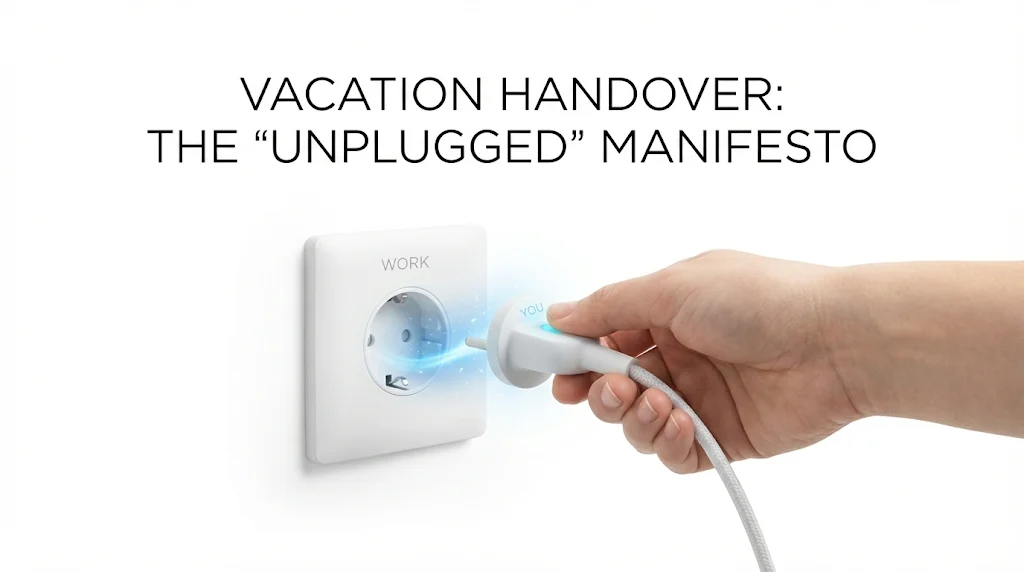
- Core idea: A real vacation requires a real handover, otherwise you train everyone to interrupt you.
- Triage protocol: Sort work one week out into Critical (delegate), Pending (monitor), Freeze (pause), so only the vital work stays active.
- Deputy rule: Assign one specific owner for coverage (peer, manager, or junior) instead of blasting “someone help” to the whole team.
- Email stack: Send a tactical internal “command center” handover, a calm client coverage note, and a hard-boundary OOO that says you will not check email.
- Boundary systems: Define a “Bat-Signal” for true emergencies, and use a “Ghost Day” buffer on return to prevent the inbox avalanche.
For the full transition process, use our job handover guide and checklist.
The “Unplugged” Manifesto: Mastering the Vacation Handover
There is a distinct difference between “being on vacation” and “working from a different location with worse Wi-Fi.” Far too many professionals spend their hard-earned time off glancing at their phones under the dinner table, replying to “quick questions,” and stressing about what is burning back at the office. This is not a vacation; it is simply anxiety with a better view.
The root cause of this inability to disconnect is rarely the workload itself; it is the lack of a robust vacation handover email. When you fail to set clear boundaries and delegate authority effectively, you implicitly train your team to interrupt you. You become the bottleneck in your own absence.
This guide is your permission slip to unplug. We will explore the strategic mechanics of a flawless holiday handover email, ensuring that your team feels supported, your projects stay on track, and you can finally delete Outlook from your phone for a week – guilt-free. We are moving from “checking in” to “checking out.”
Phase 1: The “Triage” Strategy (1 Week Out)
The biggest mistake professionals make is waiting until 4:00 PM on their last day to think about handover. By then, it is too late. The panic sets in, and you end up handing over nothing, or worse, everything.
You must apply the “Triage Protocol” to your workload seven days before you fly.
| Category | Definition | The Strategy |
|---|---|---|
| 🔥 CRITICAL (Must Move) | Deadlines falling during your break, or crises that would cost money/reputation if ignored. | Full Delegation. Appoint a specific “Deputy.” Create a cheat sheet. Give them decision-making power. |
| ⏳ PENDING (Maintenance) | Ongoing projects that need monitoring but no major decisions. | The “Keep Alive” Mode. Ask colleagues to “keep an eye on it” but pause major moves until you return. |
| ❄️ FREEZE (Pause) | Non-urgent tasks, long-term strategy, or internal admin. | Zero Action. Communicate that these will resume upon your return. Do not burden your team with these. |
The Golden Rule: If it doesn’t bleed, it can wait. Your goal is to reduce the active surface area of your role so your colleagues are only handling the vital 20% that matters.
Phase 2: Appointing Your “Deputy”
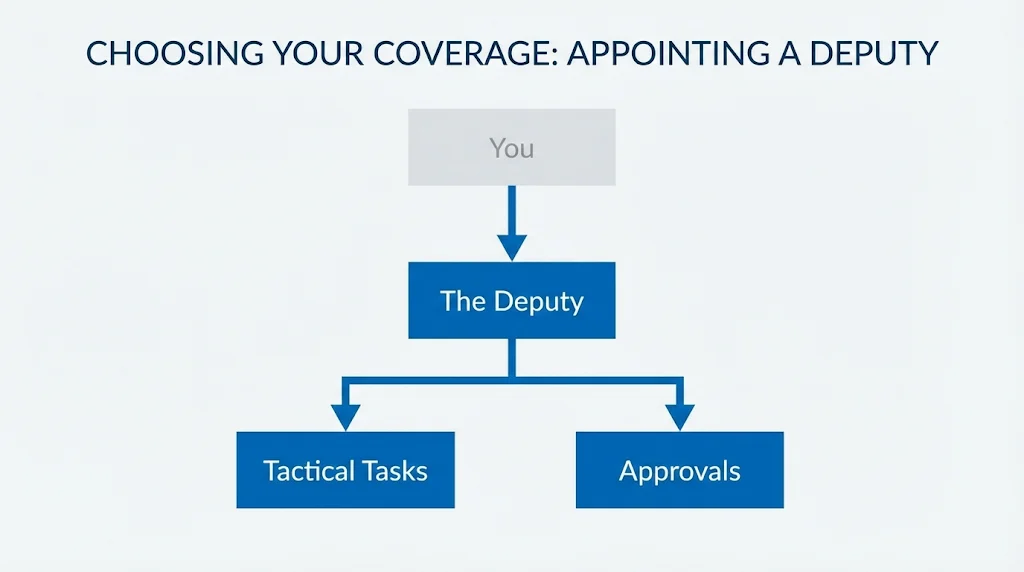
Sending an email to the whole team saying “Someone please help” is useless. The Bystander Effect ensures no one will help. You need to appoint a specific Deputy.
How to Choose Your Coverage
- The Peer: Best for day-to-day tactical tasks.
- The Manager: Best for high-level approvals or escalations (but do not overload them with grunt work).
- The Junior: Best for routine monitoring (and a great growth opportunity for them).
The Handshake Deal: “I will cover you during your Christmas break if you cover me next week.” Make it transactional and fair.
Phase 3: The Tactical Email Templates
A generic “I am out” email is insufficient. Your communication must be directive. Below are templates tailored for different audiences.
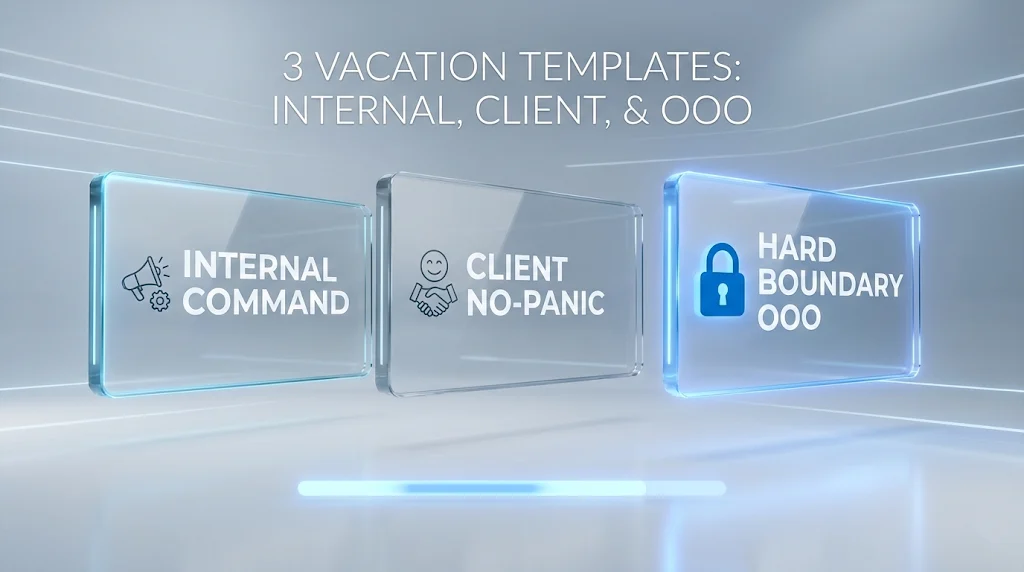
1. The Internal Team “Command Center” Email
This is for your direct colleagues and manager. It needs to be tactical, linking to assets and defining authority.
Subject: HANDOVER: [Your Name] Annual Leave (Returning [Date])
Hi Team,
As discussed, I will be out of the office starting [Start Date] and returning on [Return Date]. I will be fully disconnected with no access to email.
Here is the coverage plan to keep the ship moving:
🚨 URGENT / TIME SENSITIVE
- Project Alpha Launch: [Colleague Name] is leading this. All assets are approved and in the shared folder [Link].
- Client X Escalations: Please route these to [Manager Name].
🔄 ONGOING MAINTENANCE
- Weekly Reporting: [Colleague Name] has kindly agreed to run the Monday report.
- Inbox Monitoring: [Name] will check my inbox once a day for emergencies.
⛔ ON HOLD (Do Not Disturb)
The “Strategy Revamp” project is paused until I return. No action needed.
All detailed process docs and login credentials are stored here: [Link to Secure Folder].
Thanks for covering me! I owe you one when I get back.
Best,
[Your Name]
2. The Client-Facing “No-Panic” Email
For clients, the goal is to prevent panic. You want to assure them that handing over before vacation is a controlled process, not an abandonment.
Subject: Upcoming Leave / Your Coverage Contact: [Name]
Hi [Client Name],
I am writing to let you know that I will be taking some time off for vacation from [Start Date] to [End Date].
I wanted to ensure everything is square with your account before I head out, so we don’t miss a beat.
Your Coverage Plan:
While I am away, my colleague [Colleague Name] (cc’d here) will be handling your account. [He/She] is fully briefed on the status of [Current Project] and knows to expect your file by Tuesday.
If you need anything urgent, please reach out to [Colleague Name] directly at [Email]. Otherwise, I look forward to reconnecting with you when I return on [Date].
Talk soon,
[Your Name]
3. The “Hard Boundary” OOO Message
Your Out-of-Office auto-responder is your first line of defense. Stop saying “I will have limited access.” That is a lie that tells people “Keep emailing me.” Use binary language.
Subject: Out of Office: [Your Name] (Returning [Date])
Hi there,
Thank you for your email. I am currently out of the office on vacation and will not be checking email.
I will return on [Date].
If this is an urgent matter that cannot wait, please contact:
- For Project A: [Name] at [Email]
- For Sales Inquiries: [Name] at [Email]
- For Emergencies: [Manager Name] at [Email]
Otherwise, I will get back to you as soon as possible upon my return.
Best regards,
[Your Name]
Phase 4: The “Bat-Signal” Protocol
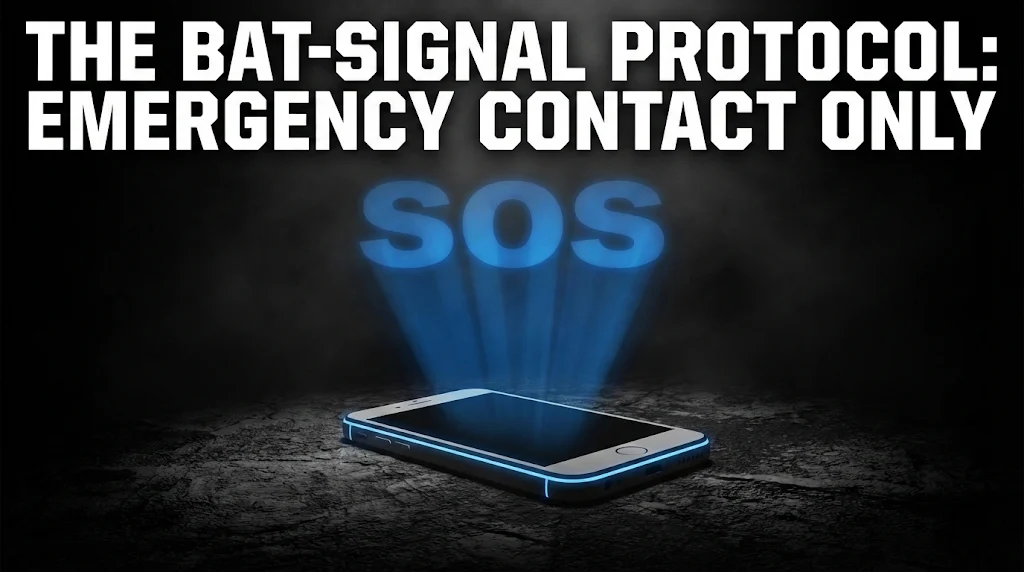
The fear of “What if the building burns down?” keeps you tethered. You must define what constitutes a fire.
Establish the “Bat-Signal” with your manager:
“I am deleting Slack/Teams from my phone. I will not see emails. However, if there is a catastrophic emergency (e.g., the website is down, we lost the biggest client), please call my mobile twice or send a WhatsApp message starting with ‘SOS’.”
This gives your team a safety valve but raises the barrier to entry so high that they will only use it if absolutely necessary.
Phase 5: The “Ghost Day” Return Strategy
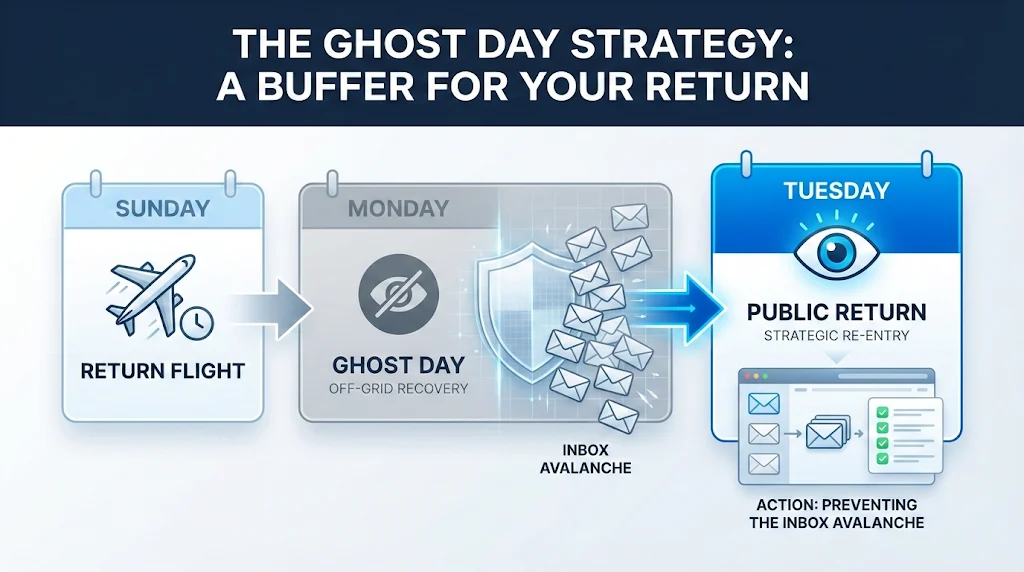
The fear of the “Inbox Avalanche” often ruins the last day of vacation. Here is the secret to a stress-free return.
The “Ghost” Day
If you land on Sunday night, do not start meetings on Monday morning at 9 AM. Block out your calendar on your first Monday back as “Do Not Book.” Tell people you are back one day after you actually return.
Use this Ghost Day to:
- Archive junk email (Mass select -> Delete).
- Read the “updates” from your Deputy.
- Plan your week before the chaos hits.
Common Traps: Why Vacation Handovers Fail
| The Mistake | The Consequence |
|---|---|
| ❌ The “Secret” Vacation Not telling anyone until the day of. | Stakeholders feel blindsided and will panic-call you. You destroy trust. |
| ❌ The “Available” Myth “I’ll check email in the evenings.” | You won’t relax, and your team won’t step up. You train them to disturb you. |
| ❌ The Vague Handover “Cover for me.” (Without specifics) | Your colleague doesn’t know what to do, so they do nothing. The work piles up for your return. |
❓ FAQ
🏖️ Is it rude to be completely offline?
No. It is professional. Being “always on” signals that you are disorganized or lack boundaries. Taking a true break sets a healthy example for your team and prevents burnout. Your company survived before you joined; it will survive one week without you.
📧 What if I have a pending deal closing?
This is the one exception. If a major deal is closing, assign a specific “Delegate” with decision-making power. Or, agree to a specific 15-minute window (e.g., “I will check email on Thursday at 9 AM solely for this contract”) and stick to it rigidly.
💼 Do I need handover for a 3-day weekend?
Usually no. Just set your OOO and let most things wait. Only exception: if you have critical deadlines or approvals during those 3 days, flag them to your manager before you leave.
Final Thoughts: Recharging is a Productivity Strategy
A well-executed temporary task coverage email is not just administrative paperwork; it is a declaration of trust in your team and respect for your own well-being. By stepping away effectively, you allow your team to grow and prove their capabilities.
Remember, the work will always be there. Your time to recharge is finite. Protect it fiercely. For more tips on managing professional communications, check out our handover best practices or explore our templates library. Start your journey to a smarter work-life balance at our homepage.
⚠️ Legal Disclaimer: ResignSmartly provides general informational guidance about resignation, workplace communication, notice periods, handovers, and career transitions. Content does not constitute individualized legal advice. Employment laws, contracts, workplace policies, and individual circumstances vary, so review the requirements that apply to your situation and consult an appropriate qualified professional when needed.