
- Core Principle: Your last day is judged by the ending, so plan it like a final scene that protects your reputation.
- Phase 0 Prep: Pack a return kit, move allowed personal files off the work machine, and pre-draft goodbye and manager sign-off emails.
- Morning Sprint: Send the team email, set the auto-responder, cancel future meetings, sanitize devices, and document asset return with receipts and photos.
- Social and Closure: Use lunch to lock in key relationships, clean your desk, confirm handover access, and keep any exit interview calm and professional.
- Exit Cleanly: Do a final manager confirmation, do not linger or vent, and fully disconnect by removing work apps as you leave.
For the full transition process, use our job handover guide and checklist.
The “Final Act”: Why Your Last 8 Hours Define Your Next 8 Years
There is a psychological phenomenon called the “Peak-End Rule.” People judge an experience not by its average, but by how it felt at its peak and at its end. Your last day at work checklist is not just a to-do list; it is the script for your final scene. A chaotic, rushed exit can overshadow years of high performance. A graceful, organized departure cements your reputation as a consummate professional.
Most professionals “wing” their last day. They spend the morning casually chatting, then panic at 4:00 PM when they realize they haven’t wiped their personal data or returned their badge. This leads to loose ends, security risks, and burned bridges.
This guide is your minute-by-minute tactical manual. We move beyond the basics of “return your laptop.” We will cover the “Digital Sanitization Protocol,” the “Chain of Custody” for asset return, and the emotional intelligence required to say goodbye without getting sucked into drama. This is how you finish strong.
Phase 0: The Night Before (The “Go-Bag” Prep)
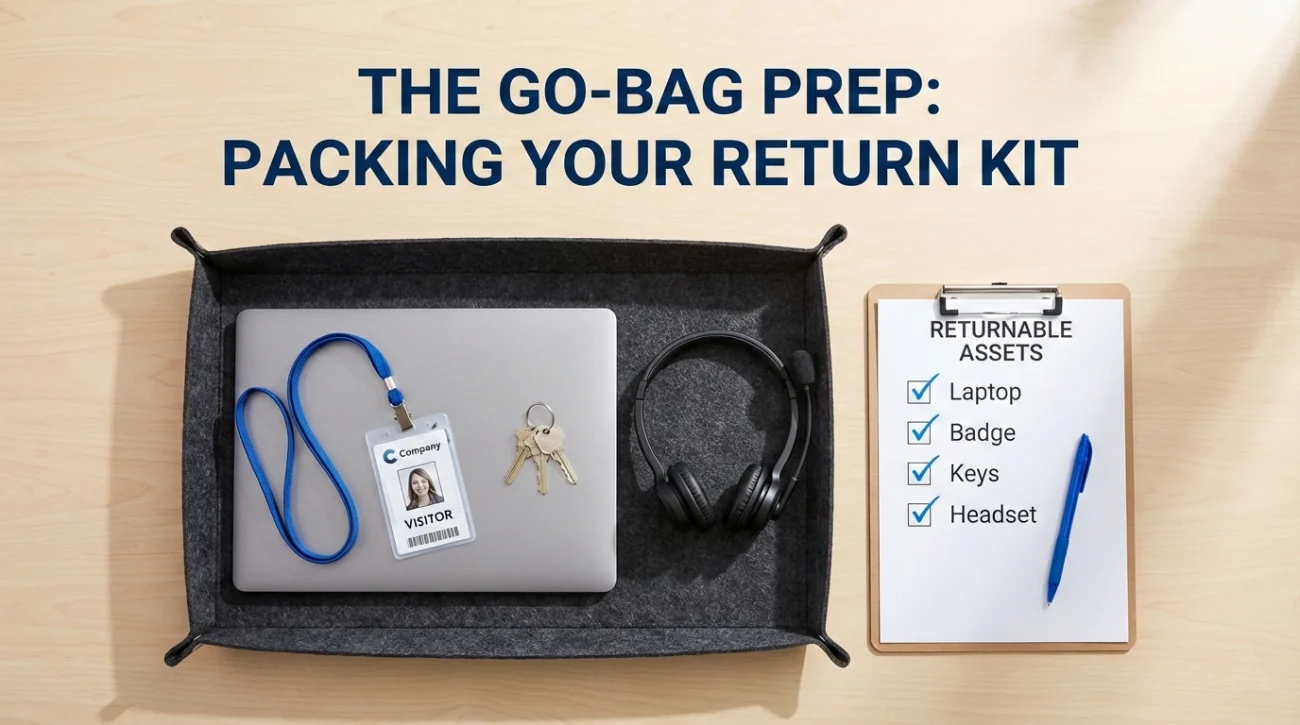
Do not wait until you arrive at the office to start packing. Your mental bandwidth on your last day should be focused on relationships, not logistics.
- ✅ Pack the “Return Kit”: Gather your laptop, charger, headset, badge, keys, and corporate credit card. Put them in a separate bag by the door.
- ✅ The “Personal” Hard Drive: If you are allowed to keep non-proprietary files (check your contract), ensure they are already transferred to a personal drive. Do not do this on the company network on your last day – it triggers security flags.
- ✅ Draft the Emails: Write your “Goodbye Team” and “Final Sign-off to Boss” emails now. Save them as drafts. You won’t have time to wordsmith tomorrow.
Phase 1: The Morning Sprint (09:00 – 12:00)
The morning is for Execution and Logistics. Get the hard stuff done while you are fresh.
09:00 AM: The Communications Blast
Start the day by setting the narrative. Do not let people wonder if you are actually leaving.
- Send the Team Email: Hit send on the draft you wrote last night. (See our Last Day Email Templates).
- Activate the Auto-Responder: Do not wait until 5 PM. Set it now to trigger starting tomorrow. Ensure it redirects specific queries to specific people.
- Calendar Triage: Cancel any recurring meetings that extend beyond today. Decline any new invites.
10:00 AM: The Digital Sanitization
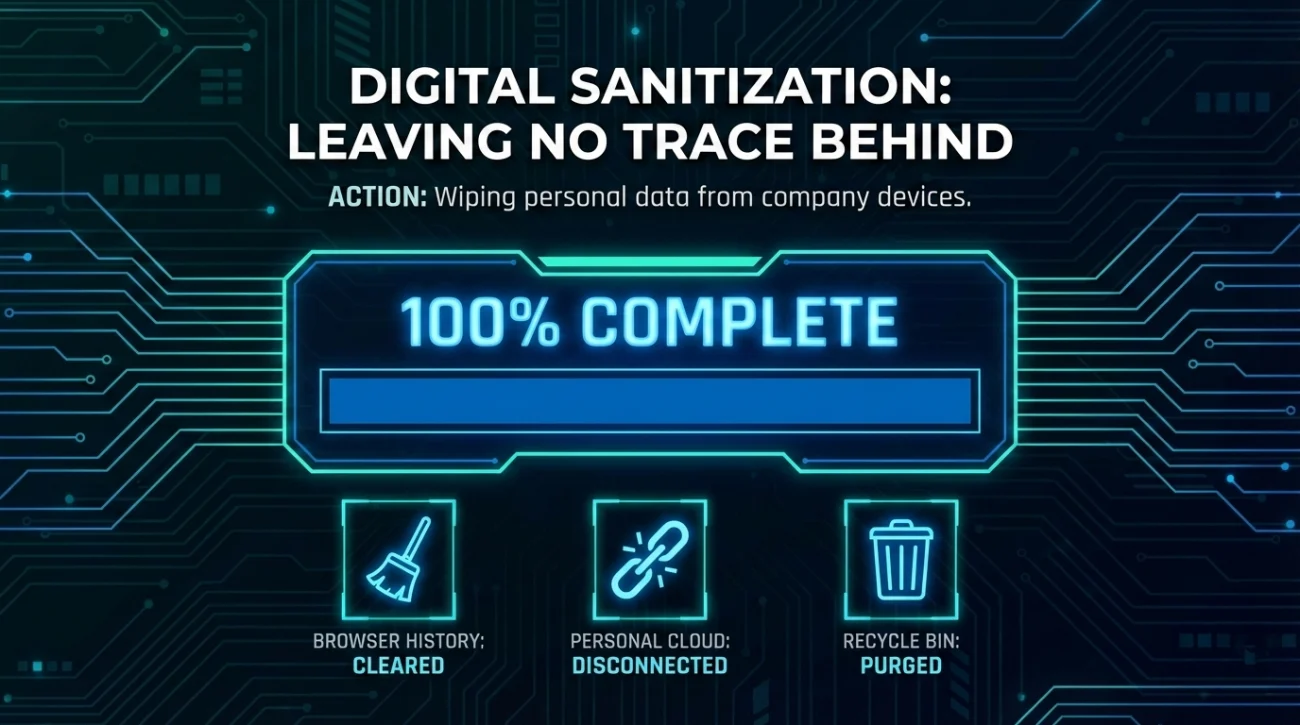
This is critical for your privacy and security.
- Browser Cleansing: Clear all history, cookies, and saved passwords. You do not want the next employee logging into your personal bank account.
- Unlink Personal Clouds: Sign out of iCloud, Google Drive, or Dropbox if you synced them to the work machine.
- The “Recycle Bin” Purge: Empty the trash on your desktop. Delete the “Downloads” folder (it is usually full of personal junk).
11:00 AM: The “Chain of Custody” (Asset Return)
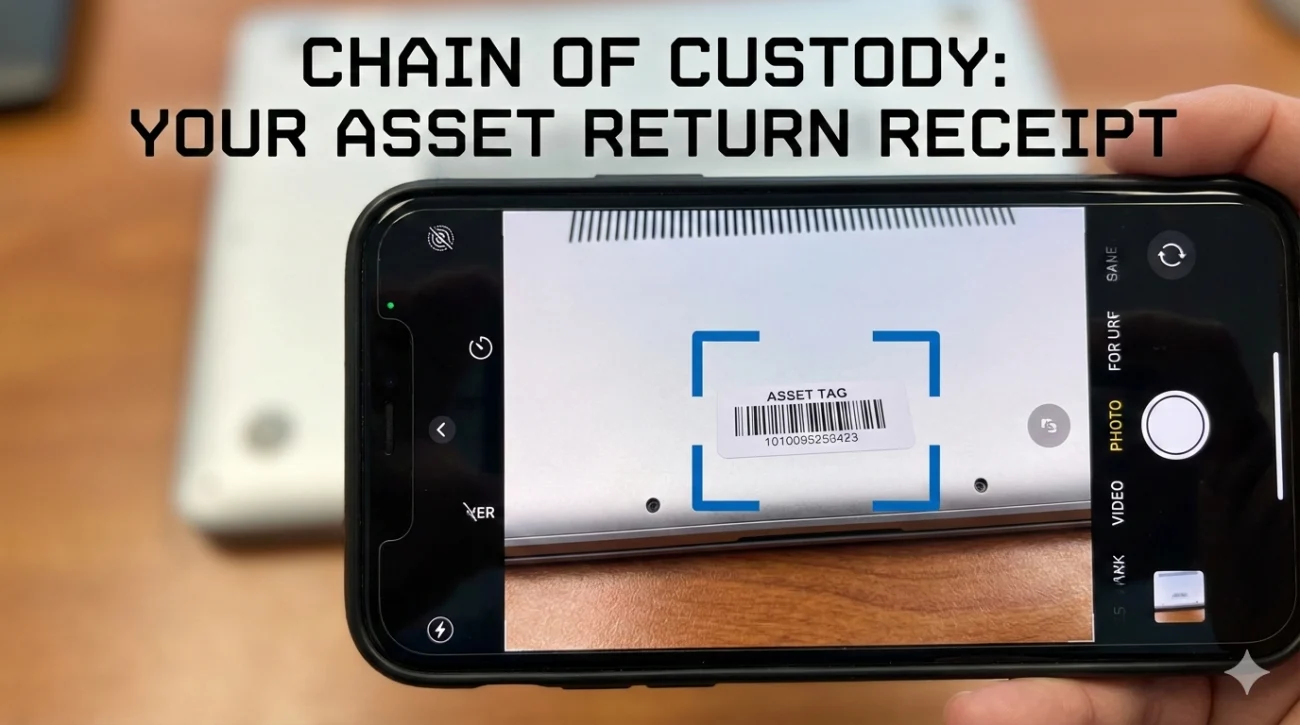
Never just leave your laptop on a desk. That is how you get charged for a “missing” computer.
- Get a Receipt: When you hand over your badge and laptop to IT/HR, ask for an email confirmation or a signed form.
- Photograph the Asset: Snap a quick photo of your laptop (powered on) and the accessories you are returning. This is your proof of condition.
Phase 3: The Final Sign-Off (14:00 – 17:00)
The afternoon is for Closure and Handover. Energy levels drop, so focus on wrapping up.
14:00: The Handover Confirmation
Check in with your successor or manager one last time.
- “Do you have access to the [Project X] folder?”
- “Did the 1Password vault transfer work?”
- “Here are the keys to the file cabinet.”
15:00: The Exit Interview (If Scheduled)
If you have an HR exit interview, keep it professional. This is not a therapy session. Give constructive feedback if you care about the company, or neutral feedback if you just want to leave safely. Do not vent.
16:00 PM: The “Manager Sign-Off” Email
Send your checklist for last day of work completion email to your boss.
Subject: Final Sign-Off – Handover Complete
Hi [Manager],
Confirming that all tasks are transferred, equipment is returned to IT (Receipt attached), and files are organized in the shared drive. My badge is with HR.
Thanks again for everything.
Phase 4: The Exit (17:00)
How you walk out matters. Do not sneak out the back door.
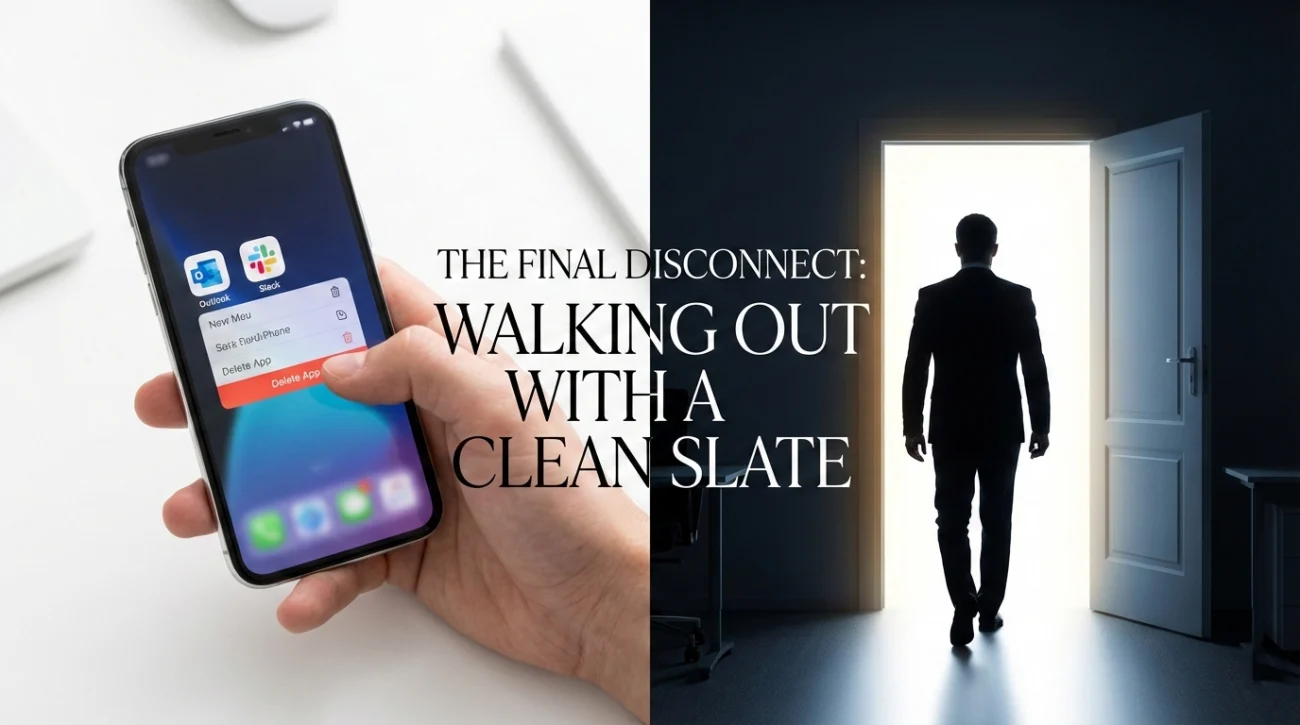
The “Head High” Departure
- Say Goodbye to the Gatekeepers: Thank the receptionist, the security guard, and the admin staff. They are the backbone of the office.
- Do Not Linger: Once you say goodbye, leave. Hanging around for “one last drink” in the office can get awkward as people try to finish their work. Move the party to a bar or go home.
- Logout of Mobile: As you step out of the building, delete Outlook and Slack from your personal phone immediately. Feel the weight lift off your shoulders.
The Master “Things to Do on Last Day of Work” Checklist
| Category | Task | Status |
|---|---|---|
| Digital | Clean browser history & passwords | ⬜ |
| Digital | Unsync personal Cloud accounts | ⬜ |
| Digital | Set OOO Auto-Reply | ⬜ |
| Physical | Return Laptop/Charger/Monitor | ⬜ |
| Physical | Return Badge/Keys/Credit Card | ⬜ |
| Admin | Confirm final paycheck/expense report | ⬜ |
| Admin | Provide personal contact info (HR) | ⬜ |
| Social | Send Farewell Emails | ⬜ |
| Social | Connect on LinkedIn | ⬜ |
The “Do Not Do” List
Avoid these common self-sabotage behaviors on your final day.
- 🚫 The “Data Heist”: Do not download the entire company database to a USB drive. You will be flagged, and you could be sued. Only take what is yours.
- 🚫 The “Truth Bomb”: Do not use your last day to tell everyone what you really think of the CEO. The momentary satisfaction is not worth the permanent reputational damage.
- 🚫 The “Ghosting”: Do not just leave your badge on the desk and disappear at lunch. It looks cowardly and unprofessional.
❓ FAQ
⏰ Can I leave early on my last day?
Usually, yes. Once you have handed over your equipment and finished your goodbyes, there is no point in staring at a blank desk. Ask your manager: “I have wrapped everything up. Is it alright if I head out a bit early?” Most will say yes.
📧 What if I forgot to send an email?
If you realize it after you left, do NOT log back in (you might not be able to anyway). Send a LinkedIn message to the person you missed. “Hey, I got caught up in the exit whirlwind and didn’t get to email you…”
📦 What if I work remotely?
Your “last day” is mostly shipping logistics. Ensure you have the FedEx labels printed and the box taped before your final meeting. Your “walkout” is simply closing the laptop and going for a walk. Treat yourself to a “commute” to mark the end of the day.
Final Thoughts: The Clean Break
Completing this quitting job checklist is not just about compliance; it is about closure. When you walk out those doors (or close that laptop) for the final time, you want to feel light. You want to know that you left the campsite cleaner than you found it, that your reputation is intact, and that you are 100% ready for the next chapter.
Take a deep breath. You did it. For more templates to help you through this day, check out our guide on handover email best practices or visit the goodbye and handover emails category.
⚠️ Legal Disclaimer: ResignSmartly provides general informational guidance about resignation, workplace communication, notice periods, handovers, and career transitions. Content does not constitute individualized legal advice. Employment laws, contracts, workplace policies, and individual circumstances vary, so review the requirements that apply to your situation and consult an appropriate qualified professional when needed.