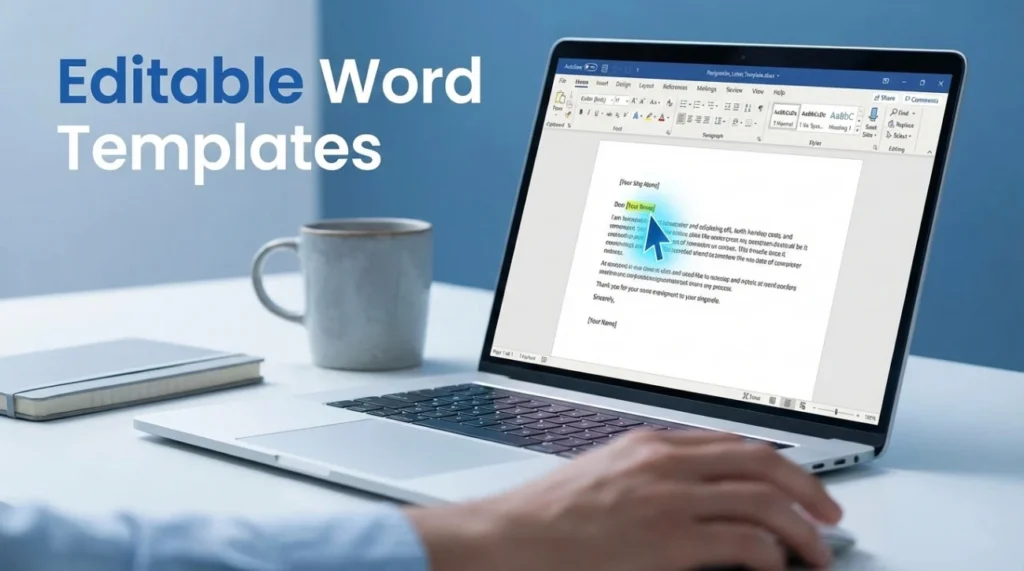
- Template Advantage: A pre formatted Word template kills blank page stress so you focus on your exit message, not margins and spacing.
- Editing Flexibility: Use Word or Google Docs to tweak dates and tone right up to the last minute, then export to PDF for the final send.
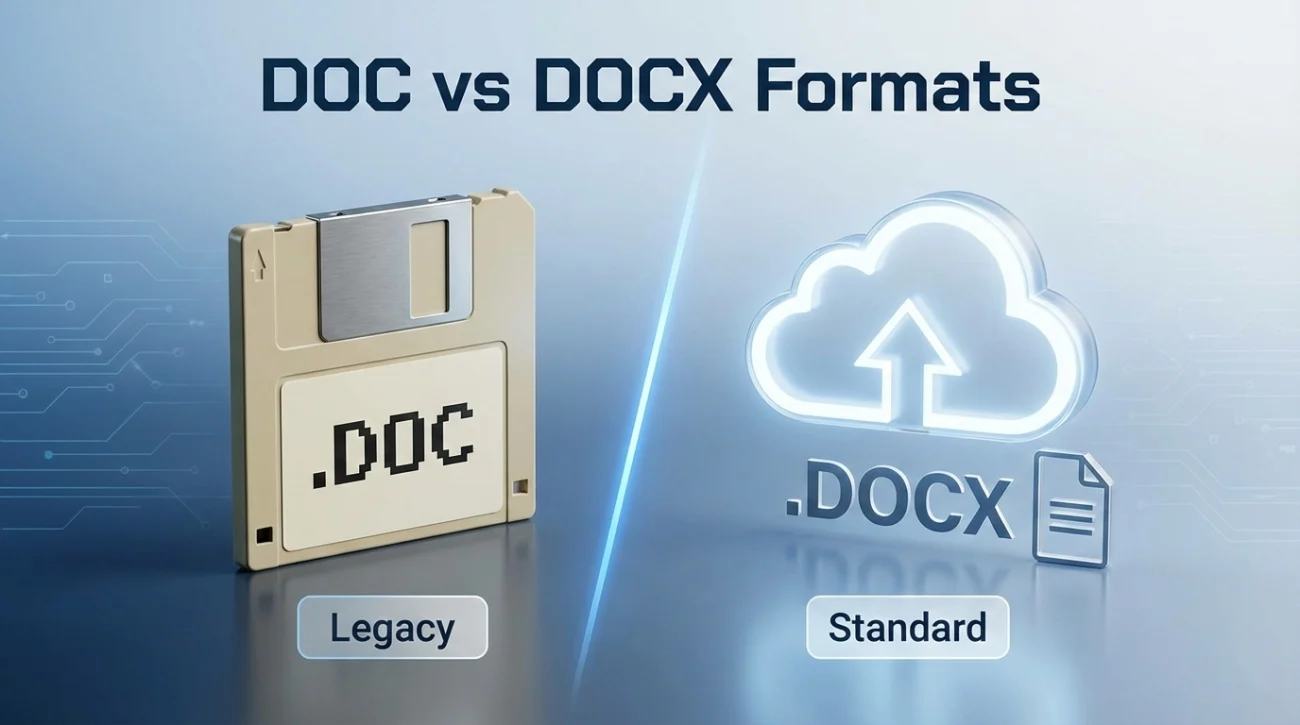
- Format Choice: Default to .docx for modern compatibility, use .doc only for legacy systems that cannot open newer files.
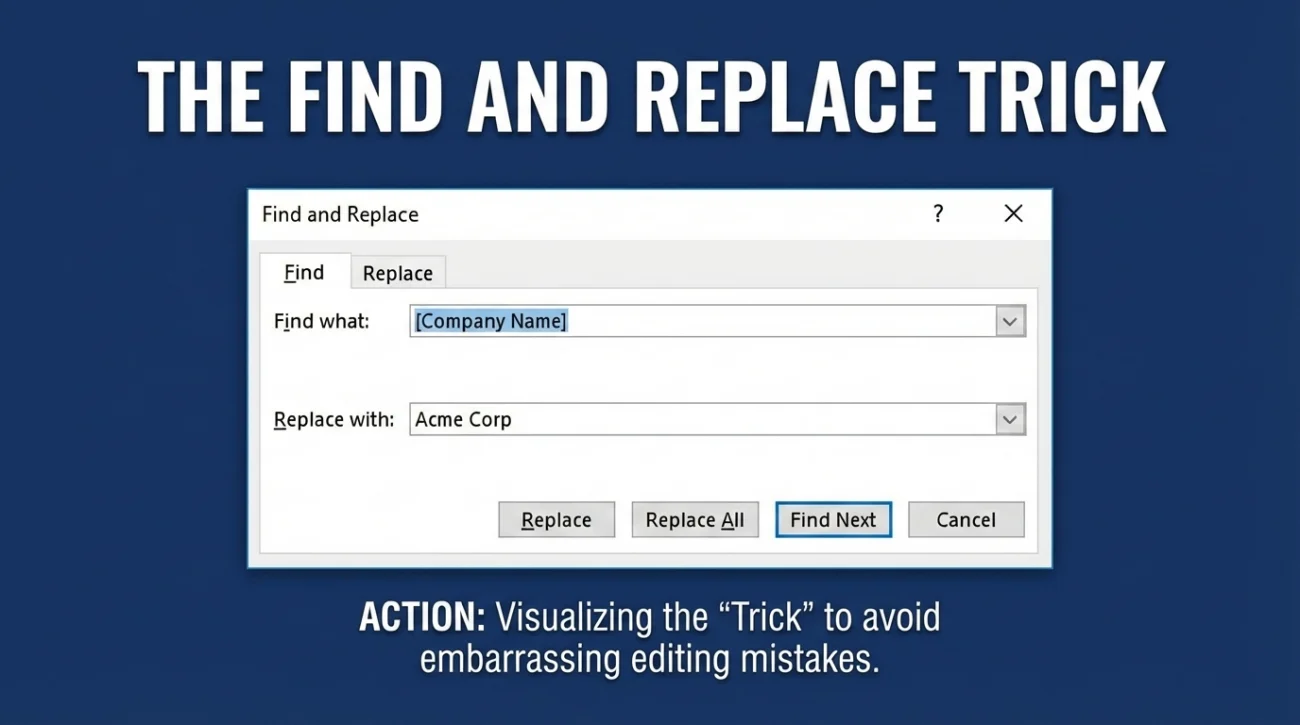
- Customization Hygiene: Run Find and Replace, verify your last day with a calendar, and remove hidden metadata that can expose author and edit history.
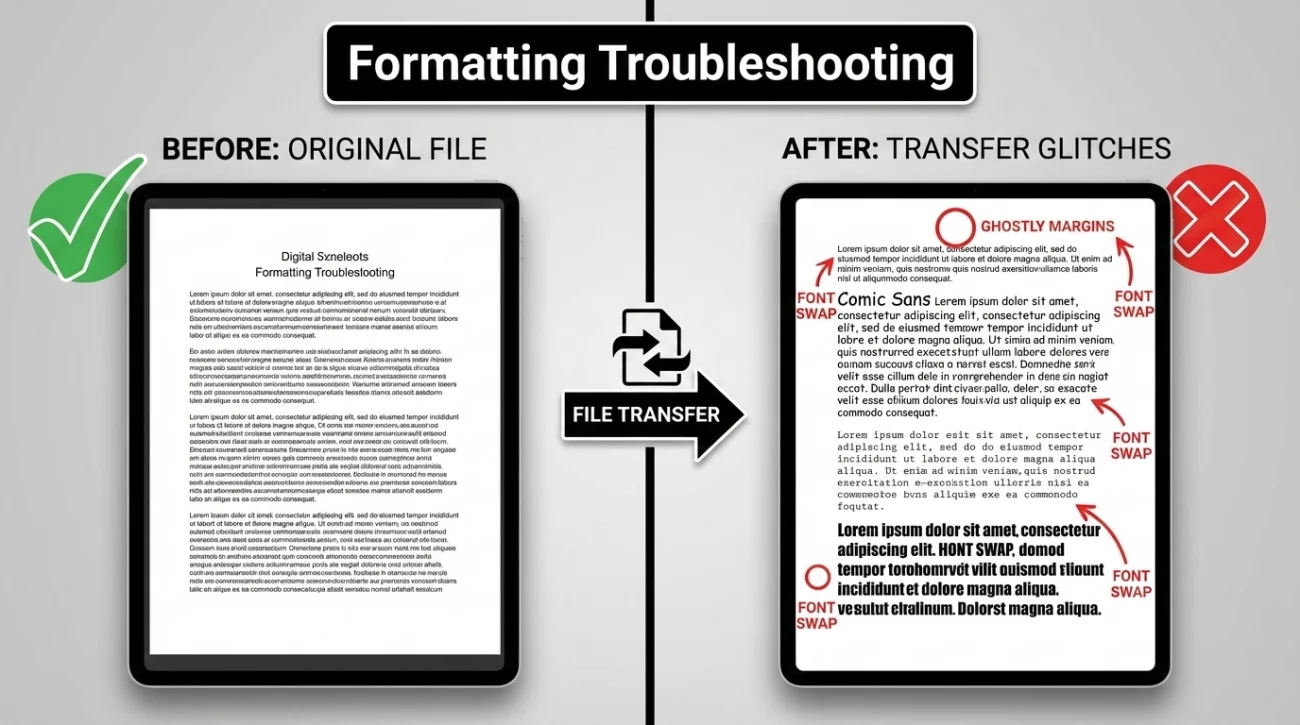
- Troubleshooting: Fix A4 vs Letter page breaks, avoid fancy fonts that swap on other computers, and lock everything by sending the PDF version.
The Blank Screen Anxiety: Why You Need a Template
There is a unique, suffocating kind of stress that comes from staring at a blinking cursor on a blank white page. You have made the decision. You have signed the offer letter for the new job. You know you need to resign. But the moment you sit down to type the document that will sever your current employment, the mechanics trip you up. “Is the date aligned left or right?” “How much space goes between ‘Sincerely’ and my name?” “Do I need to include the company’s legal entity name or just the brand name?”
In that high-pressure moment, formatting shouldn’t be your focus. Your exit strategy should be. This is why a pre-formatted resignation letter sample word document is not just a convenience – it is a strategic asset. It eliminates “blank page paralysis” instantly. By starting with a structure that is already 90% complete, you shift your brain from “design mode” (worrying about margins) to “messaging mode” (worrying about relationships).
In this comprehensive deep dive, we are going to explore why Microsoft Word remains the gold standard for drafting resignations, providing you with a suite of tailored templates for every possible exit scenario – from the grateful goodbye to the chilly departure. We will also cover the “hidden” technical traps of Word documents, such as metadata and version history, that could accidentally reveal more than you intend.
The Strategic Advantage of Editable Documents
We often see a debate between using PDF and Word formats. While PDF is the final, locked-down product you send, the microsoft word resignation template is your working laboratory. A resignation is rarely a linear process. It is fluid. You might plan to hand in your notice on Tuesday morning, but then your boss calls out sick, or a major client crisis erupts, forcing you to delay.
If you are working in a static format, these changes are a headache. In an editable resignation letter environment like Microsoft Word or Google Docs, they are a five-second fix. This flexibility gives you total control. It allows you to tweak the tone, adjust the effective dates, and refine your gratitude statement right up until the moment you hit “Print” or “Send.”
| Feature | Microsoft Word (.docx) | PDF (.pdf) | Email Body Text |
|---|---|---|---|
| Primary Use | Drafting, Editing, Negotiating | Final Submission, Archiving | Quick, Informal Notice |
| Flexibility | High (Instant changes) | Low (Requires specialized software) | High (But poor formatting) |
| Formatting Risk | Moderate (Can shift on different OS) | None (Locks formatting in place) | High (Looks different on mobile) |
| Professionalism | Standard Business Practice | The Gold Standard | Acceptable, but less formal |
Decoding the Formats: DOC vs. DOCX vs. ODT
When you browse for templates, you will encounter a confusing alphabet soup of file extensions. Choosing the wrong one can lead to embarrassing technical glitches during your resignation meeting.
The Modern Standard (.docx)
For 99% of users, the resignation letter docx format is the only one you need. Introduced in 2007, this Open XML format is lighter, less prone to file corruption, and compatible with virtually every modern word processor, including Google Docs, Apple Pages, and LibreOffice. If you are working on a computer purchased in the last 15 years, this is your choice.
The Legacy Format (.doc)
Why do we still talk about the resignation letter doc format? Because legacy systems exist. If you are resigning from a government agency with outdated IT infrastructure, or a company running Windows XP (it happens more than you think), sending a .docx file might result in them saying, “I can’t open this.” In those rare, specific cases, saving your file as a .doc ensures compatibility with the dinosaurs of the tech world.
The Template Library: Choosing Your Narrative
One size does not fit all. Resigning from a toxic job where you were micromanaged requires a completely different tone than resigning from a mentor who changed the trajectory of your career. Below are tailored Word templates designed for the specific emotional and professional nuances of your departure.
1. The “Standard Professional” (The Safe Bet)
This is your Swiss Army Knife. It works for 90% of corporate exits. It is polite, concise, and legally sound. It doesn’t burn bridges, but it doesn’t offer unnecessary emotion. Use this if you have a neutral relationship with your employer.
[Your Name]
[Your Address]
[City, State, Zip Code]
[Your Phone Number] | [Your Email]
[Date]
[Manager’s Name]
[Manager’s Title]
[Company Name]
Dear [Manager’s Last Name],
Please accept this letter as formal notification that I am resigning from my position as [Your Job Title] at [Company Name]. My last day will be [Day of Week], [Month Day, Year].
Thank you for the opportunity to work with the team over the past [Number] years. I have appreciated the professional development opportunities I have had during my time here.
I will do everything possible to wrap up my duties and train other team members over the next two weeks to ensure a smooth transition.
Sincerely,
[Your Signature]
[Your Printed Name]
2. The “Bridge Builder” (High Gratitude)
Use this when you are leaving a boss you genuinely like, or when you need to secure a glowing reference for the future. It adds warmth to the professional structure. This template is an investment in your future network.
[Your Name]
[Your Address]
[City, State, Zip Code]
[Date]
[Manager’s Name]
[Title]
[Company Name]
Dear [Manager’s First Name],
It is with mixed emotions that I submit my resignation as [Job Title] at [Company Name], effective [Date].
I want to express my sincere gratitude for your mentorship. Working under your leadership on the [Specific Project] was a highlight of my career, and the skills I learned here regarding [Skill 1] and [Skill 2] will serve me well in my next chapter.
I am committed to making my departure as seamless as possible. I have already started documenting my workflows and am happy to assist in recruiting my replacement.
I hope we can stay in touch.
Best regards,
[Your Signature]
[Your Printed Name]
3. The “Emergency Exit” (Short Notice)
Sometimes, life happens. You have a family emergency, or your new job requires an immediate start. This template is apologetic but firm. It acknowledges the inconvenience without over-explaining.
[Your Name]
[Your Contact Info]
[Date]
[Manager’s Name]
[Title]
[Company Name]
Dear [Manager’s Name],
Please accept this letter as my resignation from the position of [Job Title] at [Company Name]. Unfortunately, due to unforeseen personal circumstances, I am unable to provide the standard two-week notice. My last day of work will be [Date].
I sincerely apologize for the timing of this departure and the inconvenience it may cause the team. I have prepared a status report of all my active projects to assist in the handover.
Thank you for your understanding.
Sincerely,
[Your Signature]
[Your Printed Name]
4. The “Grey Rock” (Toxic/Cold Exit)
If you are leaving a difficult environment, less is more. Do not apologize. Do not thank them for opportunities that didn’t exist. Just state the facts to stop the legal clock. This method protects you from giving them ammunition to twist your words.
[Your Name]
[Your Employee ID – Optional]
[Date]
[Manager’s Name]
[Company Name]
Dear [Manager’s Name],
I am resigning from my position as [Job Title], effective [Date].
I will ensure all my current company property is returned and my projects are handed off before my final day.
Regards,
[Your Signature]
[Your Printed Name]
Mastering the Edit: How to Not Look Careless
Downloading a resignation letter sample word file is step one. Step two is customizing it without leaving embarrassing traces of the template behind. I have seen senior executives submit resignation letters with “[Insert Company Name Here]” still in the text. It kills your credibility instantly.
The “Find and Replace” Trick
Don’t just scan with your eyes; they will deceive you. Use the technology. In Microsoft Word, press Ctrl+H (or Command+H on Mac).
Find: [Company Name]
Replace: Acme Corp
This ensures you don’t miss that one instance buried in the third paragraph. Do the same for [Manager's Name] and [Job Title].
The Date Trap
Templates usually say “[Date]” or “[Two Weeks From Date]”. Do not do this math in your head. Open a calendar. If you submit on Friday the 1st, two weeks is Friday the 15th. Verify the day of the week. Submitting a letter that says “My last day will be Friday, November 16th” when the 16th is actually a Saturday makes you look disorganized.
The Hidden Danger: Document Metadata
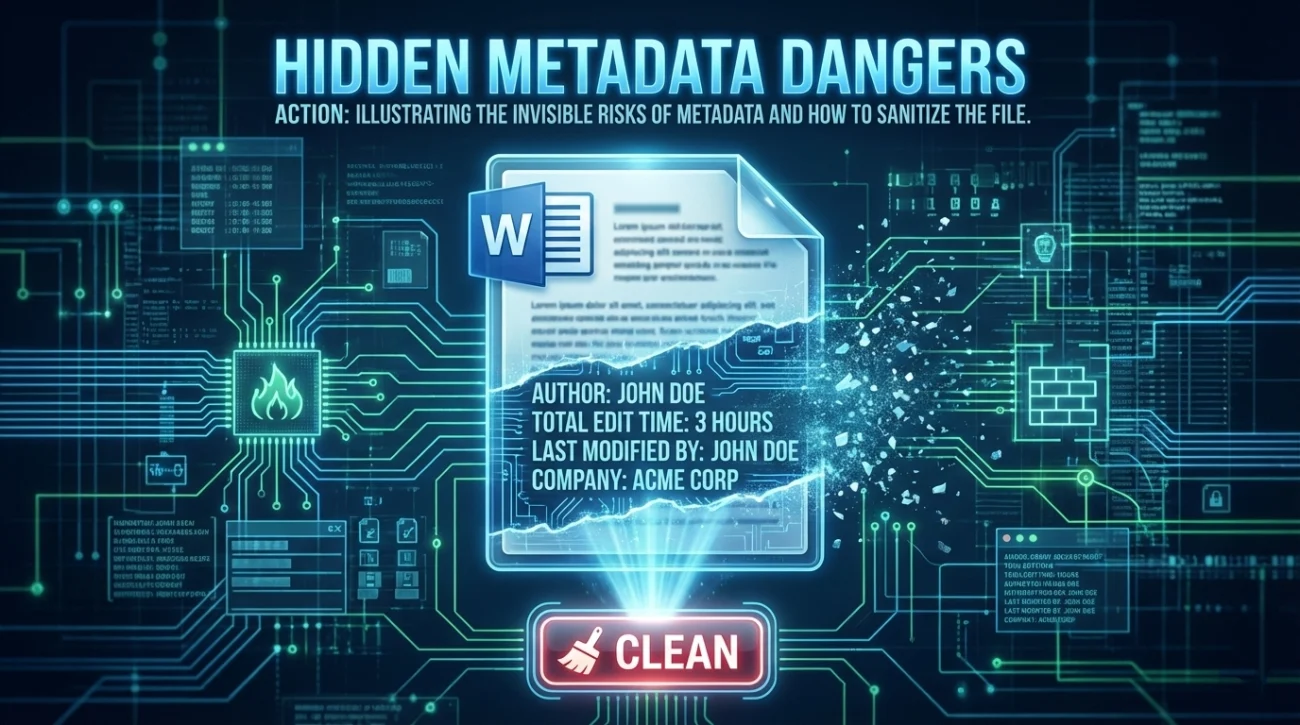
Here is an expert tip most people miss: Word documents store hidden information called “Metadata.” This includes the name of the original author, the total editing time, and sometimes even previous versions of the text.
If you downloaded this template from a friend’s computer, their name might show up as the “Author” in the file properties. If you spent 3 hours editing the file, it might show that you were working on it during company time. To clean this:
- 👉 In Word (Windows): Go to File > Info > Check for Issues > Inspect Document. Run the inspector and remove “Document Properties and Personal Information.”
- 👉 In Word (Mac): Go to Tools > Protect Document > Remove personal information from this file on save.
Troubleshooting: When Good Templates Go Bad
Even the best microsoft word resignation template can break when you move it between computers or software versions.
The Ghostly Margins
Sometimes, moving a file from a European format (A4 paper) to a US format (Letter paper) throws off the page breaks. If your one-page letter suddenly spills two lines onto a second page, check the Layout > Size settings. Ensure it matches the paper you are actually printing on. Adjusting the bottom margin from 1 inch to 0.8 inches is a quick fix to pull that stray text back onto the first page.
The Font Swap
You used a beautiful specialized font on your Mac, but your HR manager opens it on a Windows PC and sees Times New Roman or, worse, Wingdings. This happens when the font isn’t installed on their system. Stick to universal “Safe Fonts”: Arial, Calibri, Helvetica, or Times New Roman. This is why, after you finish editing your Word document, you should Export to PDF for the final email attachment.
❓ FAQ
📥 Where do I save my resignation template?
Never save your resignation draft on a shared company drive or a work laptop’s desktop where IT could remotely access it. Save it to a personal USB drive or your private cloud storage (Google Drive, Dropbox). You want to control the timing of your announcement, not have it leaked by an auto-backup system.
📝 Can I edit these Word templates in Google Docs?
Absolutely. Google Docs handles .docx files natively. Simply upload the file to your Drive, and it will open in “Office Compatibility Mode.” You can make all your edits there. Just remember to download the final version as a PDF before emailing it to ensure the formatting stays crisp.
🖊️ How do I sign a Word document?
You have two professional options. 1) Print it, sign with a blue ink pen, and scan it back in (the classic method). 2) Insert a digital image of your handwritten signature directly into the Word file above your typed name. Both are legally accepted, though the “wet ink” scan often feels more formal for senior positions.
📅 What if I need to change the date after I printed it?
Do not cross it out with a pen. That looks sloppy. Go back to your editable resignation letter file, update the date, and reprint. This is the exact reason we use Word templates – so you can make last-minute corrections without rewriting the whole document.
📧 Should I name the file “Resignation.docx”?
Be more specific. HR managers receive hundreds of files. Name it “Resignation – YourName – Date.docx”. This makes it searchable for them and ensures your file doesn’t get lost in a “Downloads” folder full of other files simply named “Letter.docx”.
Final Thoughts: Your Exit Toolkit
The transition between jobs is a volatile time. You are managing emotions, logistics, and handovers. You shouldn’t be managing margin settings. By utilizing a high-quality resignation letter sample word document, you are giving yourself a head start. You are ensuring that your final official act at the company looks polished, professional, and prepared.
Remember, the goal of a template isn’t to stop you from thinking; it’s to free you up to think about what matters – your message and your reputation. Download the template that fits your situation, customize it with care, and submit it with confidence. For more guidance on the next steps of your career journey, visit our homepage, or browse our extensive collection of resignation letter categories. If you are starting from scratch, check our pillar guide on the resignation letter template essentials.
⚠️ Legal Disclaimer: ResignSmartly provides general informational guidance about resignation, workplace communication, notice periods, handovers, and career transitions. Content does not constitute individualized legal advice. Employment laws, contracts, workplace policies, and individual circumstances vary, so review the requirements that apply to your situation and consult an appropriate qualified professional when needed.