
- Last day goal: A controlled handoff that clarifies ownership, next steps, risks, and where the work lives.
- Simple plan: Follow a tight sequence like status snapshot, handover chats, access checks, cleanup, final comms, then returns.
- Status snapshot: One page with owners, links, priorities, risks, and the next action for each workstream.
- Comms discipline: Stay neutral in writing, avoid grievances, and send two emails after handoff: Wrap-up to team, Short goodbye to colleagues.
- Protect yourself: Do digital cleanup without looking suspicious, return everything, and get written confirmation plus shipping receipts.
Understanding What a Last Day Should Actually Accomplish
Your last day is not a victory lap, and it’s not a dramatic finale. It’s a controlled handoff. Most people think a last day checklist is about returning a laptop and saying goodbye. In practice, it’s about leaving a clean trail: who owns what now, where the work lives, what risks you reduced, and what relationships you protected.
If you do it right, your final hours feel calm. Your manager has fewer questions. Your teammates don’t panic on Monday. And you walk out knowing you didn’t leave a mess that will be pinned on you later.
This guide is built for the real world: the messy browser tabs, the half-finished docs, the “Can you quickly…” requests that show up at 4:45 PM. We’ll turn those into a simple plan.
A Simple Game Plan for Your Final Hours
Think of your last day as four moves: (1) clarify what’s done and what’s not, (2) transfer access and context, (3) clean your digital footprint, and (4) close the loop with people. If you try to do everything, you’ll do nothing well. If you follow a sequence, you’ll leave clean.
The “Final 8 Hours” Schedule You Can Copy
| Time Block | What You Do | Why It Matters |
|---|---|---|
| Hour 1 | Write a one-page status snapshot: owners, next steps, risks | Prevents “Where is this?” confusion after you’re gone |
| Hours 2–3 | Handover meetings (short, focused): projects first, people second | Transfers context that docs can’t capture |
| Hour 4 | Access + permissions check: shared drives, repos, tools, calendars | Stops emergencies like “We’re locked out” |
| Hours 5–6 | Digital cleanup: files named, docs linked, tabs closed, notes stored | Makes your work usable instead of mysterious |
| Hour 7 | Send final communications: wrap-up + goodbye | Sets a professional tone and reduces follow-up |
| Hour 8 | Return property + collect confirmations | Protects you if something gets disputed later |
If your day is shorter, compress the plan. If it’s longer, don’t expand it into chaos – use extra time to make handoff documents clearer and reduce risk.
The Status Snapshot That Saves You After You Leave
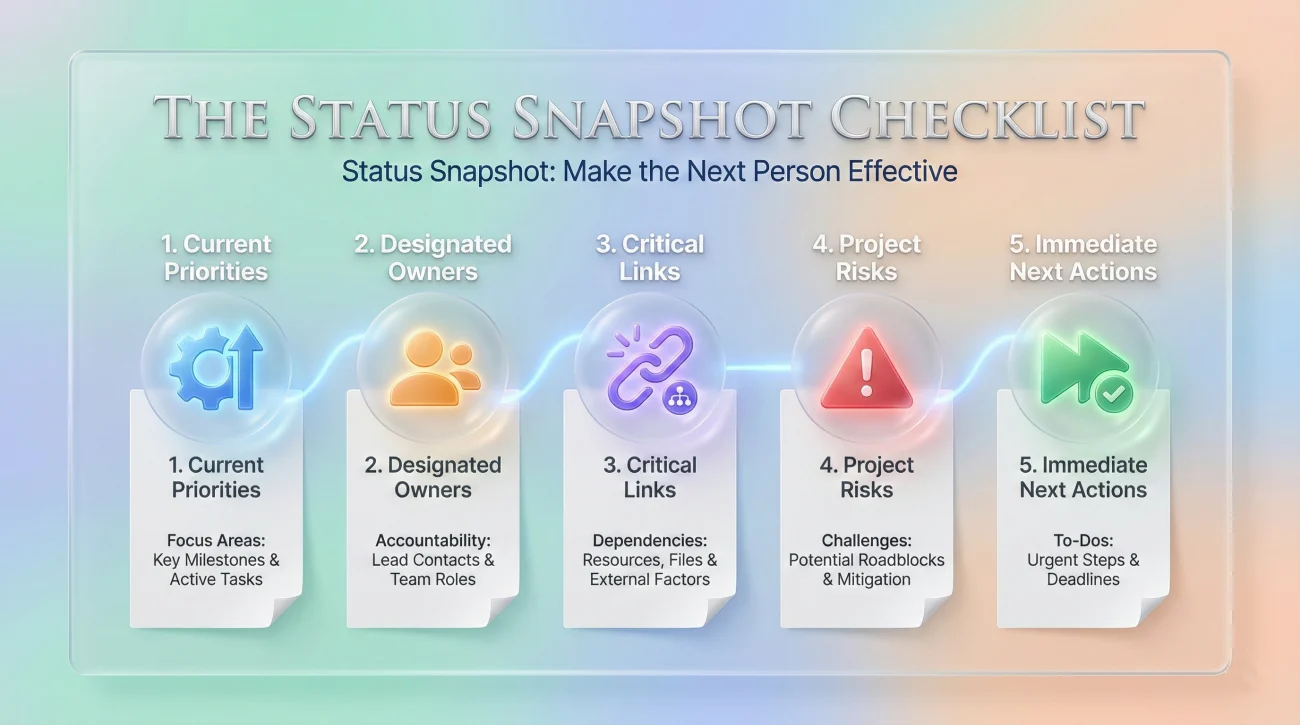
Before you have any “final chat,” create one anchor document. This is the single page that answers most of the questions people will ask after you’re offline. It’s the backbone of your last day of work to do list, because it prevents your last day from becoming a dozen scattered explanations.
What to Include (Keep It Short, Keep It Useful)
- ✅ Current priorities: what’s in progress, what’s blocked, what’s waiting on approval
- ✅ Owners: who takes what after you leave (names, not roles)
- ✅ Links: the exact docs, tickets, folders, repos, dashboards
- ✅ Risks: deadlines, client sensitivities, compliance steps, “do not forget” items
- ✅ Next action: one clear next step for each workstream
The goal is not to prove you worked hard. The goal is to make the next person effective without hunting. If you want a structured handover format, you can use the templates on this handover guide and adapt them to your situation.
Neutral Language Is a Power Move on Your Last Day

Even if your job was exhausting, your last day is not the time to unload. People remember the closing scene. And the safest closing scene is calm, factual, and brief. If you’re leaving a toxic environment, staying neutral isn’t “being fake” – it’s choosing the version of the story that won’t come back to bite you.
What You Should Not Put in Writing on Your Last Day
- 🚫 Accusations or emotional verdicts (“This place is broken.”)
- 🚫 Specific grievances that belong in a formal HR channel
- 🚫 Private details about coworkers, leadership, or your next job
- 🚫 “Parting shots” disguised as advice
If you need a clean standard for tone – especially when you’re tempted to overshare – use the principles in this resignation etiquette guide and keep your final communications consistent with it.
The Wipe: Clean Your Digital Trail Without Being Weird About It
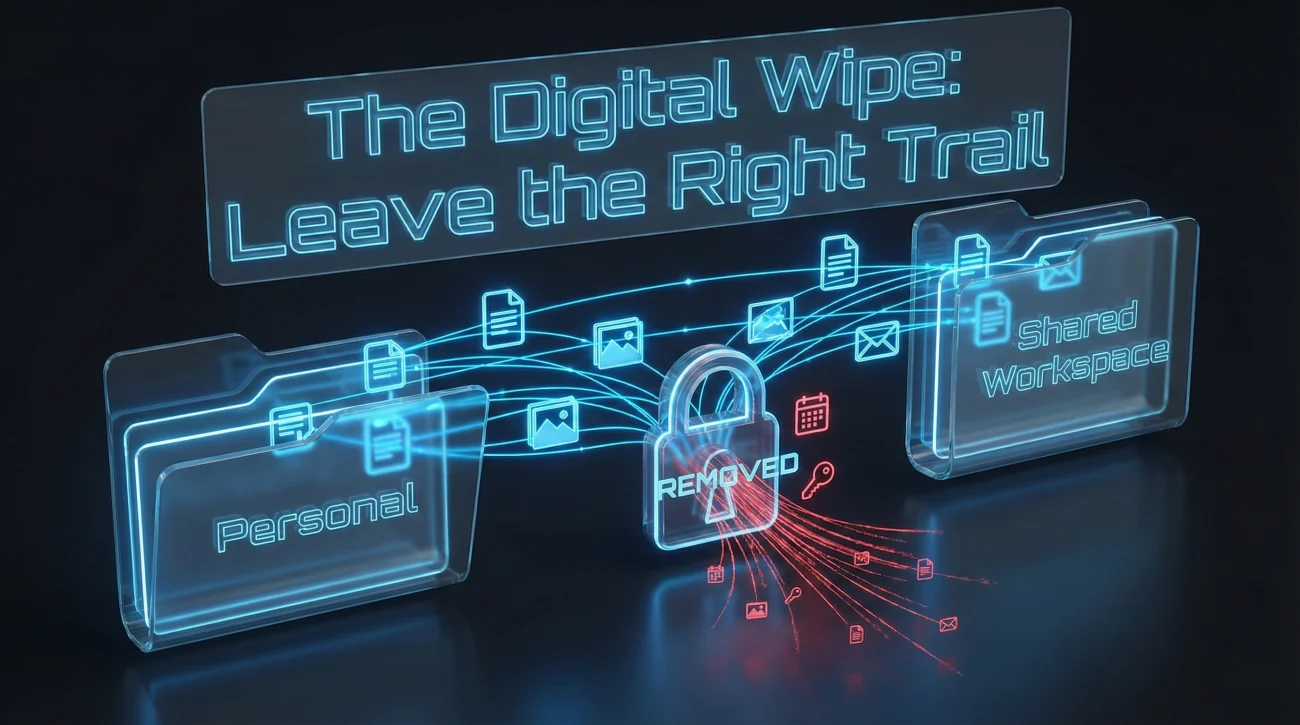
Digital cleanup is not about erasing your existence. It’s about leaving work in the right place and removing personal clutter. A good leaving job checklist includes small actions that prevent big headaches – like a teammate discovering the only copy of a process lives in your private notes app.
Digital Clean-Up Checklist
- 🗂️ Move work files out of personal folders into the shared location
- 🔗 Add links to key docs inside the status snapshot (don’t assume people will search)
- 📌 Rename unclear files (“final_final_v7”) into something readable
- 📅 Remove private calendar notes you don’t want coworkers to inherit
- 🔐 Confirm passwords are not stored in browsers or personal managers tied to your account
- 🧾 Save receipts: approvals, sign-offs, and the “handoff complete” note
One practical rule: if you wouldn’t want your manager reading it after you leave, don’t leave it on a company device or account. Keep it simple. Keep it professional.
Two Emails to Send on Your Last Day
The timing matters. If you send a goodbye email too early, people reply with new requests. Too late, and it feels like you vanished. The sweet spot for goodbye email timing is after you’ve completed handoff and returned access items – but before you’re fully offline, so you can respond once and close the loop.
Email Template 1: Project Wrap-Up (To Your Team)
Subject: Final Day Wrap-Up: Owners, Links, and Next Steps
Hi team,
Today is my last day, and I wanted to leave a clean wrap-up so nothing gets stuck after I’m offline.
Status + handoff notes: [Link to your status snapshot doc]
Quick summary:
- ✅ [Project A] – Owner: [Name] – Next step: [One sentence]
- ✅ [Project B] – Owner: [Name] – Next step: [One sentence]
- ✅ [Project C] – Owner: [Name] – Next step: [One sentence]
If anything urgent comes up today, please ping me before [time]. After that, [Manager Name] is the best point of contact.
Thanks for everything,
[Your Name]
Email Template 2: Short Goodbye (To Colleagues)
Subject: Thank You and Goodbye
Hi everyone,
Today is my last day at [Company]. I wanted to say thank you for the support, collaboration, and small moments that made the work better than the calendar ever shows.
I’m rooting for you – and I hope our paths cross again. Wishing you all the best.
Warmly,
[Your Name]
If you want more options (short, formal, team-wide, manager-only), use the examples on this goodbye email page and keep the tone consistent with how you worked together.
The Receipts: Return Everything and Get Proof
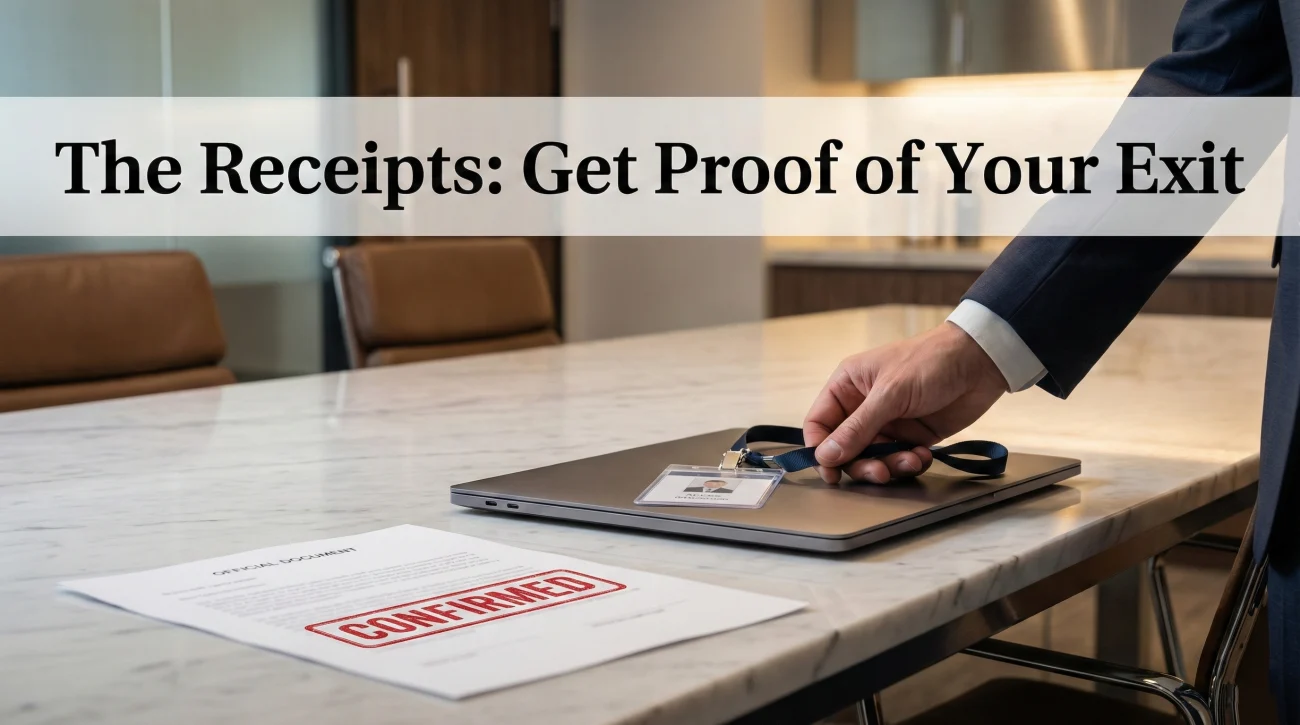
The final step is the one people underestimate. Return equipment, badges, keys, and any physical assets. But also protect yourself: get confirmation that you returned items and completed your offboarding steps. This is the quiet purpose behind a true final day checklist – you’re reducing the chance of a future dispute.
What to Confirm Before You Walk Out
- 📦 Property returned: laptop, charger, access card, keys, headset, any loaned devices
- 🧾 Written confirmation: an email or ticket note acknowledging returns
- 💳 Access removed appropriately: admin roles transferred, shared accounts updated
- 📄 Final admin items: timesheets, expense reports, required forms completed
If you’re remote, ship equipment with tracking and keep the receipt. If you’re onsite, ask for a quick written note. It doesn’t have to be dramatic. It just has to exist.
❓ FAQ
🕒 What if I don’t have time to finish everything on my last day?
Don’t chase “finished.” Chase “transferable.” Update the status snapshot, assign owners, and document risks. If the next person can pick it up without guessing, you did your job.
📨 Should I send my goodbye email in the morning or afternoon?
Send it after handoff is complete and your wrap-up email has gone out. That way you reduce last-minute requests and keep the goodbye clean and final.
🔐 Do I need to delete browser history or personal notes?
You should remove personal data from company accounts and devices, but avoid anything that looks like you’re hiding work. The goal is tidy and appropriate – not suspicious.
🤝 What if someone tries to schedule “one more quick meeting” late in the day?
Offer a short, focused slot and steer it back to the status snapshot. If it’s a new request, route it to the new owner. Your last day is for handoff, not new commitments.
📦 What’s the most important thing to get in writing before I leave?
Confirmation of returned property and handoff completion. A short email or ticket update is enough. It’s not about paranoia – it’s about clarity.
Final Thoughts
Your last day shouldn’t feel like running from a building. It should feel like closing a file: organized, complete, and easy for the next person to open. If you follow a sequence – status snapshot, handoff, digital cleanup, calm communication, and confirmations – you leave with a reputation that outlasts your badge.
Most of the stress people feel on their last day comes from ambiguity. A thoughtful last day checklist removes that ambiguity. It tells everyone, including you, “This is handled.”
⚠️ Legal Disclaimer: ResignSmartly provides general informational guidance about resignation, workplace communication, notice periods, handovers, and career transitions. Content does not constitute individualized legal advice. Employment laws, contracts, workplace policies, and individual circumstances vary, so review the requirements that apply to your situation and consult an appropriate qualified professional when needed.