- Remote resignations feel colder because: Your words replace body language, and silence can be misread.
- Before you resign, do a digital audit because: You should assume the “kill switch” can cut access immediately.
- Best protocol is video-first because: Email-only can look like ghosting unless the situation is unsafe or truly async.
- Equipment return needs a plan because: Asset photos, prepaid labels, and proper packaging prevent pay or damage disputes.
- Leave a clean digital legacy because: Short docs, quick screen recordings, and credential handoff reduce future friction.
Writing a Remote Work Resignation Email: The Strategic Guide to Logging Off
Resigning is inherently awkward. In a traditional office, the ritual is established: you knock on a door, sit in a chair, hand over a letter, and perhaps shed a tear or share a handshake. But how do you replicate this delicate human choreography when your boss is a pixelated square on a screen and your office is your bedroom? Writing a remote work resignation email presents a unique set of psychological, logistical, and technological challenges that traditional corporate advice simply fails to address.
In a remote setting, the “human moment” is stripped away. You cannot read body language easily. You cannot gauge the “temperature” of the room. And perhaps most jarringly, you face the looming threat of the “Digital Kill Switch” – where your access to email, Slack, Salesforce, and servers is revoked mere seconds after you say the words “I quit,” leaving you isolated in your home office with a bricked laptop.
This guide is not just a collection of templates; it is a comprehensive strategic playbook for the virtual exit. We will move far beyond the basics to tackle the complex infrastructure of leaving a remote role. We will explore the “Shipping Logistics” of returning thousands of dollars in hardware, the legal nuances of data privacy on company machines, and how to conduct a graceful exit interview that preserves your reputation in a digitally connected world.
The Psychology of the Virtual Exit: Why It Feels So Cold
Remote workers often report feeling a heightened sense of guilt or anxiety when resigning. Without physical proximity, we tend to over-analyze digital silence. A delayed Slack response from a manager after you resign can feel like hostility, even if they are just busy. Understanding this “Digital Dissonance” is key to maintaining your composure.
In an office, you can soften the blow with non-verbal cues – a sympathetic nod, a relaxed posture. On Zoom, you are a talking head. This means your verbal communication and your follow-up wfh resignation email must be hyper-precise. You do not have the luxury of ambiguity. Your written word becomes your entire legacy.
The “Pre-Resignation” Protocol: The Digital Audit
In a physical office, if you get fired or resign, you are given a cardboard box to pack your plants and photos. In a remote role, “packing your box” is entirely digital, and crucially, it must happen before you notify management. Once you hit send on your resignation, you must assume you will lose access immediately.
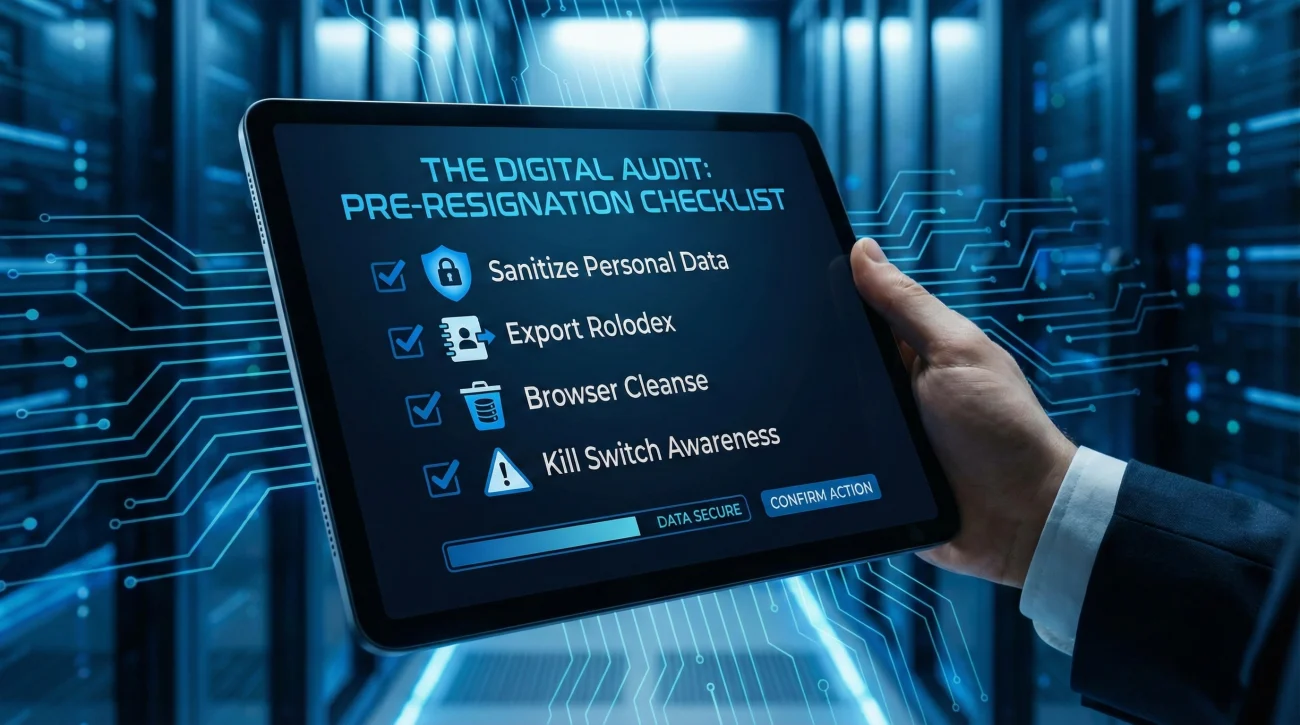
1. The Personal Data Sanitization
Remote workers notoriously blur the lines between work and life. We use work laptops for personal banking, logging into Spotify, or storing family tax documents. IT departments often wipe returned machines immediately upon receipt.
Your Pre-Flight Checklist:
- HR Documents: Download all pay stubs, W2s/1099s, and performance reviews to a personal drive. You may lose access to the HR portal (Workday, Gusto, etc.) instantly.
- The “Rolodex” Export: Manually copy contact info for clients you are legally allowed to keep (check your non-solicit agreement!) and colleagues you want to stay in touch with. Do not export the entire company database; that is data theft.
- Browser Cleansing: Sign out of all personal accounts (Gmail, Amazon, Banking) on the work browser. Delete saved passwords and clear the cache. Unsync your personal Chrome profile if it is connected.
- Software Licenses: If you installed personal software licenses (e.g., Adobe Creative Cloud on your own dime) on a work machine, deactivate them.
2. The “Kill Switch” Awareness
Modern cybersecurity protocols (MDM – Mobile Device Management) allow companies to lock or wipe laptops remotely. This isn’t personal; it’s security.
Strategy: Never draft your resignation letter in your work email or Google Docs account. Write it in a personal document. Send it from your work email only when you are 100% prepared to be disconnected from the matrix.
The Medium Matters: The Video-First Protocol
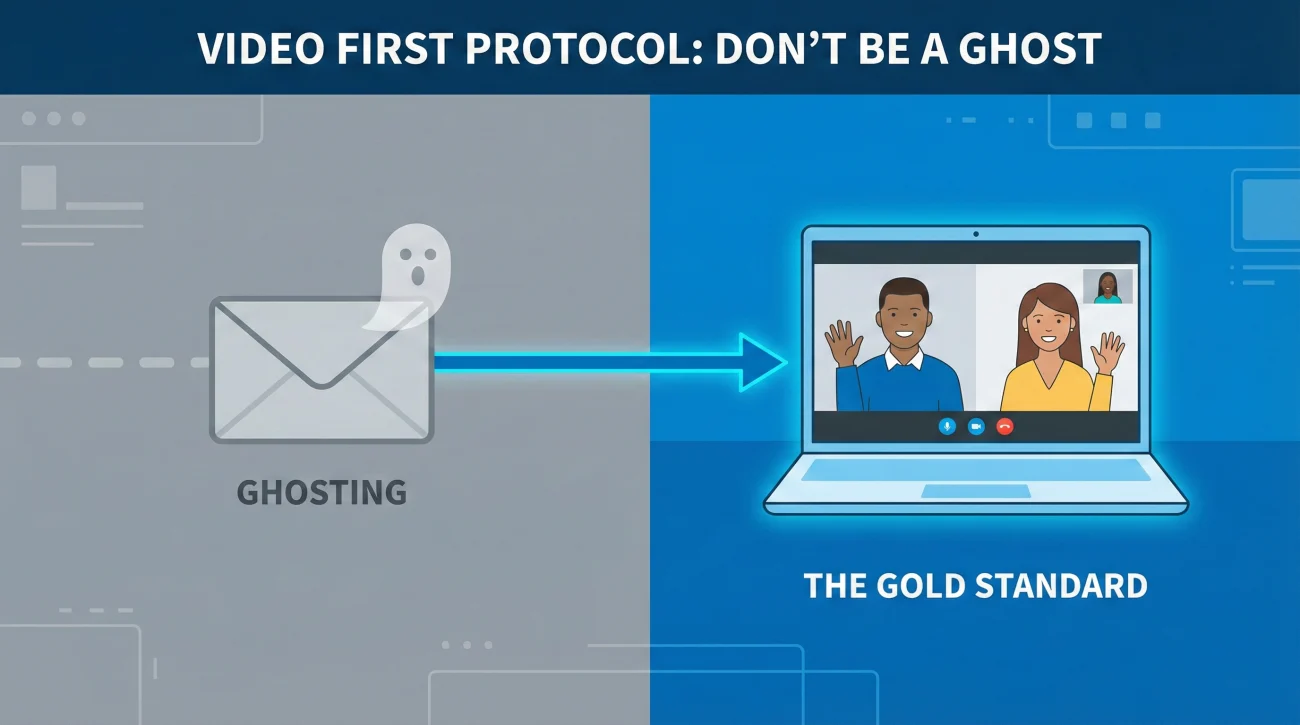
The most common question remote employees ask is: “Can I just send an email and be done with it?”
The answer is a nuanced “No.” Unless you want to burn the bridge to the ground, the “Gold Standard” of remote resignation is the Video-First Approach.
Why You Must Get on Camera
Resigning via email without a conversation is interpreted as “ghosting” or cowardice in remote culture. It denies your manager the chance to process the news human-to-human. It turns a relationship into a transaction.
The Step-by-Step Execution
- The Setup (The Ambush Prevention): Do not just call them out of the blue. Send a vague message: “Hi [Boss], do you have 10 minutes for a quick sync today? I have an update I’d like to share verbally.” This signals importance without causing panic.
- The Call: Keep it brief. Turn your camera on, even if they don’t.
Script: “Thanks for meeting. This is hard for me to say, but I’ve decided to move on to a new opportunity. I wanted to tell you face-to-face before sending my official letter.”
- The Pivot to Logistics: Do not linger on the “Why.” Pivot to the “How.”
Script: “I want to make this transition seamless. I’ve already started a handover doc. What are the next steps for returning my equipment?”
- The Paper Trail: Immediately after hanging up – within 5 minutes – send the formal quit remote job email. This is your legal timestamp for your notice period.
The “Email-Only” Exceptions
You may lead with email only if:
- You are in a toxic or abusive environment where a call would be unsafe.
- You have worked there less than 30 days (the “False Start”).
- Your manager is in a time zone 12 hours away and synchronous coordination is impossible (asynchronous culture).
The Logistics of Leaving: The Equipment Return Strategy
In a physical office, you leave your laptop on the desk and walk out. In remote work, your home is a temporary warehouse for thousands of dollars of company assets. This is the most common source of post-resignation legal friction and withheld paychecks.
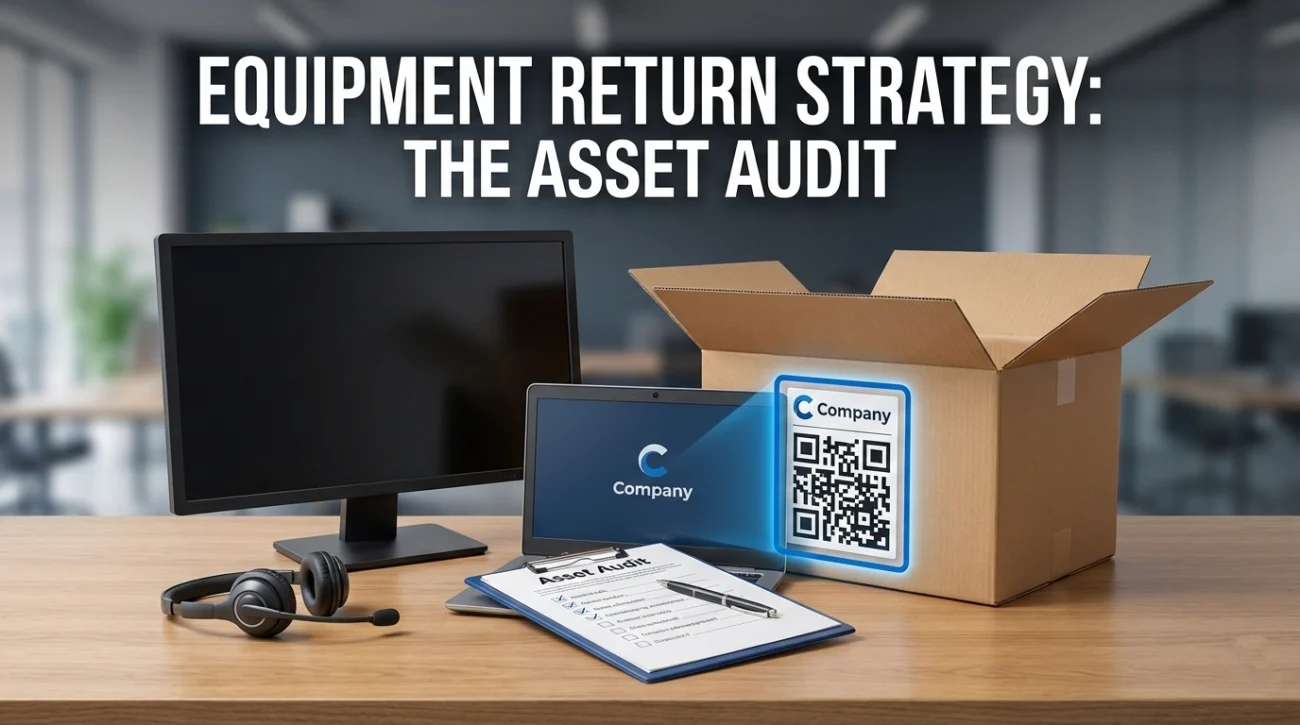
1. The Asset Audit
Before writing your returning equipment resignation email, perform a physical audit. Locate the laptop, the monitor, the expensive docking station, the ergonomic chair, and the noise-canceling headset.
Pro Tip: Take high-resolution photos of the condition of all expensive items (screens, laptop casing) before you pack them. This is your insurance policy against “damaged in transit” claims that companies might try to deduct from your final settlement.
2. The Shipping Negotiation
Never pay for shipping out of pocket unless explicitly agreed upon (and even then, avoid it). Shipping a monitor can cost $100+.
The Script: “Please let me know the process for returning the hardware. I am happy to drop it off at a local FedEx if you provide a pre-paid QR code or shipping label. I assume the company will also provide appropriate packaging materials for the monitor to ensure safe transport, as I no longer have the original boxes.”
Remote Resignation Templates for Every Scenario
Remote resignations require specific legal clauses about digital access and physical assets. Use these templates to cover your bases professionally. Ensure you customize the bracketed information.

1. The “Gold Standard” (Follow-Up to Video Call)
Use this resignation email for remote employee immediately after your Zoom call to formalize the exit. It confirms the conversation and sets the timeline.
Subject: Resignation – [Your Name]
Dear [Manager’s Name],
As we discussed in our call earlier today, please accept this letter as formal notification that I am resigning from my position as [Job Title] at [Company Name]. My last day of employment will be [Date, typically two weeks out].
I have truly enjoyed my time working remotely with the team. Despite the physical distance, I have felt supported and challenged, especially during the launch of [Project Name]. I am moving on to a new opportunity that marks the next step in my career path, but I will always value the connections I made here.
Transition Plan:
To ensure a smooth hand-off, I have created a folder “Transition_[Your Name]” on the shared drive containing:
- Status updates on all active tickets/projects.
- Recorded Loom videos explaining my daily workflows and admin access protocols.
- A contact list for my external vendors.
Equipment Return:
I am currently in possession of a MacBook Pro (Serial: XXXXX), one Dell Monitor, and a docking station. Please advise on the return logistics. I am happy to box these up if a pre-paid shipping label and appropriate packaging are provided.
Thank you again for the opportunity.
Best regards,
[Your Name]
2. The “Asset Heavy” Exit
If you have a fully furnished home office (printer, chair, multiple screens), use this to prioritize the physical handover and avoid liability.
Subject: Resignation and Asset Return Plan – [Your Name]
Dear [Manager’s Name],
I am writing to formally resign from my role as [Job Title], effective [Date].
I have accepted a new position and want to ensure a smooth transition of both my duties and the company assets currently in my home office. I have prepared a full inventory of hardware in my possession (attached below).
Proposed Return Plan:
- IT Hardware: I request a pre-paid shipping box for the laptop, phone, and peripherals.
- Office Furniture: Regarding the company-provided standing desk and ergonomic chair, please let me know if you will be arranging a freight pickup service. Alternatively, if there is a buyout option for these items, I would be interested in discussing that to save on shipping costs.
I will spend my final two weeks documenting my processes to ensure the team doesn’t miss a beat. Thank you for the support during my tenure.
Sincerely,
[Your Name]
3. The “Immediate/Sensitive” Exit
For roles with high-security clearance or sales access where you expect immediate revocation (The Kill Switch). This virtual resignation email sample is direct and assumes you will be cut off today.
Subject: Resignation – [Your Name] – Effective Immediately
Dear [Manager’s Name],
Please accept this email as my resignation from [Company Name], effective immediately, [Today’s Date].
I have decided to pursue another opportunity. Given the sensitive nature of my access privileges and our company’s security policies regarding competitor roles, I understand that my last working day is likely today.
I have already taken the following steps to secure a clean handover:
- Uploaded all active client files to the central Salesforce repository.
- Cleared my personal data from the company laptop.
- Prepared the device for immediate shipping.
Please forward the shipping instructions and final paperwork to my personal email [Insert Personal Email], as I assume I will lose access to this inbox shortly.
Thank you for the opportunity.
Regards,
[Your Name]
4. The “Not a Fit” (Short Tenure/Onboarding Fail)
Remote onboarding is notoriously difficult. Sometimes, you realize within 2 months that it isn’t working. Use this to exit gracefully.
Subject: Resignation – [Your Name]
Dear [Manager’s Name],
I am writing to resign from my position as [Job Title]. My last day will be [Date].
This was a difficult decision. However, after [Number] months in the role, I have realized that the remote structure of this position is not the right fit for my working style and professional goals. I believe it is best to step away now to allow the team to find a candidate who thrives in this specific environment.
I have kept all original packaging for the company equipment and can return it immediately upon receipt of a shipping label.
Thank you for the opportunity.
Best,
[Your Name]
5. The “Digital Nomad/International” Exit
If you are working from a different country than the HQ, logistics are a nightmare. This template addresses customs and shipping duties upfront.
Subject: Resignation Notice – [Your Name] – International Logistics
Hi [Manager’s Name],
Please accept this as my formal resignation, effective [Date].
I have accepted a new position that aligns with my current location in [Country]. I want to coordinate the return of the company laptop carefully to avoid customs issues.
Logistics Query:
Since international shipping of lithium-ion batteries (laptops) is restricted, please advise on the preferred carrier. Do you have a local satellite office where I can drop the equipment? Alternatively, I can ship it via DHL if you provide a corporate account number to handle the import duties.
I am committed to working my full notice period to ensure a smooth handover.
Best regards,
[Your Name]
The “Ghost” Handover: Leaving a Digital Legacy
In an office, you can point to a file cabinet and say “It’s in there.” In remote work, if you don’t document it, it doesn’t exist. Your professional legacy is defined by the quality of your documentation.
1. The Loom Library Strategy
Do not write 20-page manuals that no one will read. Record your screen. Use tools like Loom, Zoom, or Vidyard to record 3-5 minute walkthroughs of your most complex tasks.
Example: “How to run the Tuesday Payroll Report” or “How to troubleshoot the server crash.”
A library of 5 videos is worth more than 2 weeks of vague Slack messages. It makes you immortal.
2. The Credential Cleanup
Remote teams often share logins via LastPass, 1Password, or (worst case) sticky notes. Ensure you have:
- Transferred ownership of any Google Drive folders/Calendars to your manager.
- Logged out of all shared SaaS tools (Canva, Buffer, Jira).
- Crucial: Unlinked your personal phone number from 2FA (Two-Factor Authentication) on company accounts. You do not want them calling you in 3 months because they can’t log into Twitter.
Final Thoughts: The “Log Off” Protocol
Sending a remote work resignation email is the final act of your digital tenure. It is easy to treat it casually because you are sitting in your sweatpants, but the professional stakes are just as high as in a boardroom. Perhaps even higher, because your digital footprint is permanent.
Remember, in a remote world, you are defined by your outputs and your exits. Leave your files organized, your equipment clean, and your handover thorough. When you finally log off for the last time and close that laptop, do it knowing you handled the exit with the precision, grace, and integrity of a true professional.
For further reading on career transitions, check out our library of resignation email examples or read our pillar guide on how to write a resignation email covering the fundamentals.
⚠️ Legal Disclaimer: ResignSmartly provides general informational guidance about resignation, workplace communication, notice periods, handovers, and career transitions. Content does not constitute individualized legal advice. Employment laws, contracts, workplace policies, and individual circumstances vary, so review the requirements that apply to your situation and consult an appropriate qualified professional when needed.