- Core idea: Your “visual legacy” matters, because an empty, clean desk communicates professionalism louder than a goodbye email.
- Timing plan: Start a stealth purge one week out, do a deep sort two days out, then do the final reset on your last day.
- Physical protocol: Clean surfaces, sweep for confidential notes, remove personal artifacts, and return company hardware and supplies properly.
- Digital reset: Clear desktop clutter, export useful work bookmarks, purge downloads and recycle bin, and leave one clear HANDOVER_DOCS folder.
- Pro finish: Leave a simple welcome kit for your successor, give away items without awkwardness, and avoid common failures like trash piles or password Post-its.
For the full transition process, use our job handover guide and checklist.
The “Visual Legacy”: Why Your Empty Desk Speaks Louder Than Your Farewell Email
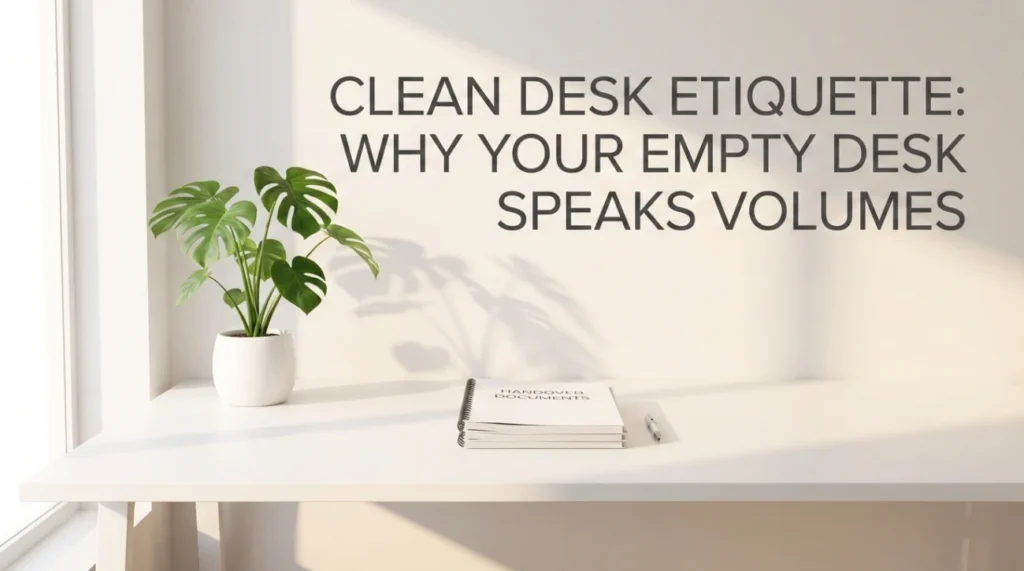
There is an old saying in hospitality: “Leave the room better than you found it.” In the corporate world, your desk is your room. Walking away from a workspace cluttered with three years of dust, personalized stickers, and a drawer full of old snacks sends a subconscious message to your team: “I checked out long ago.” Conversely, leaving a pristine, “factory-reset” workspace signals respect, professionalism, and closure.
A proper clean desk policy when leaving is not just about hygiene; it is about reputation management. Your successor will form their first impression of you based on the state of the desk they inherit. Do you want to be remembered as the person who left a sticky keyboard and a maze of unorganized files? Or as the high-performer who paved the way for the next person’s success?
This guide moves beyond “throw away your trash.” We will explore the “White Glove Protocol” for physical cleaning, the often-ignored “Digital Desktop” purge, and the etiquette of bequeathing your office plants without being awkward.
The Psychology of the Empty Desk: Timing is Everything
Cleaning your desk is a public signal. If you do it too early, you look like you have already quit. If you do it too late, you look disorganized. You must choreograph your exit.
The “Graceful Exit” Timeline
| Timeframe | The Action | The Signal |
|---|---|---|
| 1 Week Out | The “Stealth” Purge. Start taking home personal items that no one notices (extra shoes under the desk, books, certificates). Do this gradually so your desk doesn’t look barren. | “I am tidying up,” not “I am leaving.” |
| 2 Days Out | The “Deep” Clean. Sort through the paper piles. Shred confidential docs. This takes longer than you think. | “I am organizing for the handover.” |
| Last Day | The “Reset”. The final wipe-down. Remove the photos. Leave the keys. Walk away. | “I have officially transitioned.” |
Phase 1: The “Forensic” Physical Cleanup
You need to execute your cleaning desk before resigning plan with the mindset of a crime scene cleaner. Leave no trace of your DNA (literally and figuratively).
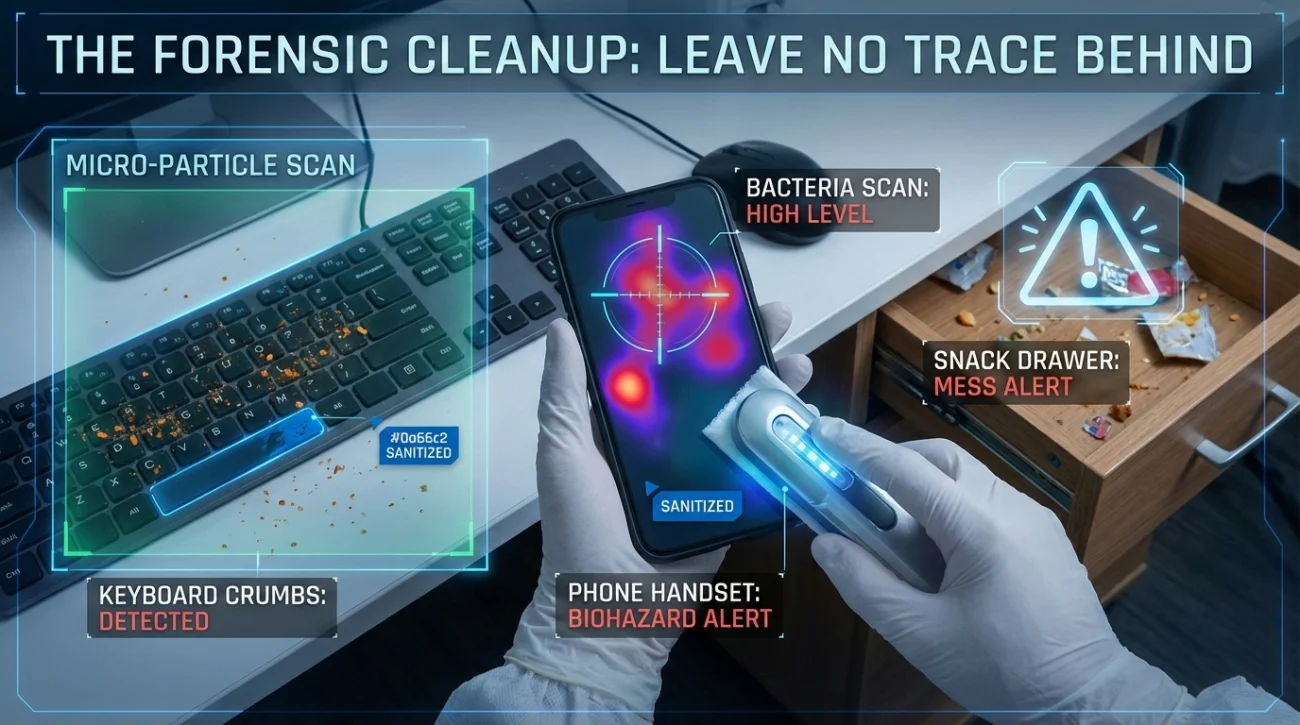
1. The Hygiene Factor (Don’t Be “That” Person)
Offices are germ factories. Do not leave your biological footprint for the next person.
- The Keyboard Shake: Turn your keyboard upside down and shake it. You will be horrified by what falls out. Use compressed air if available to blast out the crumbs.
- The Phone Wipe: If you have a desk phone, wipe the handset with alcohol. It is likely covered in makeup or oil. This is the #1 complaint of new hires.
- The Drawer Archeology: Vacuum or wipe out the crumbs from the snack drawer. Nothing says “disrespect” like inheriting someone else’s 3-year-old almonds or sticky condiment packets.
2. The Confidentiality Sweep
Check under the keyboard. Check behind the monitor. Check the gap between the filing cabinets. We often stash Post-it notes with passwords, alarm codes, or sensitive client info in these cracks. Find them and shred them. Leaving a password written down is a security violation even after you leave.
3. The “De-Personalization”
Remove all stickers from the monitor. Peel off the tape residue from where your photos hung. If you brought in a special ergonomic chair or a lumbar support, take it home. If it stays, it becomes company property.
Phase 2: The “Digital Desk” Sanitization
Your computer desktop is just as visible as your physical desk. Organizing files before leaving prevents the IT department from cursing your name.
| Area | The Action | Why? |
|---|---|---|
| The Desktop Screen | Delete all shortcuts and loose files. Create one folder: “HANDOVER_DOCS”. | A cluttered screen creates anxiety for the new user. Give them a clean slate. |
| Browser Bookmarks | Export your work bookmarks to an HTML file for your successor. Delete personal ones. | They don’t need your “Best Pizza Places” list, but they do need the “Vendor Portal” link. |
| Downloads Folder | Empty it completely. | This is usually full of PDF menus and personal receipts. Purge it. |
| Recycle Bin | Empty it. | It’s digital trash. Take it out. |
Phase 3: The “Welcome Kit” (The Pro Move)
This is what separates the professionals from the amateurs. Instead of just leaving an empty desk, leave a “Starter Pack” for your successor. This builds immense goodwill and sets the tone for their tenure.
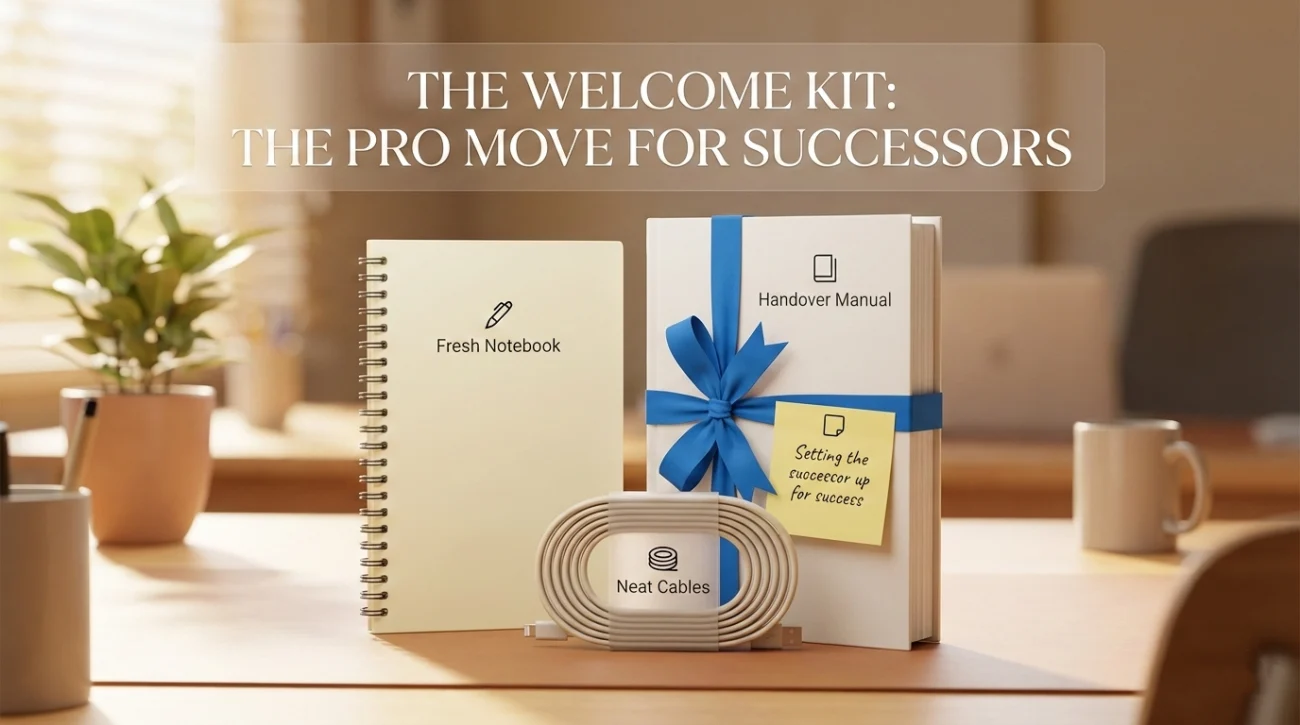
The “Pay It Forward” Inventory
- High-Quality Supplies: Leave a fresh notebook, a working pen, and a full stapler. Do not leave the dried-out highlighters or the stapler that jams.
- The “Manual”: A printed copy of your Handover Report placed front and center on the desk.
- The Note: A handwritten Post-it: “Welcome to the team! The chair height lever is on the right. Best of luck!” This small touch is incredibly classy.
- The Hardware: Arrange the mouse, keyboard, and headset neatly. Coil the cables. Make it look like an Apple Store display, not a garage sale.
The Etiquette of “Giving Away” Stuff
You probably have accumulation: plants, extra chargers, books, mugs. How do you get rid of them without treating your colleagues like a dumpster?
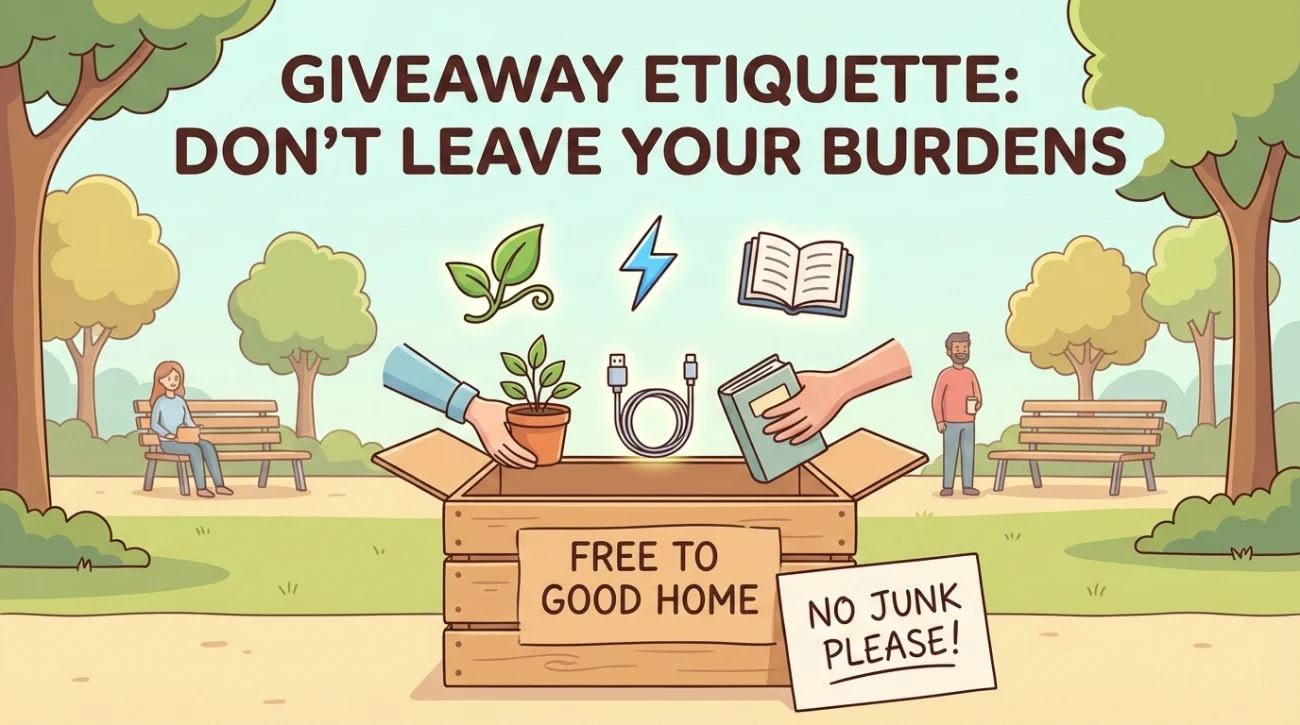
The Office Plant Dilemma
Do not just leave a dying fern on the desk. That is a burden, not a gift. It forces your successor to either nurse it back to health or feel guilty about throwing it away.
Correct Approach: “Hey Sarah, I know you admired my pothos plant. Would you like to adopt it? If not, I’ll take it home.”
The “Free to Good Home” Box
Do not go desk-to-desk asking “Do you want this half-used stapler?” It’s awkward.
Correct Approach: Put items in a box in the breakroom with a sign: “Free to a good home. Help yourself! (Going to trash at 5 PM).” This allows people to take what they want without social pressure.
Common “Clean Desk” Failures
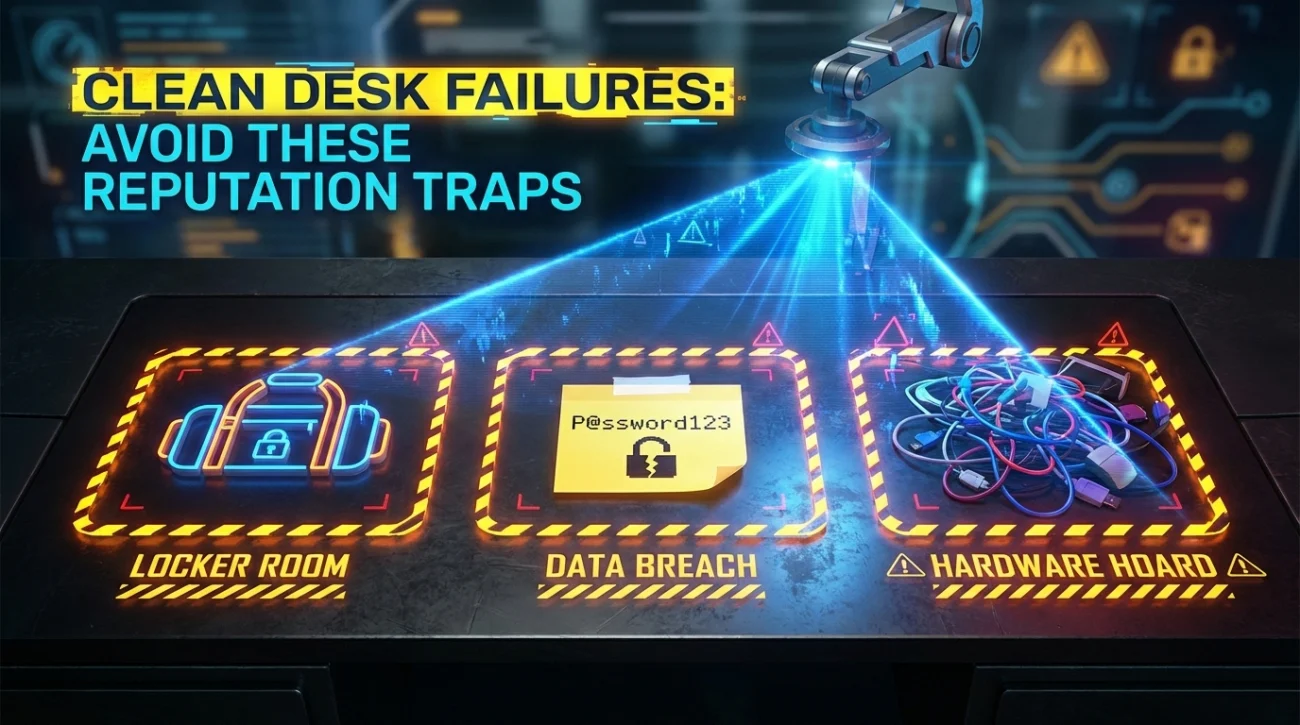
Avoid these reputation-damaging traps.
- 🚫 The “Locker Room” Effect: Leaving gym clothes, old shoes, or umbrellas in the bottom drawer or coat closet. This is gross. Check every drawer twice.
- 🚫 The “Data Breach” Post-it: Leaving a sticky note with the WiFi password or the alarm code on the monitor. This is a security nightmare.
- 🚫 The “Hardware Hoard”: Taking company cables (HDMI, USB-C adapters) home by mistake. If you didn’t buy it with your own money, it stays.
- 🚫 The “Ghost” Files: Leaving a filing cabinet full of papers that “might be important.” If you don’t know what they are, your successor definitely won’t. Review, file, or shred.
❓ FAQ
🗑️ What if I have too much trash to fit in my bin?
Do not overflow your tiny desk bin. It looks chaotic and disrespectful to the cleaning staff. Take a walk to the main recycling/shredding station to dispose of large amounts of paper or trash.
🪑 Can I take my chair if I bought it?
If you paid for it with your own money (and not expensed), yes. But move it out after work hours to avoid disruption. If the company reimbursed you for it, it belongs to them. Leave it.
🧼 Do I really need to wipe the desk?
Yes. Leaving workspace clean etiquette demands it. You don’t need to scrub, but a quick pass with a disinfectant wipe removes coffee rings, dust, and fingerprints. It takes 30 seconds and shows class.
📂 What about my business cards?
Recycle them. Do not leave a stack of your old business cards for the next person. It serves no purpose and just adds clutter.
Final Thoughts: The “Factory Reset”
Your goal is to perform a “Factory Reset” on your workspace. When you stand up for the last time, the desk should look inviting, neutral, and ready for a new story to be written. It should look like a fresh start, not a dead end.
Walk away knowing you left a clean slate. For more tips on the logistics of leaving, check out our guide on handover email best practices or explore our goodbye and handover emails category.
⚠️ Legal Disclaimer: ResignSmartly provides general informational guidance about resignation, workplace communication, notice periods, handovers, and career transitions. Content does not constitute individualized legal advice. Employment laws, contracts, workplace policies, and individual circumstances vary, so review the requirements that apply to your situation and consult an appropriate qualified professional when needed.