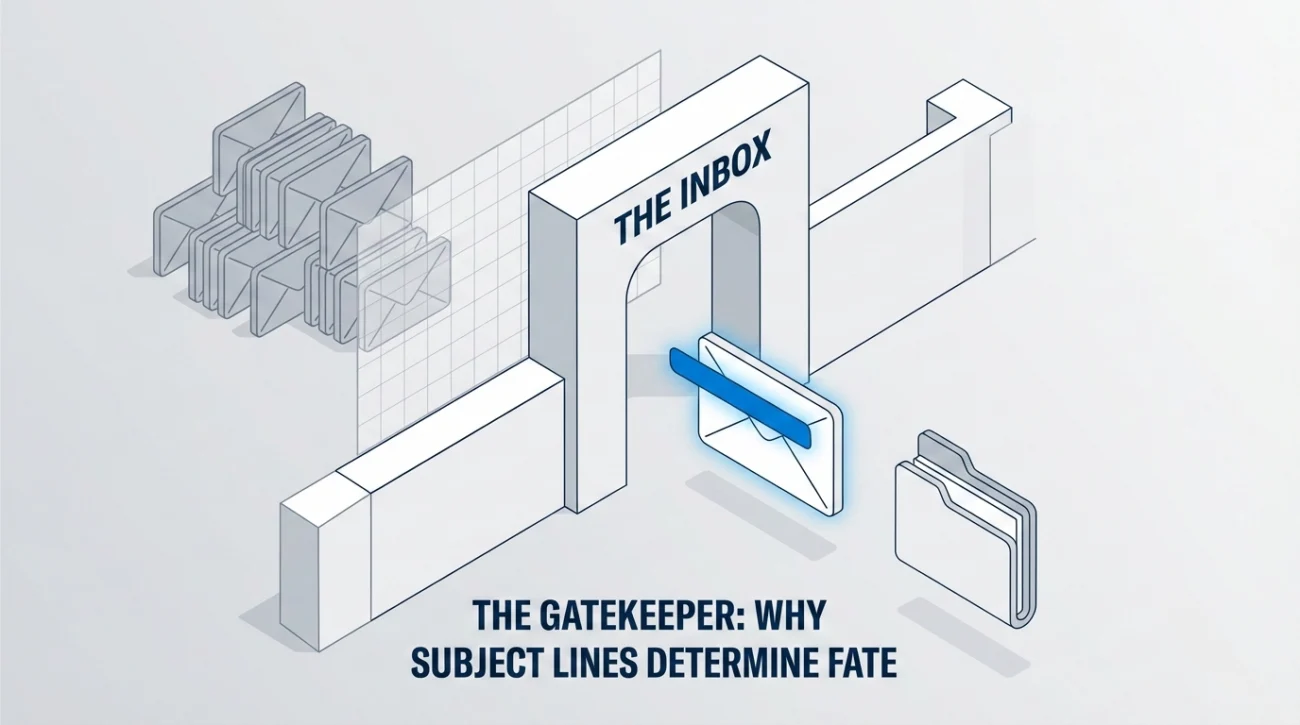
- Gatekeeper: Your subject line decides whether anyone reads the email, so avoid vague titles and cringe drama.
- Open Triggers: Pick one lever to earn the click, Urgency, Utility, or Humanity, based on what your audience cares about.
- Build Formula: Use simple structures like [Status] + [Action/Benefit], a warm farewell + gratitude, or an action + context for remote teams.
- Segment Audience: Write different subjects for your team, your manager, clients, and a company-wide BCC, clients should read as business as usual.
- Mobile and Filters: Front-load the first 40 to 50 characters, use preview text, and avoid cryptic titles, emoji overdose, or passive-aggressive wording.
For the full transition process, use our job handover guide and checklist.
The “Gatekeeper”: Why Your Subject Line is the Most Critical 50 Characters of Your Exit
You can write the most eloquent, heartfelt, and professional farewell letter in history, but if your last day email subject line is weak, no one will read it. In a corporate inbox inundated with spam, newsletters, and urgent requests, your final email is fighting for attention. If the subject line fails, the email fails.
Most professionals treat the subject line as an afterthought – slapping on a generic “Goodbye” at the last second. This is a strategic error. A vague subject line (“Update” or “Hi”) triggers the “Ignore” reflex. A melodramatic one (“My Final Tears”) triggers the “Cringe” reflex.
This guide applies high-level email marketing psychology to your resignation. We will teach you how to craft a subject for last working day email that almost guarantees people will open it. We will cover mobile optimization, the “Curiosity Gap,” and the specific formulas that work for every audience, from your drinking buddies to the CEO.
The Psychology of the “Click”: How to Hack the Inbox
Your colleagues are busy. To get them to open your email immediately (and not archive it for “later,” which means “never”), your subject line must trigger one of three psychological levers:
| The Lever | Why It Works | The Example |
|---|---|---|
| 🛑 Urgency (Time Sensitivity) | Signals that action is required now or the opportunity will be lost. | “Last Day: Handover Docs & Contact Info” |
| 🤝 Utility (Value) | Promises useful information that makes their life easier. | “Project X: Final Status & Ownership Transfer” |
| ❤️ Humanity (Connection) | Appeals to the social bond and the fear of missing a social ritual (FOMO). | “So long, and thanks for all the coffee (Last Day)” |
The “Perfect Formula”: Constructing Your Subject Line
Stop guessing. Use these proven structures to build your final goodbye email subject.
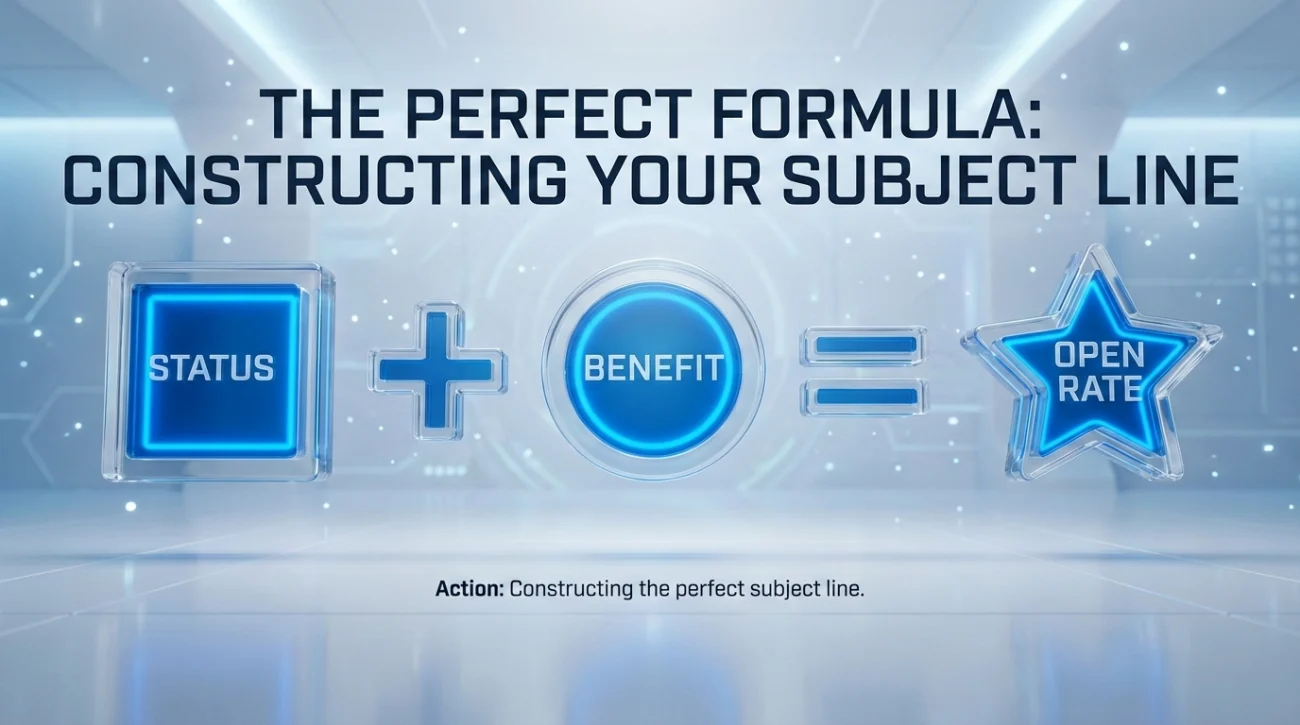
Formula 1: The “Direct Professional”
[Status] + [Action/Benefit]
- “Last Day – Handover Information Enclosed”
- “Moving On – My Contact Details”
- “Final Sign-Off – Project Z Updates”
Formula 2: The “Warm & Personal”
[Farewell Phrase] + [Gratitude]
- “Goodbye & Thank You!”
- “Signing Off – It’s been a pleasure”
- “My Last Day: A quick thank you note”
Formula 3: The “Remote/Distributed”
[Action] + [Context]
- “Logging Off: My Last Day at [Company]”
- “Virtual Goodbye – [Your Name]”
- “Final Day – Slack Deactivating at 5 PM”
Master List: 20+ Subject Lines by Audience
One size does not fit all. You need to segment your list. Here are tailored last day email subject line examples.
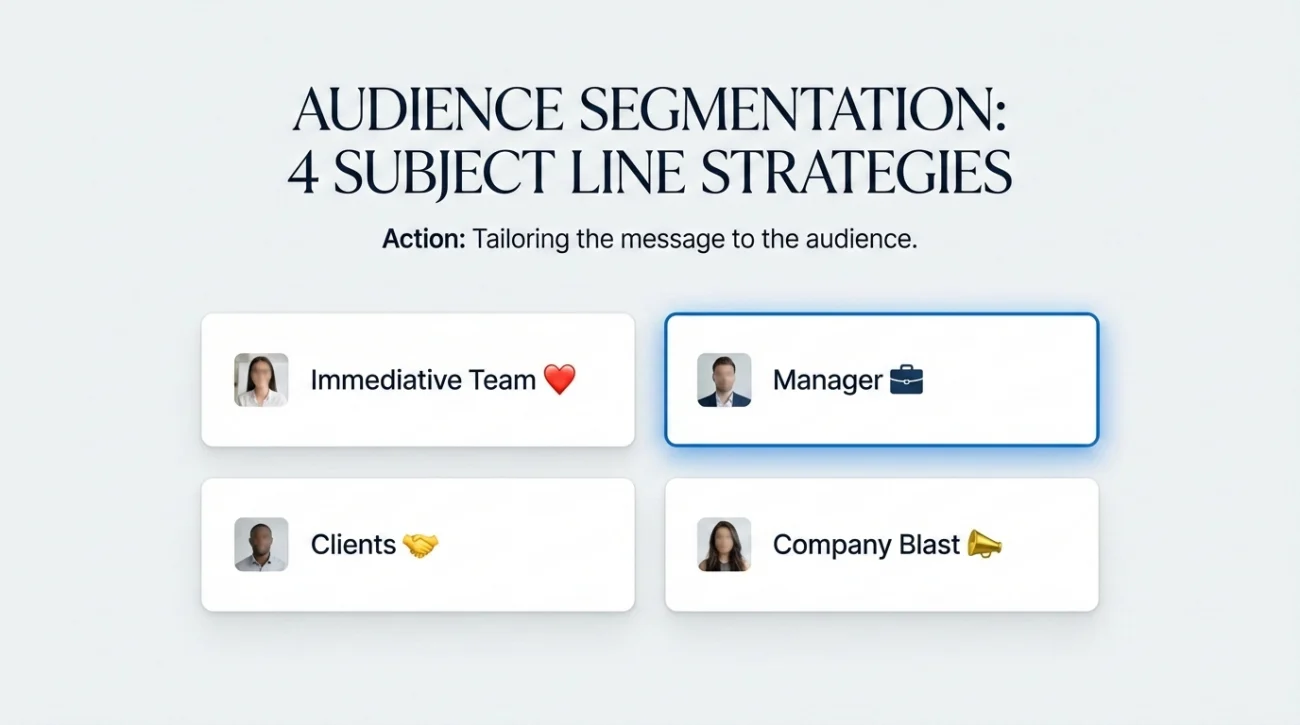
For Your Immediate Team (Warm/Casual)
These people know you. You can drop the formality.
- “It’s not goodbye, it’s see you later 👋”
- “Last Day! (Drinks at 5?)”
- “So long, [Team Name] – Keeping in touch”
- “My final email (I promise!)”
For Your Manager (Strictly Professional)
This email is about closure and documentation.
- “Handover Complete – Final Sign-Off”
- “Last Day: All Assets Returned & Projects Transferred”
- “Departure Confirmation – [Your Name]”
- “Final Check-In: [Date]”
For Clients & Vendors (Reassuring)
Do not alarm them. The subject line must scream “Business as Usual.”
- “Account Update: Introducing Your New Point of Contact”
- “Transition Notice: My Last Day at [Company]”
- “Important Update Regarding Your Account / [Your Name]”
- “Handover of [Project Name] – Next Steps”
For the Company-Wide Blast (BCC)
Keep it generic so it applies to people you barely know.
- “Moving On – [Your Name]”
- “Farewell and Best Wishes”
- “My Last Day at [Company]”
- “Thank you, [Company Name] Team”
The “Mobile Cut-Off” Rule: The First 40 Characters
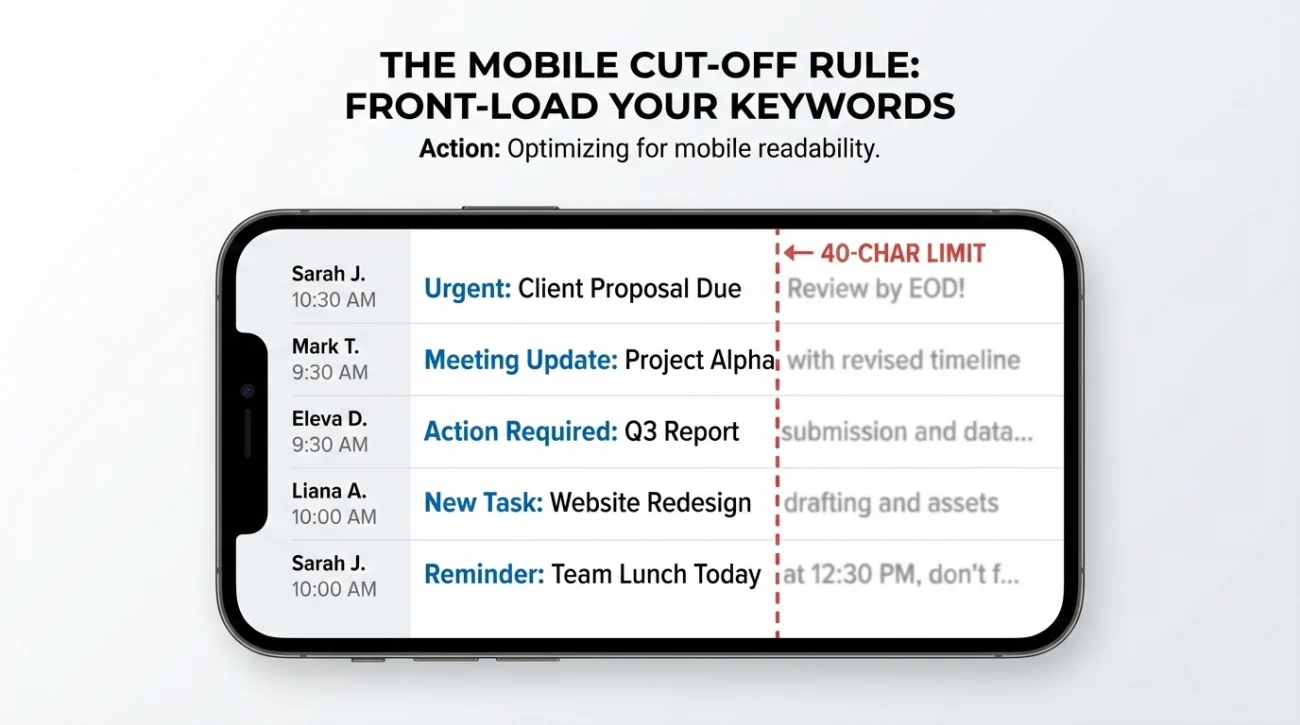
60% of emails are opened on mobile devices. Most phones cut off the subject line after 40-50 characters. If your key information is at the end, it is invisible.
❌ The “Buried Lede” Mistake:
Subject: “Just wanted to send a quick note to say that today is…”
Mobile View: “Just wanted to send a quick note to say…”
Result: Ignored. Looks like spam.
✅ The “Front-Loaded” Fix:
Subject: “Last Day: Thank you everyone!”
Mobile View: “Last Day: Thank you everyone!”
Result: Opened. Actionable.
The Secret Weapon: Preview Text
The “Preview Text” (or Preheader) is the grey text shown next to or below the subject line. Use this real estate wisely.
Subject: Last Day – Handover Info
Preview Text: My personal contact info is inside. Please save it…
The “Spam Filters”: What to Avoid
Certain habits will get your email deleted or rolled-eyed at. Avoid these last day announcement title errors.
| The Mistake | Why It Fails |
|---|---|
| The “Cryptic” Title “Update” / “News” / “FYI” | It creates anxiety or boredom. People assume it is a policy update or bad news. |
| The “Emoji Overdose” “👋😭💔 Bye!!! 🦄” | Unless you work at a Gen-Z startup, this looks unprofessional. Stick to one emoji max, if any. |
| The “Passive-Aggressive” “Finally leaving…” | It signals bitterness. People will avoid opening it to avoid the drama. |
❓ FAQ
📧 Should I put my name in the subject line?
Yes, if the list is large. In a company of 500 people, “Last Day” might be confusing (who is leaving?). “Last Day – [Your Name]” ensures clarity. For your immediate team, it is unnecessary as they see the “From” name.
⚠️ Can I use “URGENT” in the title?
Only if it is actually urgent (e.g., a client handover deadline). Using “URGENT” for a goodbye email creates “Clickbait Regret” and annoys your colleagues.
📝 Should I reply to an existing thread or start a new one?
Always start a new thread. Do not hijack a project thread to say goodbye. A fresh subject line gives your departure the weight it deserves and makes it easier to find later.
Final Thoughts: The Last Impression
Your last day email subject line is the packaging for your professional legacy. If the packaging is sloppy, people assume the contents are worthless. If the packaging is crisp, professional, and clear, people treat the contents with respect.
Spend the extra two minutes to get this right. It is the difference between a “Ghost Exit” (where you disappear silently) and a “Grand Exit” (where you leave with your network strengthened). For the content of the email itself, check our Last Day Email Templates guide.
⚠️ Legal Disclaimer: ResignSmartly provides general informational guidance about resignation, workplace communication, notice periods, handovers, and career transitions. Content does not constitute individualized legal advice. Employment laws, contracts, workplace policies, and individual circumstances vary, so review the requirements that apply to your situation and consult an appropriate qualified professional when needed.