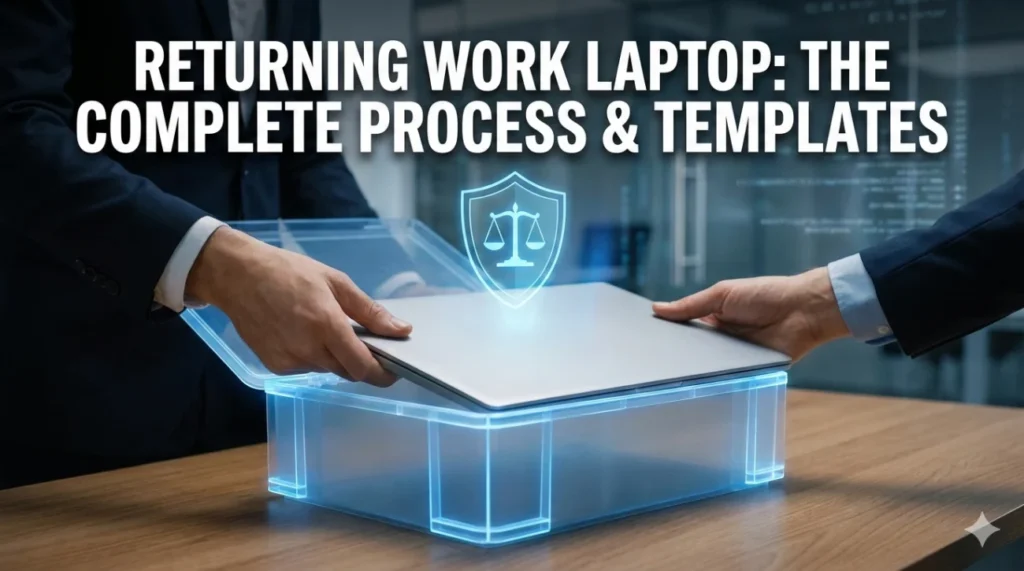
- Core Risk: If the return is not documented, you can get hit later with “missing” or “damaged” equipment claims.
- Digital Divorce: Remove personal browser profiles, passwords, autofill, and personal accounts without deleting company work files.
- Evidence Chain: Take clear photos of power on screen, serial number, ports, and a flat lay of every accessory, store them in your personal cloud.
- Paper Trail: Send a pre-scheduled return email listing items, request a prepaid label for remote shipping, then confirm tracking and contents immediately after drop-off.
- Receipt Rule: Do not leave without written confirmation, if disputes happen reply calmly with timestamps, photos, serials, and tracking proof.
The Digital Divorce: Separating Personal from Professional
Before you even think about putting that device in a bag or a box, you need to perform a digital audit. Over the years, the lines between our work devices and personal lives often blur. You might have logged into your personal iCloud to grab a photo, or synced your Chrome browser to access your bookmarks. When you hand that device back, you are potentially handing over the keys to your digital identity.
The Browser Trap
The most common mistake I see is people signing out of email but forgetting the browser itself. If you used Google Chrome, Edge, or Firefox and signed into a personal profile, your passwords, search history, and credit card autofill data might still be locally stored.
Do not just close the tabs. Go into the browser settings and remove your personal profile entirely. This ensures that the next person who opens that laptop – whether it is an IT admin or a new hire – does not accidentally stumble into your Amazon account or read your personal Facebook messages.
The “Keep vs. Delete” Dilemma
There is a fine line between cleaning up and destroying company property. I have seen employees, in a panic to “clean” their laptop, wipe entire project folders. This can be grounds for legal action if the company believes you maliciously destroyed data.
| You Should Delete (Personal) | You Must Keep (Professional) |
|---|---|
| ✅ Personal photos, tax documents, resumes | ❌ Client deliverables and project files |
| ✅ Saved passwords for personal accounts | ❌ Email archives (unless instructed otherwise) |
| ✅ Personal software/apps (Spotify, Steam) | ❌ Proprietary code or strategy documents |
Your goal is to leave the “house” clean but fully furnished. Remove your personal clutter, but leave the structural assets that belong to the company.
The Physical Audit and Documentation Strategy
Now that the digital side is handled, let’s talk about the hardware. This is where most disputes arise. A scratch you ignored for two years suddenly becomes “damage” when you leave. To protect yourself, you need to become a forensic photographer for about ten minutes.
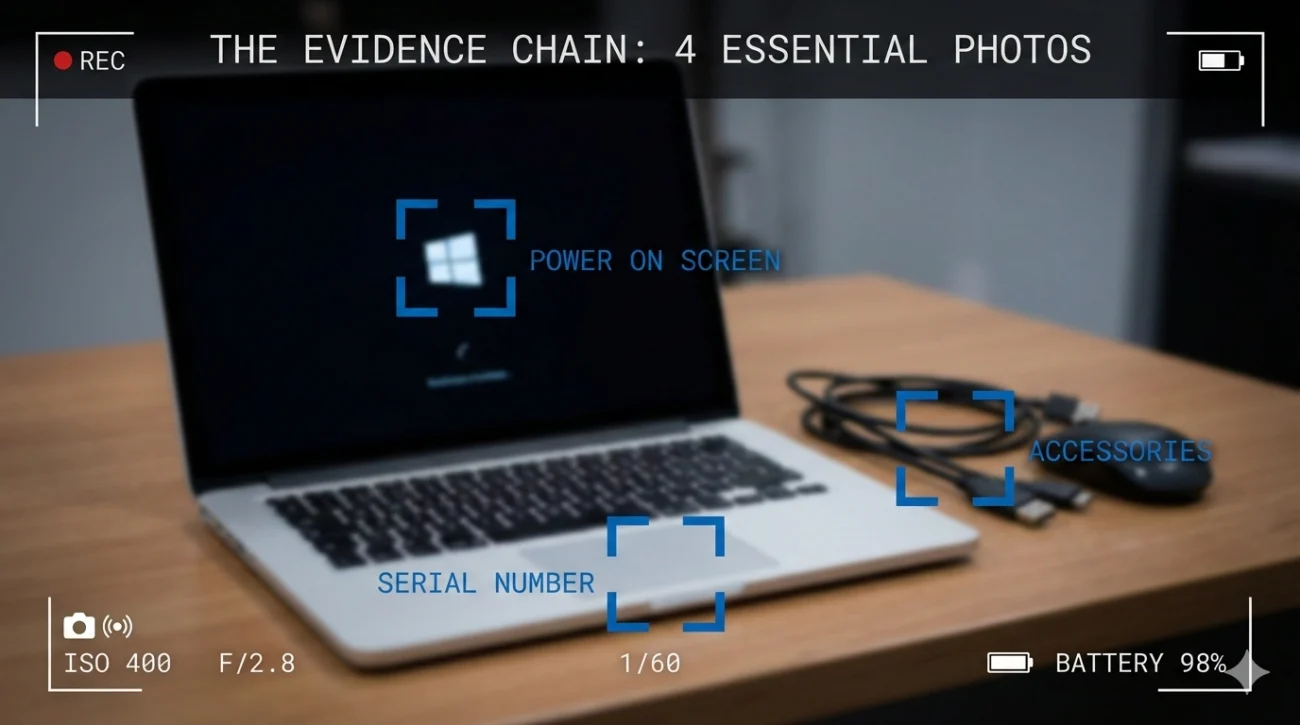
Creating Your Evidence Chain
Do not just take a blurry photo of the laptop closed. You need high-resolution images that prove the device is functional and cosmetically sound. Here is your shot list:
- 📸 The “Power On” Shot: Take a photo of the screen while it is on and logged in. This proves the display is not cracked and the OS boots up.
- 📸 The Serial Number: Close-up of the sticker on the bottom. This is non-negotiable. It proves which specific machine you returned.
- 📸 The Ports: A quick shot of the USB/charging ports shows they are not mangled.
- 📸 The Accessories: Lay out the charger, the brick, the dongles, and the case. Take a “flat lay” photo of everything together.
Save these photos to your personal cloud storage (Google Drive, Dropbox, or iCloud). Storing them on the phone that the company might also ask you to return is a rookie mistake.
The Paper Trail: Strategic Communication
Verbal confirmations are worthless in a corporate exit. If the IT manager says, “Thanks, I got it,” and then quits two weeks later, no one knows you returned anything. Your written correspondence is your insurance policy.
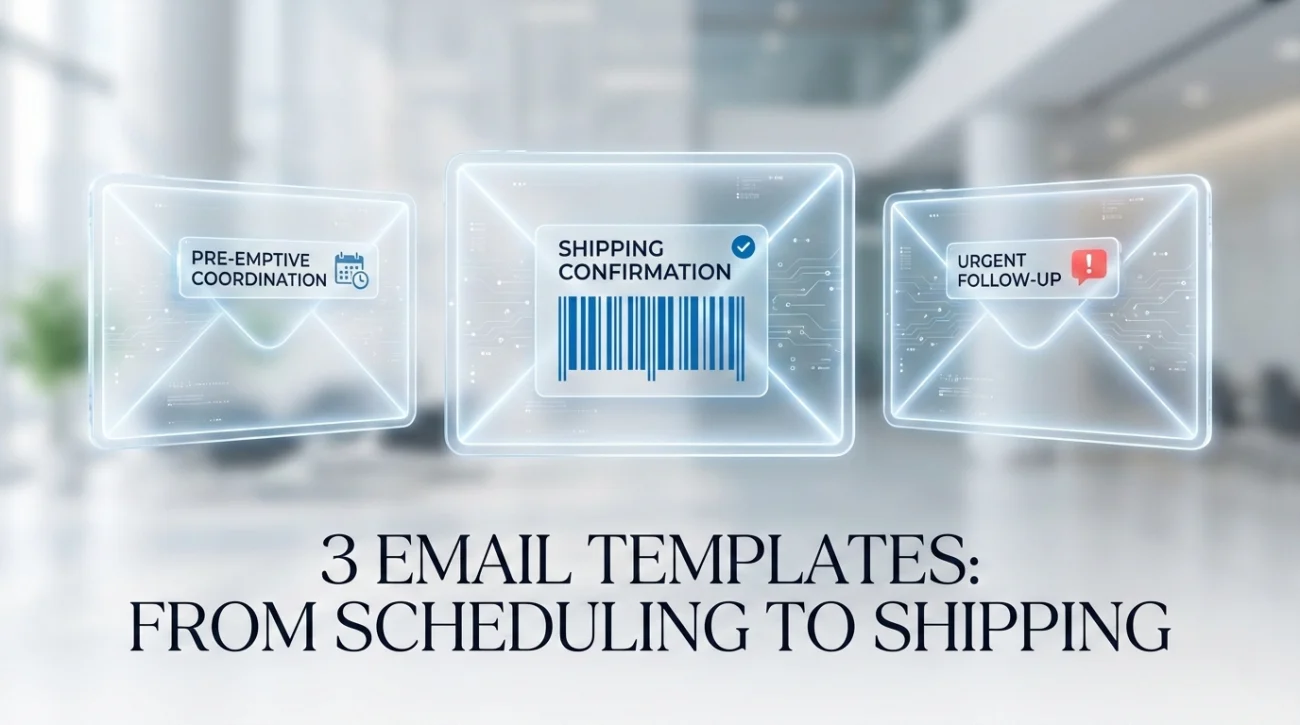
The Pre-Emptive Strike
Don’t wait until 4:55 PM on your last day. Crafting a proactive returning work laptop email sets a professional tone and forces the IT department to acknowledge the schedule. This email serves two purposes: it schedules the logistics and it creates the opening bracket of your chain of custody.
Subject: Equipment Return Coordination – [Your Name] – [Last Day]
Hi [IT Department or Manager Name],
As my final day is approaching on [Date], I want to coordinate the return of my company-issued hardware to ensure a smooth transition.
I currently have the following items in my possession:
- MacBook Pro 16″ (Serial: C02…)
- Apple Magic Mouse
- USB-C Power Adapter and Cable
- Keycard and Office Fob
I plan to drop these off at the IT desk at [Time] on [Date]. Please let me know if there is a specific handover protocol or form I need to complete prior to this time.
Best regards,
[Your Name]
Notice the detail? By listing the items upfront, you are already establishing what is in your inventory.
The Remote Return: Shipping High-Value Assets
For remote workers, the risk profile is higher. You are trusting a third-party carrier with thousands of dollars of equipment that is legally your responsibility until it arrives. If you are asked to ship the device, never use your own money and hope for reimbursement unless absolutely necessary. Request a pre-paid label.
Subject: Shipping Label Request for Equipment Return – [Your Name]
Hi [HR/IT Manager],
I am preparing to return my company equipment. As I am a remote employee, please provide a pre-paid shipping label (UPS/FedEx) and, if possible, appropriate packaging materials to ensure the laptop is transported safely.
My current pickup/mailing address is:
[Your Full Address]
[Phone Number]
Please advise when the label has been generated or if a kit is being mailed to me.
Best,
[Your Name]
When you pack the box, film a short video on your phone. Show the laptop in good condition, show yourself wrapping it in bubble wrap, and show the box being taped shut. It sounds paranoid until the box arrives empty or crushed, and FedEx denies the insurance claim.
Once the package is in the courier’s hands, send your handing in laptop email immediately. This shifts the liability from you to the carrier.
Subject: SHIPPING CONFIRMATION: Equipment Return – [Your Name]
Hi [IT Team],
I have just dropped off the equipment package at [Carrier Name].
Tracking Number: [Insert Tracking Number]
Items Included: Laptop (Serial XXX), Charger, Headset.
I have attached photos of the device condition and the packaging for your records. Please notify me once the package has been received and processed at HQ.
Best,
[Your Name]
The Golden Ticket: Getting the Receipt

This is the step 90% of employees skip. You drop the laptop off, you feel a sense of relief, and you walk away. Stop. Do not leave the building without a digital or physical receipt. An equipment return confirmation is the only document that legally absolves you of responsibility for that asset.
If you are in the office, ask the IT person to send you a quick email confirmation while you are standing there. If they hand you a physical form, take a picture of it immediately. If they are “too busy,” send a follow-up email from your personal account (copying your work email if it is still active) summarizing the interaction.
Communicating with IT
The IT team is often overworked and understaffed. They aren’t trying to trick you, but they can be disorganized. Your IT department return email needs to be clear, concise, and impossible to ignore. If you haven’t received confirmation within 48 hours of a shipping return or drop-off, you must follow up.
Subject: URGENT: Confirmation of Receipt for Returned Equipment – [Your Name]
Hi Team,
I am following up to receive written confirmation that the equipment I returned on [Date] has been processed.
As per my previous correspondence, the items were [handed to Name/shipped via Tracking #]. Please reply to this email confirming that all items have been accounted for and no further action is required on my part.
Thank you,
[Your Name]
What If It All Goes Wrong?
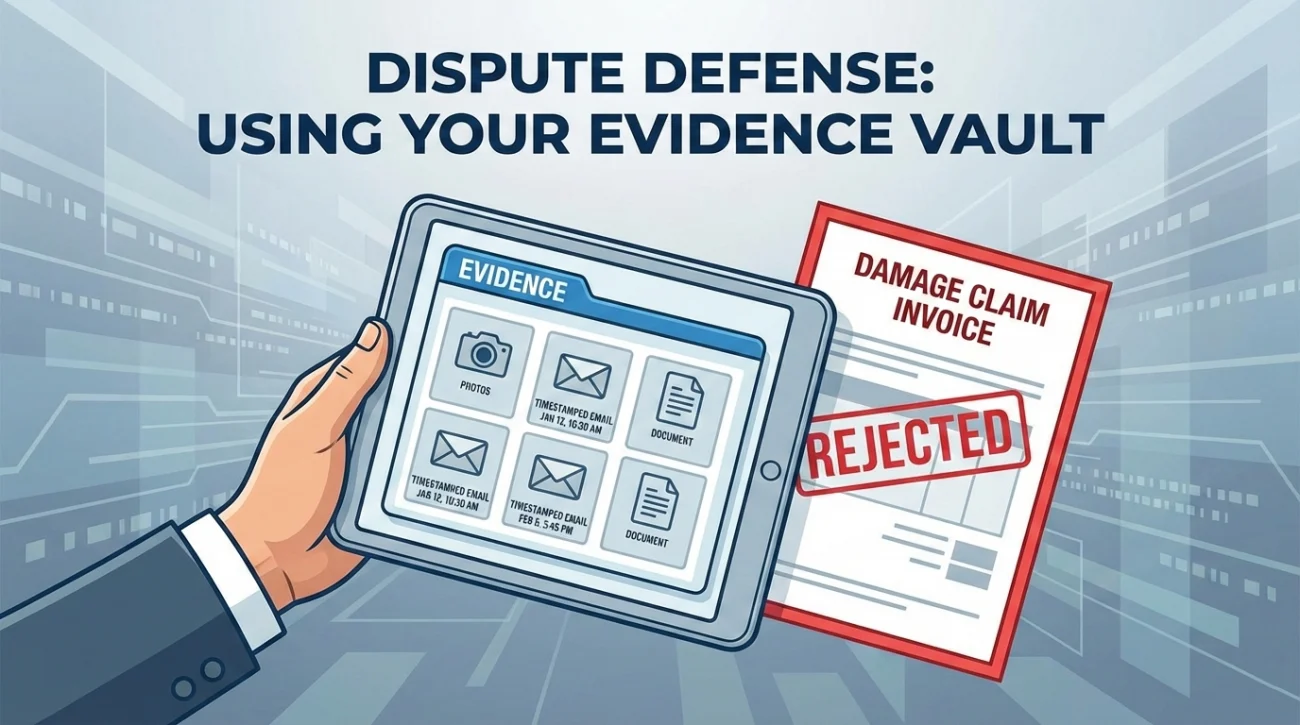
Sometimes, despite your best efforts, you get that dreaded email about missing items or damage. This is where your preparation pays off. If you followed the steps above, you have a folder full of photos and a “Sent” box full of timestamps.
Respond calmly. Attach your evidence. State clearly: “Attached are photos taken immediately prior to handover on [Date] at [Time], showing the screen was intact.” In almost every case, when a company sees that an employee has kept detailed records, they immediately back down. They are looking for low-hanging fruit – people who cannot prove otherwise. Don’t be the low-hanging fruit.
For more insights on how to handle difficult exit conversations, you can explore the resources on ResignSmartly.
❓ FAQ
🧼 Should I factory reset the laptop before returning it?
Generally, no. Most IT departments prefer to handle the wiping process themselves to ensure it meets security standards and to archive any necessary data. Unless explicitly instructed to “wipe” or “factory reset” the device, simply sign out of all personal accounts (iCloud, Google, etc.) and delete your personal files. Let the pros handle the rest.
🔌 What happens if I lost the charger or a dongle?
Be honest about it immediately. Purchase a replacement yourself if it’s a generic item (like a standard USB-C cable) to avoid inflated company deductions. If it’s a specialized part, inform them in your returning work laptop email so there are no surprises. Hiding it usually leads to more scrutiny.
📦 Who pays for shipping if I work remotely?
The company should always pay. They should provide a pre-paid shipping label (usually FedEx or UPS). Do not pay out of pocket unless they confirm in writing that you will be reimbursed. If they ask you to pay, politely request a shipping account number or label, citing that this is company property transfer.
📅 Can I keep the laptop for a few days after my last day?
This is a major red flag. Once your employment contract ends, possessing company property can technically be considered theft or misappropriation of assets in some jurisdictions. Always aim to return equipment on or before your final day. If you absolutely must keep it (e.g., to finish a project over the weekend), get that permission in writing from HR.
Final Thoughts: Your Professional Exit
The way you leave a job says just as much about your character as the work you did while you were there. A messy exit with missing equipment and vague communication leaves a bad taste in everyone’s mouth, regardless of your past performance. By taking control of the process, you ensure that your reputation remains spotless.
Remember, the goal is peace of mind. When you have that signed confirmation in your inbox, you can close that chapter of your career with confidence, knowing there are no loose ends coming back to haunt you. Returning work laptop hardware properly is the final signature on your tenure.
If you are looking for more templates to assist with your departure, check out our collection of goodbye and handover emails. For a deeper dive into ensuring your tasks are passed on as smoothly as your hardware, read our comprehensive guide on the handover email.
⚠️ Legal Disclaimer: ResignSmartly provides general informational guidance about resignation, workplace communication, notice periods, handovers, and career transitions. Content does not constitute individualized legal advice. Employment laws, contracts, workplace policies, and individual circumstances vary, so review the requirements that apply to your situation and consult an appropriate qualified professional when needed.