- Save-as trap: Copying work files to USB or personal cloud can be treated as IP theft, even if you created them.
- Digital trail: IT can see USB transfers, cloud uploads, self-emailing, and bulk deletions, and it can trigger security and legal action.
- Legal line: Skills and general knowledge are yours, but code, client lists, decks, and tangible company data are not.
- Portfolio safely: Ask for written permission, take only final outputs, and sanitize names, numbers, and future plans.
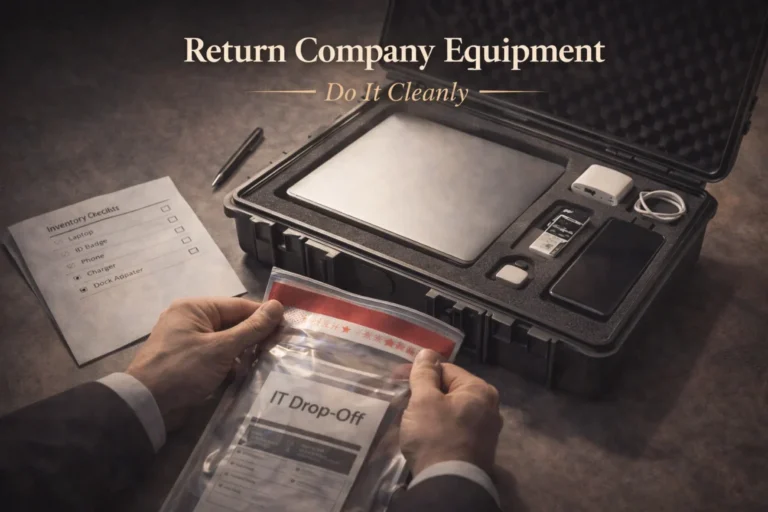
- Clean exit: Move only personal files in a clearly labeled folder, never wipe devices, and if you already took files, quarantine and do not use them.
The “Save As” Trap
It is 5:00 PM on a Friday. You plan to hand in your resignation on Monday. You sit at your desk, glance around to ensure no one is watching, plug in a USB drive (or open your personal Google Drive), and start dragging files over. Just a few templates you built from scratch, some key client contacts, and maybe that strategic presentation you are really proud of. You created them, so they belong to you, right?
Wrong. Dead wrong.
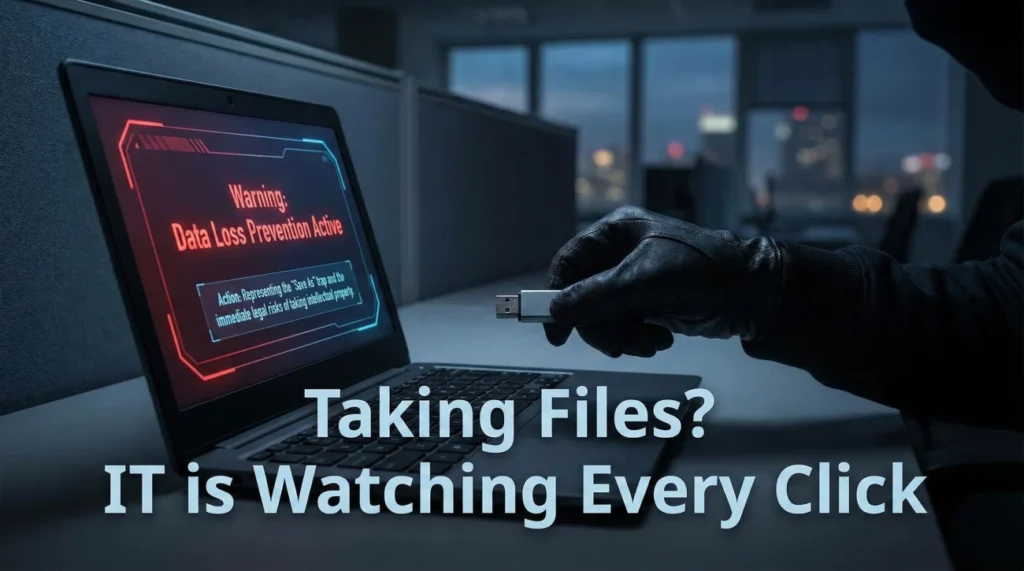
In the eyes of the law, taking company data – even files you authored – is classified as theft of intellectual property (IP). In the digital age, this isn’t just a matter of ethics; it is a matter of traceability. Corporate IT departments use sophisticated Data Loss Prevention (DLP) tools that log every download, every USB connection, and every email attachment. That innocent “backup” you are making could turn your resignation into a cease-and-desist letter, a lawsuit, or even criminal charges.
IT is Watching: The Digital Paper Trail
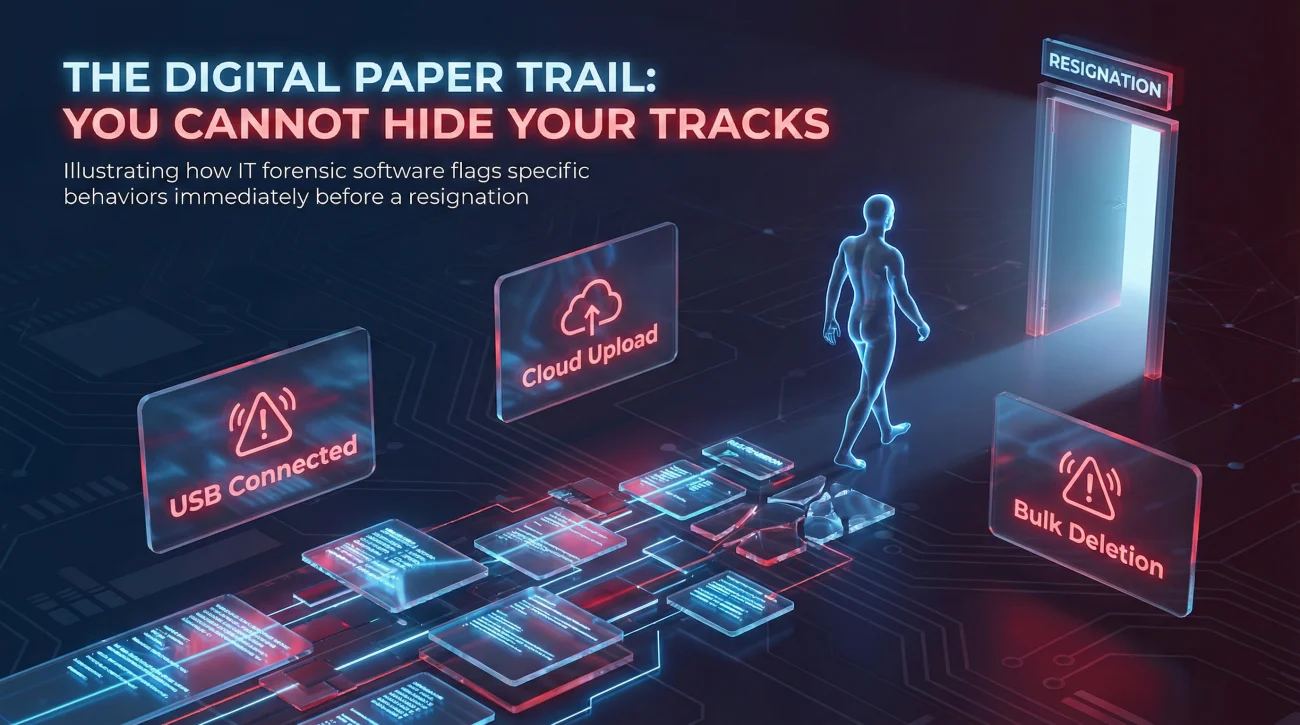
Many employees believe they are clever enough to hide their tracks. They think deleting the “Sent” email or clearing the browser history works. It does not. The server logs everything. Modern forensic software flags specific “Exit Behaviors” immediately before a resignation.
| The Action | What IT Forensics See | The Consequence |
|---|---|---|
| USB Transfer | “Mass storage device [Serial #] connected at 4:52 PM. 2.4GB transferred.” | Immediate red flag. Security may be alerted to escort you out before you even resign. |
| Cloud Uploads | “High-volume upload traffic to personal Dropbox/Google Drive.” | Access is often blocked automatically, and HR is notified of “Data Exfiltration.” |
| Emailing Yourself | “Subject: ‘Personal Docs’ sent to gmail.com containing proprietary attachments.” | Proof of intent to distribute IP. This is the easiest evidence to use in court. |
| Bulk Deletion | “500 files deleted from Shared Drive in 10 minutes.” | Classified as digital sabotage. They can restore the files, but you can’t restore your reputation. |
The Reality Check: If you are downloading files before quitting, assume IT knows. The question isn’t “Did they see it?”; the question is “Do they care enough to sue me?” If you go to a competitor, the answer is usually “Yes.”
The Legal Line: Skill vs. Property
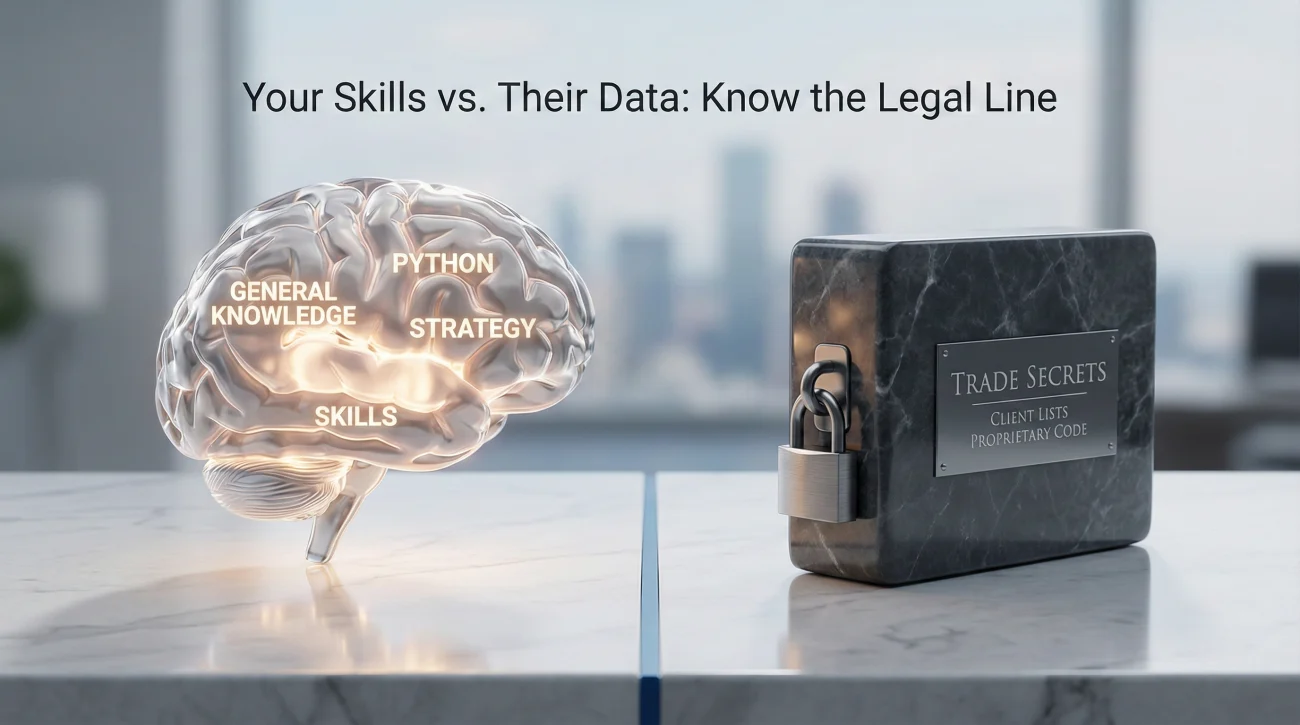
To survive your exit without a lawsuit, you must understand the distinction between what is in your head (yours) and what is on the hard drive (theirs).
1. General Knowledge vs. Trade Secrets
You have the right to take your “General Knowledge and Skill.” If you learned how to code in Python while at the job, that skill is yours. However, the specific library of code you wrote to solve a company problem is a “Trade Secret” and belongs to the employer.
2. The “Mental Rolodex” Doctrine
This is critical for sales professionals. Courts generally protect your right to use your memory. If you remember that “Jane Smith at Acme Corp” is a decision-maker, you can look her up on LinkedIn later. That is fair game.
However, if you download a CSV file containing Jane’s direct line, email, buying history, and contract renewal date, that is intellectual property theft. You cannot take the tangible list.
How to Save Your Portfolio Legally
For creatives (designers, marketers, strategists), leaving without your work samples feels like leaving empty-handed. You need a portfolio to get your next job. Here is the safe way to do it.
1. Ask Permission (The Golden Path)
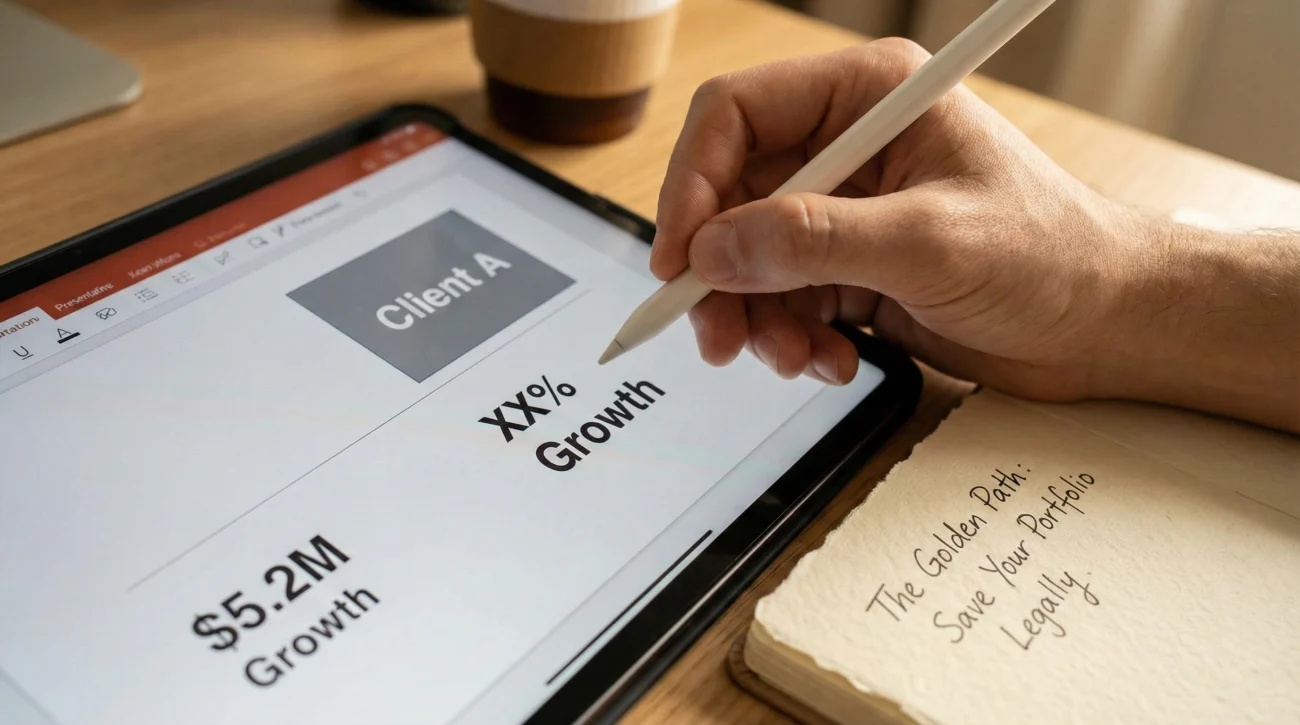
Before you resign, ask your manager for written permission to retain non-sensitive samples. Most reasonable bosses will agree if you promise to redact sensitive info.
2. The “Flattening” Technique
Never take the source files (e.g., the raw .PSD, .INDD, or .XLSX files with formulas). These are proprietary tools. Instead, take the “Final Output” (e.g., a PDF or JPG). This shows your design skills without stealing the editable asset.
3. The “Sanitization” Method
If you need to show a strategy deck, you must sanitize it. Go through and replace:
- 🚫 Real Logos: Replace with generic “Client A” placeholders.
- 🚫 Real Revenue Numbers: Change them to dummy data or percentages (e.g., “Increased sales by 20%”).
- 🚫 Strategic Plans: Remove any forward-looking slides about future products.
By doing this, you are taking the framework (your skill), not the substance (their secret).
The “Clean Room” Exit: Handling Personal Data
Over the years, your work laptop has likely become a storage unit for personal life: tax returns, wedding photos, resumes. You have a right to this data, but you must extract it surgically.
Step 1: Isolate. Create a folder on the desktop named clearly: PERSONAL_FILES_DO_NOT_OPEN.
Step 2: Migrate. Move only clearly personal files (JPGs of kids, PDF of tax returns) into this folder. Do not mix in “Project X” files.
Step 3: Transfer & Delete. Move that single folder to your personal drive, then immediately delete it from the work laptop. If IT flags the transfer, the folder name and contents will exonerate you. It proves you were separating, not stealing.
Template: Requesting Permission for Portfolio
Having a paper trail is your best defense. Send this email to your personal address after your boss replies.
Subject: Permission to retain work samples for personal portfolio
Hi [Manager Name],
As we plan my transition, I would like to request permission to save PDF copies of [Project A] and [Campaign B] solely for use in my personal portfolio to demonstrate my design capabilities.
To protect company confidentiality, I will ensure that:
- No proprietary raw source files or internal strategic data are included.
- Any confidential client information or specific revenue figures are fully redacted or anonymized.
- These files will not be shared with competitors or used for commercial purposes.
Please let me know if this is acceptable.
Best regards,
[Your Name]
❓ FAQ
💻 Can I take the code I wrote myself?
No. This is the most common misconception in tech. Under “Work for Hire” laws, any code written on company time, equipment, or using company resources belongs 100% to the employer. Taking source code is the fastest way to trigger a lawsuit.
📧 Can I forward emails to my personal account?
Avoid it. Forwarding work emails to a personal account is a classic “trigger event” for DLP systems. If you need contact info, write it down in a physical notebook with a pen. It is safer and harder to track digitally.
📱 What about contacts on my phone?
If the phone is company-issued, they can wipe it remotely. If it is your personal phone but you synced Outlook contacts, IT can selectively wipe the “corporate container.” Back up your personal contacts (Mom, Dad) separately to iCloud/Google before you give notice.
🗑️ Should I wipe my laptop before returning it?
Never. Wiping a hard drive looks like “Destruction of Evidence” and makes you look incredibly guilty. Just delete your personal files and log out of your personal accounts. Leave the work files exactly where they are.
⚖️ What if I already took files and now I’m scared?
Do not use them. Quarantine them on a drive you do not touch. Do not open them on your new employer’s laptop. If you receive a legal letter, comply immediately, delete the files, and sign the affidavit confirming deletion. Usually, if you prove you destroyed them and didn’t use them, they won’t pursue further.
Final Thoughts
Your professional reputation is worth infinitely more than a folder of PDF templates or a spreadsheet of old leads. In the digital age, taking company data is a high-risk gamble where the house (IT Security) almost always wins.
Leave the files. Take the experience. The skills you learned are stored in your brain, and that is the one hard drive they can never wipe or sue you for.
⚠️ Legal Disclaimer: ResignSmartly provides general informational guidance about resignation, workplace communication, notice periods, handovers, and career transitions. Content does not constitute individualized legal advice. Employment laws, contracts, workplace policies, and individual circumstances vary, so review the requirements that apply to your situation and consult an appropriate qualified professional when needed.