
- Core idea: Your resignation auto reply is your last public touchpoint, so it should prevent emails from falling into a black hole.
- Strategy: Build it to do three jobs fast, Redirect to the right owner, Closure with an effective date, Bridge with optional professional contact.
- Anatomy: Use a no doubt subject line, add triage routing by topic, and keep the sign off brief and classy.
- Templates: Pick a scenario fit message, Standard professional, Client facing concierge, Networker, or Internal only.
- Execution: Set it indefinite for internal and external, activate right before final logoff, and avoid traps like mystery dates, passive aggressive jokes, or personal oversharing.
For the full transition process, use our job handover guide and checklist.
The “Final Traffic Controller”: Why Your Last Auto-Reply is a Reputation Asset
Your resignation auto reply is the digital ghost you leave behind. Long after you have handed in your badge and logged off, this automated message continues to speak for you. It is the final touchpoint for clients, colleagues, and external partners who didn’t get the memo. Set it up poorly, and you create a “black hole” where critical business opportunities vanish. Set it up correctly, and you demonstrate a level of professionalism that echoes even in your absence.
Most professionals treat this as a checkbox exercise – a quick “I am gone” note scribbled in the final five minutes. This is a strategic error. A vague out of office resignation message creates friction. It forces the sender to hunt for a new contact, delaying projects and frustrating stakeholders. This guide transforms your auto-reply from a passive notification into an active “Traffic Control System,” ensuring business continuity and protecting your personal brand.
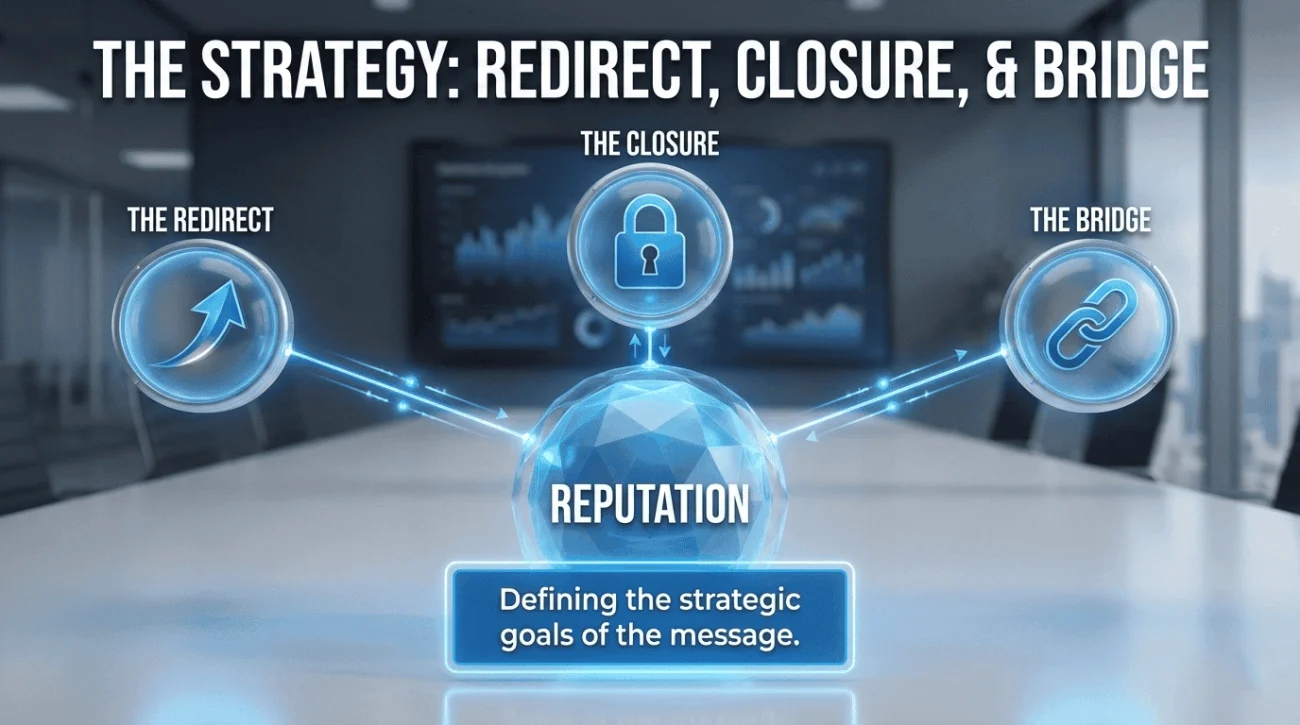
The Strategy: Why “I Left” Is Not Enough
An effective permanent out of office reply serves three strategic functions that go beyond simple notification:
| Function | The Goal | The Mechanism |
|---|---|---|
| 1. The Redirect | Zero lost revenue or momentum. | Specific routing instructions (e.g., “For Sales, email Sarah”). |
| 2. The Closure | Eliminating ambiguity. | Clear “Effective Date” so people stop waiting for a reply. |
| 3. The Bridge | Networking for the future. | Optional personal contact info (LinkedIn) for high-value contacts. |
The Anatomy of a Perfect Exit Auto-Reply
To craft the perfect auto reply email for leaving job, you need to strip away the fluff and focus on utility. Every word must earn its place.
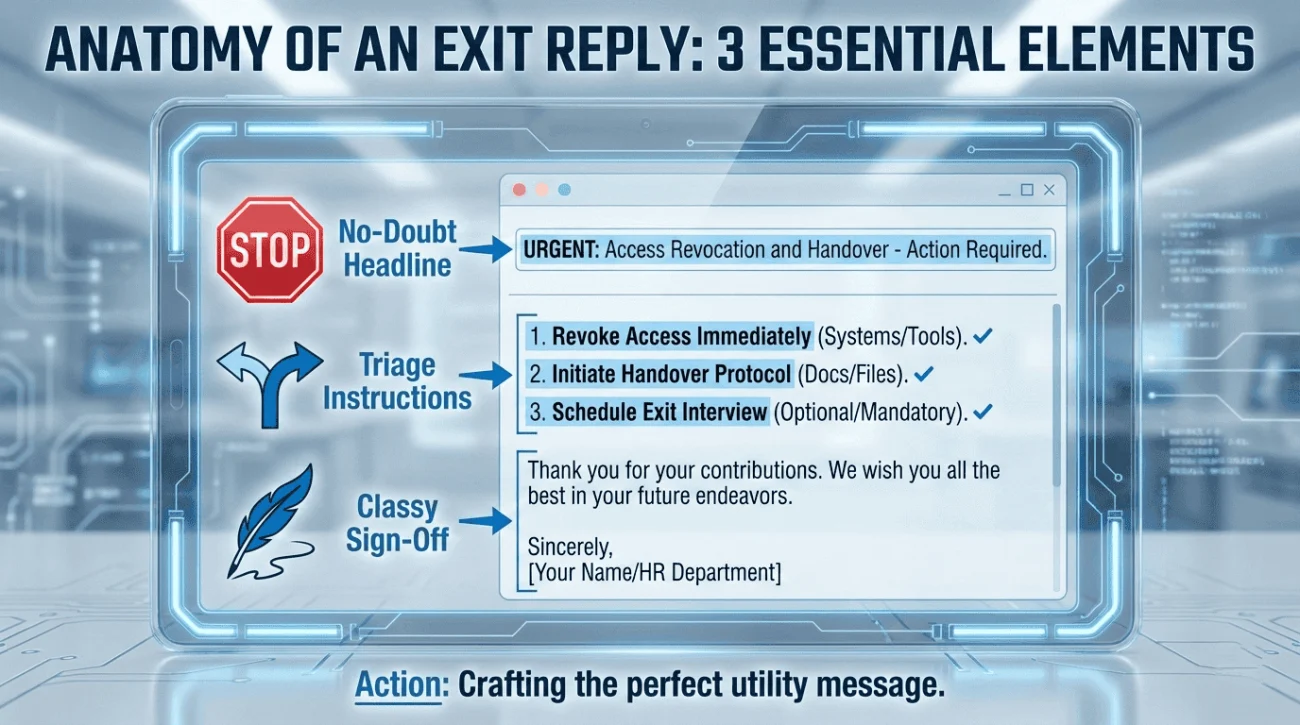
1. The “No-Doubt” Headline
Do not use “Out of Office.” That implies you are coming back. Use “Permanent Out of Office” or “No Longer with [Company].” This stops the sender from scheduling a follow-up task.
2. The “Triage” Instructions
Do not just dump one generic email address. Segment your audience.
“For Billing, contact X. For Strategy, contact Y.” This saves your former boss from becoming a glorious secretary who has to forward every single email manually.
3. The “Classy” Sign-Off
Keep it brief. “Thank you for the opportunity to work together.” Avoid emotional essays. This is a functional utility, not a memoir.
Master Templates for Every Scenario
One size does not fit all. A client-facing Sales Director needs a different auto-reply than an internal HR Manager. Choose the one that fits your role.
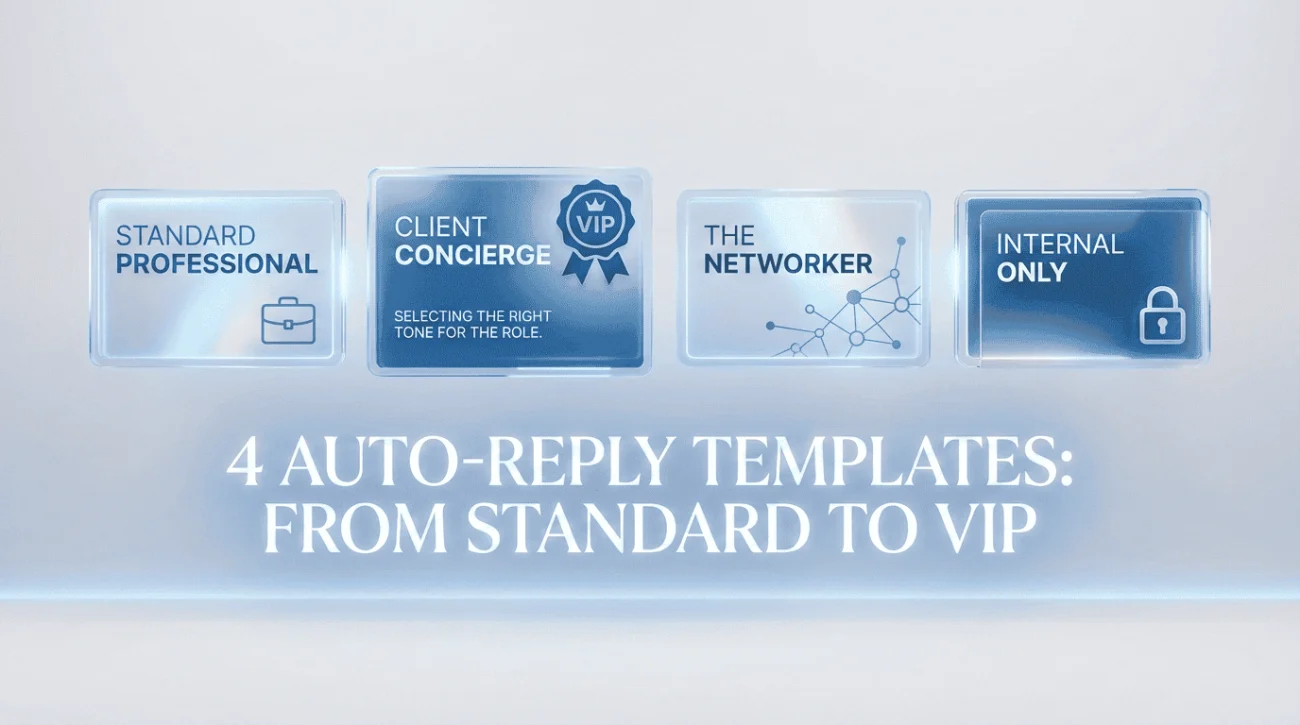
Scenario A: The “Standard Professional” (Safe & Effective)
Use this for general roles. It covers all bases without oversharing.
Subject: Permanent Out of Office: [Your Name]
Hello,
Thank you for your email. Please note that as of [Date], I am no longer with [Company Name].
Where to direct your inquiry:
- For Project A & B: Please contact [Colleague Name] at [Email].
- For Administrative/Billing: Please contact [Manager Name] at [Email].
- For Urgent Matters: Please reach out to the main office at [General Email].
My email account will not be monitored moving forward.
Thank you,
[Your Name]
Scenario B: The “Client-Facing” Concierge (Sales/Accounts)
If you manage external relationships, you must reassure them that they are still being taken care of. This prevents client churn.
Subject: Important Update Regarding Your Account – [Your Name]
Hi there,
Thank you for reaching out. I am writing to let you know that I have moved on from [Company] effective [Date].
It has been a pleasure working with you. To ensure your account continues to receive premium support, I have transitioned your file to:
[Successor Name]
[Title]
[Email Address]
[Phone Number]
[Successor Name] is fully briefed on your current status and is ready to assist you immediately.
Wishing you continued success.
Best regards,
[Your Name]
Scenario C: The “Networker” (Open for Connection)
Use this if you are leaving on good terms and want to harvest your professional network for your next chapter.
Subject: Moving On – [Your Name]
Hello,
As of [Date], I am no longer with [Company].
For all work-related inquiries, please direct your message to [Manager Name] at [Email].
I am grateful for the time I spent here. If you would like to stay in touch professionally, you can find me on LinkedIn here: [Link to Profile].
All the best,
[Your Name]
Scenario D: The “Internal Only” (Operations/IT)
For roles that deal strictly with internal tickets or workflows.
Subject: Account Inactive – [Your Name]
This email account is no longer active.
If you are looking for assistance with [Department Name], please redirect your request to the central helpdesk at [Link/Email].
For escalations, please contact [Manager Name].
Thank you.
The “Do Not Send” List: Common Traps
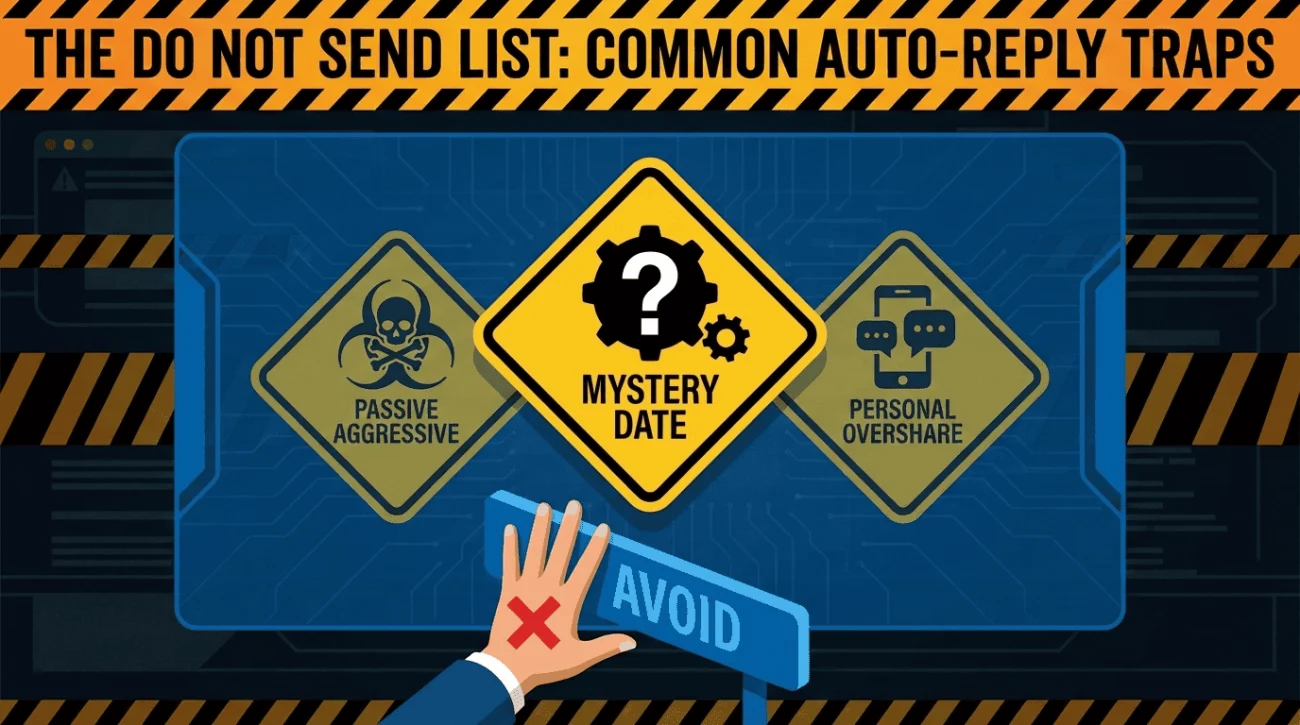
Avoid these errors that can make you look unprofessional or bitter.
| The Mistake | Why It Fails |
|---|---|
| ❌ The “Mystery” Date “I am leaving soon.” | Leaves the sender guessing. Are you gone now? Tomorrow? Be binary: “I am gone.” |
| ❌ The “Passive-Aggressive” “I have escaped to greener pastures.” | This isn’t funny; it’s toxic. It burns bridges with your former employer instantly. |
| ❌ The “Personal Overshare” Including your personal cell phone number. | Unless you want ex-clients calling you on Saturday night, stick to LinkedIn or a personal email only. |
Technical Execution: The Setup Checklist
Even the best message fails if the settings are wrong. Follow this no longer with company message setup guide.
- ✅ Timing: Activate it 15 minutes before you log off for the final time. Do not set it up the day before, or you will confuse people while you are still working.
- ✅ Audience: Set it to “External” AND “Internal.” Sometimes internal colleagues need the reminder too.
- ✅ Duration: Set it to “Indefinite” (No End Date). Your IT department will eventually kill the inbox, but you want this message to run until that moment.
- ✅ Forwarding: Ask IT to forward your emails to your manager in addition to the auto-reply. The auto-reply tells the sender what to do; the forwarding ensures the data isn’t lost.
❓ FAQ
📧 Can I include my new work email?
Generally, no. Using your old company’s infrastructure to advertise your new company is considered poaching and is often a violation of your employment contract. Stick to LinkedIn or a personal Gmail.
⏳ How long will this message stay up?
That depends on your company’s IT policy. Usually, accounts are kept active for 30-90 days to catch straggling emails before being archived. Your auto-reply will live as long as the inbox does.
🤝 What if I don’t have a replacement?
Route traffic to your manager. It is their responsibility to redistribute the work. Do not leave the contact field blank; “Contact [Manager Name]” is the standard protocol.
Final Thoughts: The Last Impression
Your resignation auto reply is the digital equivalent of a clean desk. It signifies order, respect, and professionalism. By setting up a clear, helpful, and directive message, you ensure that your departure causes zero disruption.
You want your former colleagues to say, “I miss [Your Name], they were so organized,” not “Does anyone know the password to the billing portal?” Leave them with the former.
For more templates on closing out your role, check out our guide on handover best practices or explore our goodbye and handover emails category of exit resources. Start your journey to a smarter resignation at our homepage.
⚠️ Legal Disclaimer: ResignSmartly provides general informational guidance about resignation, workplace communication, notice periods, handovers, and career transitions. Content does not constitute individualized legal advice. Employment laws, contracts, workplace policies, and individual circumstances vary, so review the requirements that apply to your situation and consult an appropriate qualified professional when needed.