- Core Risk: Without a formal equipment handover email, you can get hit with “phantom asset” charges months later.
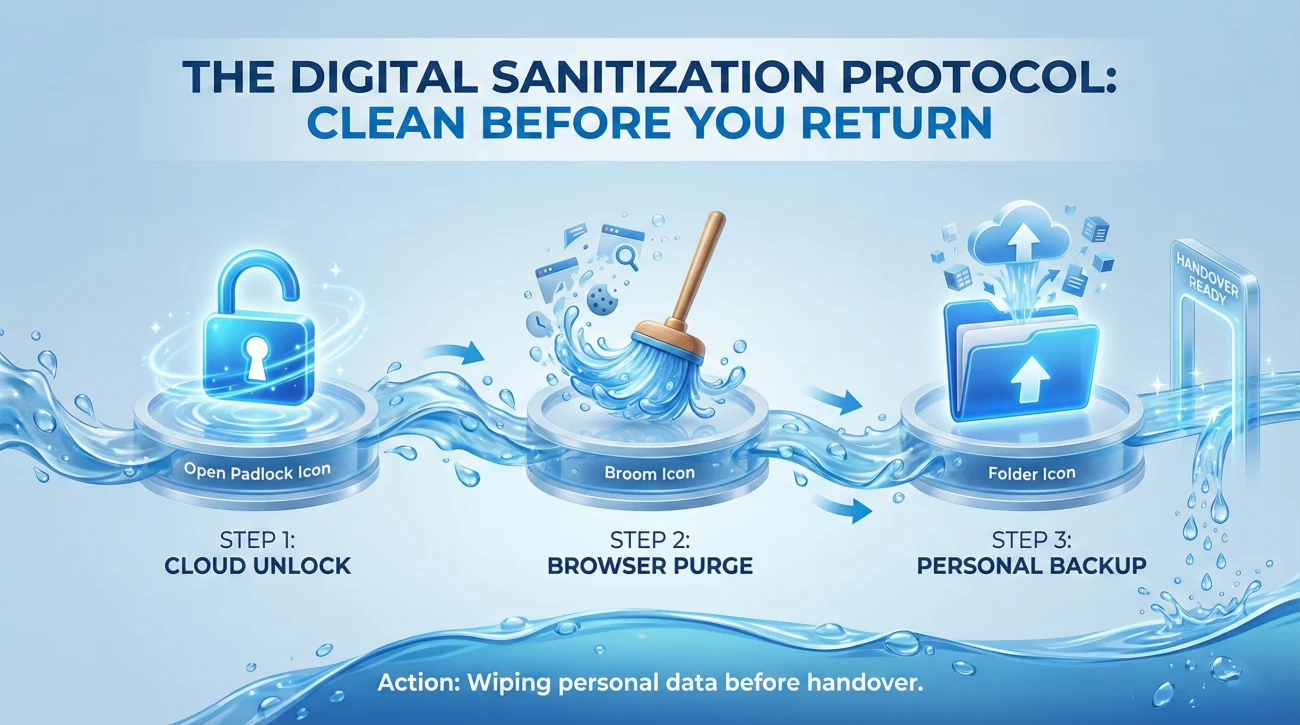
- Before You Pack: Remove account locks, clear saved passwords and autofill, and pull personal files into one backup folder, then delete it.
- Evidence Proof: Photograph the device powered on, capture the serial number, and take one flat-lay shot of all accessories.
- Chain Of Custody: Send a receipt-style email immediately after handoff or shipping, listing every item, serials, condition, and tracking or insurance details.
- If They Dispute: Reply calmly with the timestamped receipt, serial numbers, and photos or tracking to shut down deductions fast.
For the full transition process, use our job handover guide and checklist.
The “Receipt of Exoneration”: Why Your Equipment Return Email is Your Legal Shield
In the chaotic final days of a job, returning your laptop and badge often feels like a minor administrative hurdle. You hand it to the IT guy, he nods, and you walk out. This casual approach is a financial landmine. Without a formal equipment handover email, you are leaving yourself vulnerable to one of the most common post-employment disputes: The “Phantom Asset” charge.
Companies lose equipment constantly. When an asset audit fails months later, the path of least resistance is to blame the last known user: you. If you cannot prove you returned that $2,500 MacBook Pro, many employment contracts allow the company to deduct the replacement cost from your final paycheck or severance. This isn’t malice; it’s bureaucracy.
This guide converts the simple act of returning a laptop into a rigorous “Chain of Custody” protocol. We will cover how to sanitize your data, document the physical condition of assets to prevent damage claims, and draft a returning company property email that serves as a binding legal receipt.
Phase 1: The “Digital Sanitization” Protocol (Before You Pack)
Returning the hardware is only half the job. If you return a laptop that is still locked to your personal accounts, it is a “brick” to the company. They will delay your offboarding until you unlock it.
1. The “Cloud Lock” Trap
For Macs: Sign out of iCloud and “Find My Mac.” If you wipe the computer without signing out, Activation Lock remains active, rendering the device useless. IT will call you.
For Windows: Decrypt the drive (BitLocker) if you set a personal password, and unlink your personal Microsoft account.
2. The Browser Purge
Do not just log out. Go to Chrome/Edge settings and “Clear Browsing Data” -> “All Time.” Ensure “Passwords” and “Autofill form data” are checked. You do not want the next employee auto-filling your personal bank login.
3. The “Personal” Folder
Company devices are not for personal storage, but we all do it. Create one folder named “Personal_Backup,” move your tax forms, family photos, and resume there. Transfer it to a USB drive, then permanently delete the folder. Do not wipe the entire drive unless instructed; IT may need your work files.
Phase 2: The Evidence Collection (The Photoshoot)
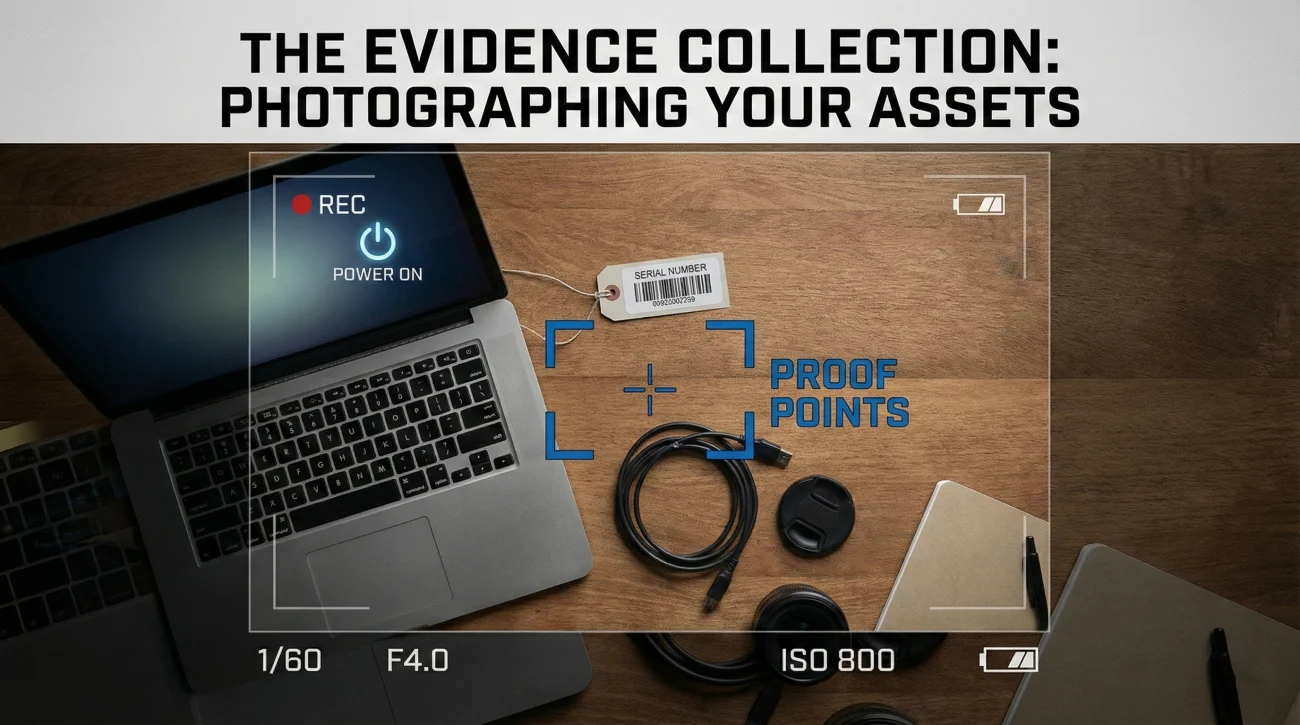
A common dispute arises when a company claims you returned a damaged device. To prevent this, you need proof of condition at the moment of handover.
- 📸 The “Power On” Shot: Take a photo of the screen powered on, showing no cracks or dead pixels.
- 📸 The “Serial Number” Shot: Photograph the bottom of the laptop/device. This proves you are returning the specific asset assigned to you, not a decoy.
- 📸 The “Accessories” Spread: Lay out the charger, dongles, mouse, and headset. Take one flat-lay photo. These small items add up to hundreds of dollars.
The “Chain of Custody” Email Templates
Never rely on a verbal “Thanks.” Send one of these emails immediately after the handoff. These asset handover form emails act as your receipt.

Scenario A: The In-Person Handover (Immediate Receipt)
Send this while you are standing at the IT desk or HR office.
Subject: HANDOVER RECEIPT: Equipment Return – [Your Name]
Hi [IT/HR Contact Name],
This email serves as formal confirmation that I have returned the following company assets today, [Date], at [Time].
💻 PRIMARY HARDWARE
- MacBook Pro 16″: Serial #C02XYZ123 (Powered on, screen intact).
- iPhone 13: Serial #DX456 (iCloud signed out, factory reset).
🔌 ACCESSORIES
- 85W Power Adapter & USB-C Cable.
- Apple Magic Mouse & Keyboard.
- Thunderbolt Docking Station.
🔑 ACCESS
- Office Key Fob #12345.
- Building ID Badge.
CONDITION NOTE:
All items are in good working order with normal wear and tear. I have attached photos of the devices powered on and their serial numbers for your records.
Please reply with “Confirmed” to acknowledge receipt.
Best,
[Your Name]
Scenario B: The Remote Return (The Shipping Log)
Shipping is high-risk. If FedEx loses it, you are liable unless you prove you shipped it properly. Use this laptop return email.
Subject: SHIPMENT TRACKING: Equipment Return – [Your Name]
Hi [HR/IT Manager],
I have just dropped off my company equipment at [Carrier] as requested.
📦 SHIPMENT DETAILS
- Carrier: FedEx / UPS
- Tracking Number: [Link to Tracking]
- Weight: 4.5 lbs
- Insured Value: Declared at $2,500
📸 CONTENTS & CONDITION
I have taken a continuous video of the boxing process, showing the device condition (screen intact) and the sealing of the box. I have attached photos of the serial numbers (Asset Tag #556677) proving the correct device was packed.
The package includes: [List Items: Laptop, Charger, Monitor].
Please let me know once this arrives at HQ.
Best,
[Your Name]
Scenario C: The “Damage Control” (Broken Equipment)
If you broke something, admit it before they find it. Honesty prevents them from suspecting malice.
Subject: EQUIPMENT RETURN: Asset Status & Condition Note – [Your Name]
Hi [IT Contact],
I am returning my equipment today. I want to flag a pre-existing issue so there are no surprises during your audit.
Item: Lenovo ThinkPad X1 (Serial #123)
Condition: The “H” key is loose, and there is a small dent on the bottom left corner of the chassis. This occurred approximately 6 months ago during travel and does not affect performance.
All other items (Charger, Headset, Monitor) are in perfect condition.
Thank you,
[Your Name]
The “Phantom Charge”: Fighting Unjust Deductions
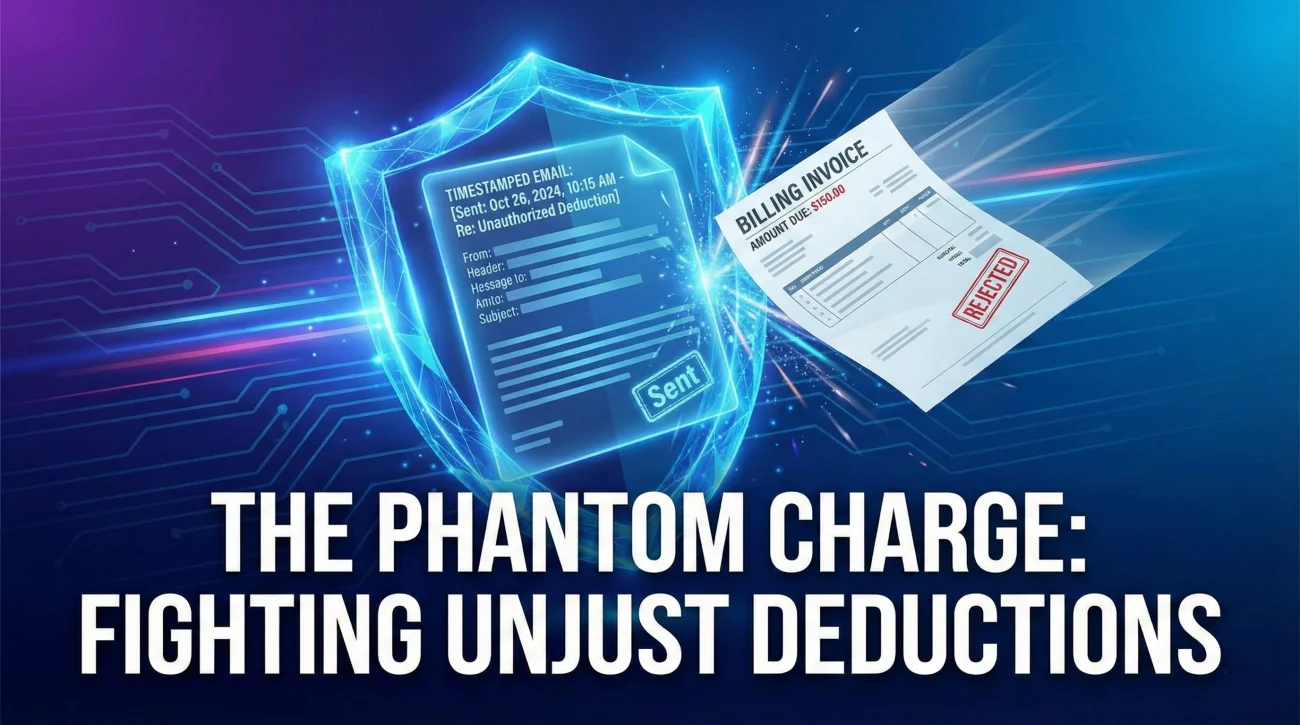
What happens if you get an email saying: “We never received the monitor, we are deducting $300 from your severance”?
Your Response Strategy:
- Do not get emotional. Treat it as an administrative error.
- Forward the Proof. Reply to the email with your “Handover Receipt” email attached (or the tracking number).
- The Script: “Please see the attached email dated [Date]. This confirms that [Name of Person] received the monitor in person. The serial number was [Number]. Please check with [Name] directly.”
In 99% of cases, the presence of a timestamped email with a serial number makes the problem disappear immediately. HR doesn’t want a fight; they just want to balance the books.
❓ FAQ
📦 Do I have to pay for shipping?
Absolutely not. The company must provide a prepaid shipping label. If they ask you to pay and reimburse you later, refuse politely but firmly: “Please send a prepaid FedEx label to my email. I do not have a personal shipping account.” This shifts the liability of the shipment to their account, not yours.
💾 Can I keep the laptop if I offer to buy it?
Sometimes. This is called an “Asset Buyout.” Ask IT before your last day. “Since this laptop is 3 years old, does the company have a buyout policy?” Older machines are often written off as depreciated assets, and they might sell it to you cheap to avoid the hassle of e-waste recycling.
⌨️ Do they really want the old mouse and keyboard?
Ask. Often, companies do not want used headsets (hygiene) or cheap keyboards back. However, never assume. Send an email: “Do you want the headset and mouse returned, or should I dispose of them?” If they say dispose, you keep them. If you assume and keep them, it’s theft.
Final Thoughts: Closing the Loop
The equipment handover email is the final period at the end of your employment sentence. It signifies a clean, professional break. By treating your company’s assets with respect and documenting their return with legal precision, you protect your wallet and your reputation.
Don’t let a missing power cord be the last thing they remember about you. Pack it up, document it, and walk away clean. For more tips on closing out your role, check out our handover best practices …or browse our goodbye and handover emails category.
⚠️ Legal Disclaimer: ResignSmartly provides general informational guidance about resignation, workplace communication, notice periods, handovers, and career transitions. Content does not constitute individualized legal advice. Employment laws, contracts, workplace policies, and individual circumstances vary, so review the requirements that apply to your situation and consult an appropriate qualified professional when needed.