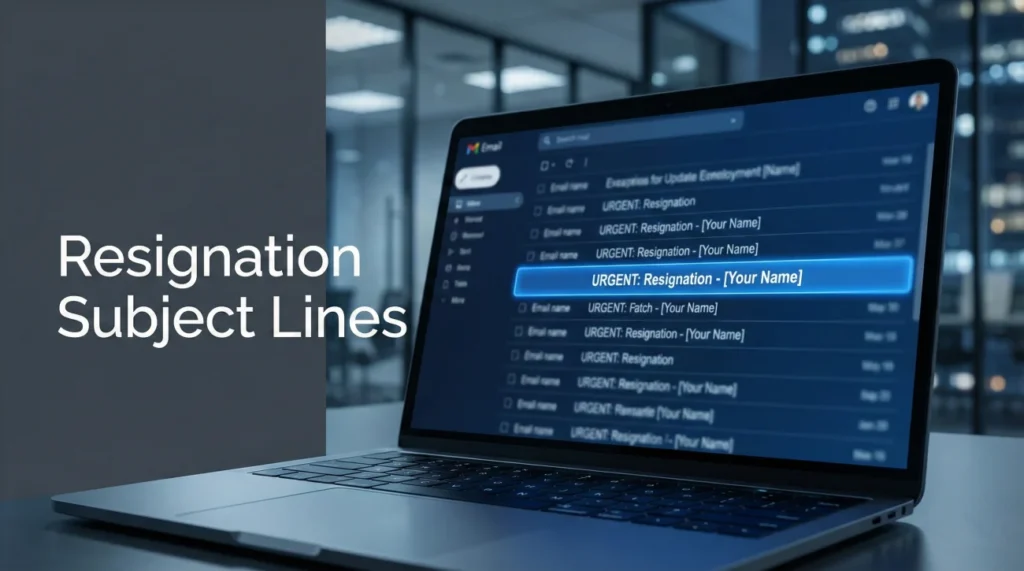
- Why it matters: A clear subject line gets opened fast and helps HR file your resignation correctly.
- What to include: Resignation, Your full name, Optional job title, Optional last working day.
- What to avoid: Vague subjects, Emotional wording, All caps, Extra punctuation, Emojis, Confusing abbreviations.
- If you attach a PDF: Say the letter is attached so they do not miss the file or treat the email preview as the official notice.
- Delivery details: Send during business hours, keep it mobile-friendly by putting the most important words first.
Why Your Subject Line Matters More Than You Think
Your resignation letter subject line determines whether your resignation email gets immediate attention or sits unread in an overflowing inbox. Managers receive dozens of emails daily – a clear subject line ensures yours doesn’t get buried under meeting requests and project updates.
HR departments file resignation letters in personnel systems by employee name and date. A properly formatted subject line helps them categorize your resignation correctly the first time, preventing administrative confusion that can delay final paycheck processing or benefits termination.
This guide provides 20 professional subject line examples and explains the formatting principles that make resignation emails impossible to overlook or misfile. For complete resignation protocols, see our resignation letter etiquette guide.
Subject Line Formatting Principles
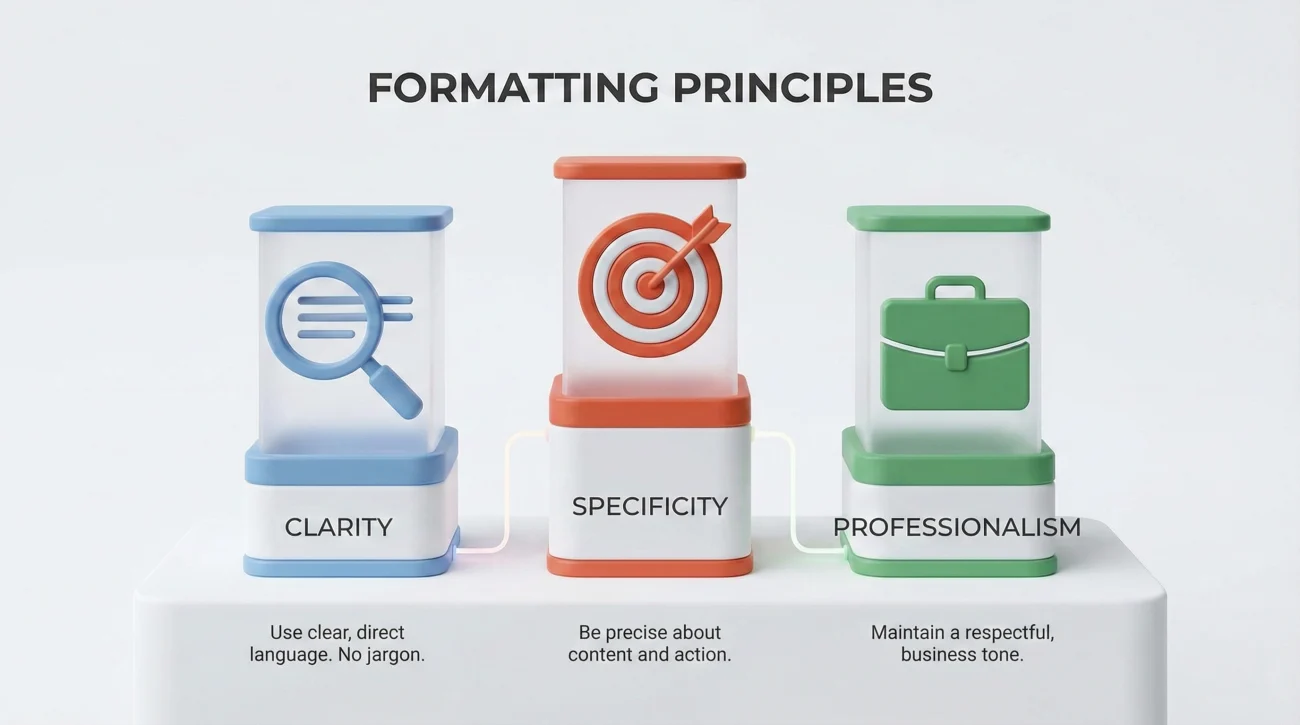
Effective email subject for resignation letter follows three core principles: clarity, specificity, and professionalism. Your subject line should immediately communicate the email’s purpose without requiring the recipient to open it to understand what it contains.
Essential Elements to Include
- ✓ The word “Resignation” for immediate clarity
- ✓ Your full name for accurate filing
- ✓ Your job title for context (especially in large organizations)
- ✓ Optional: Your last working day for HR processing
What to Exclude
- ✗ Vague language like “Important” or “Update”
- ✗ Emotional tone or explanations
- ✗ All caps (appears unprofessional)
- ✗ Excessive punctuation or emojis
- ✗ Abbreviations that might confuse recipients
20 Professional Subject Line Examples
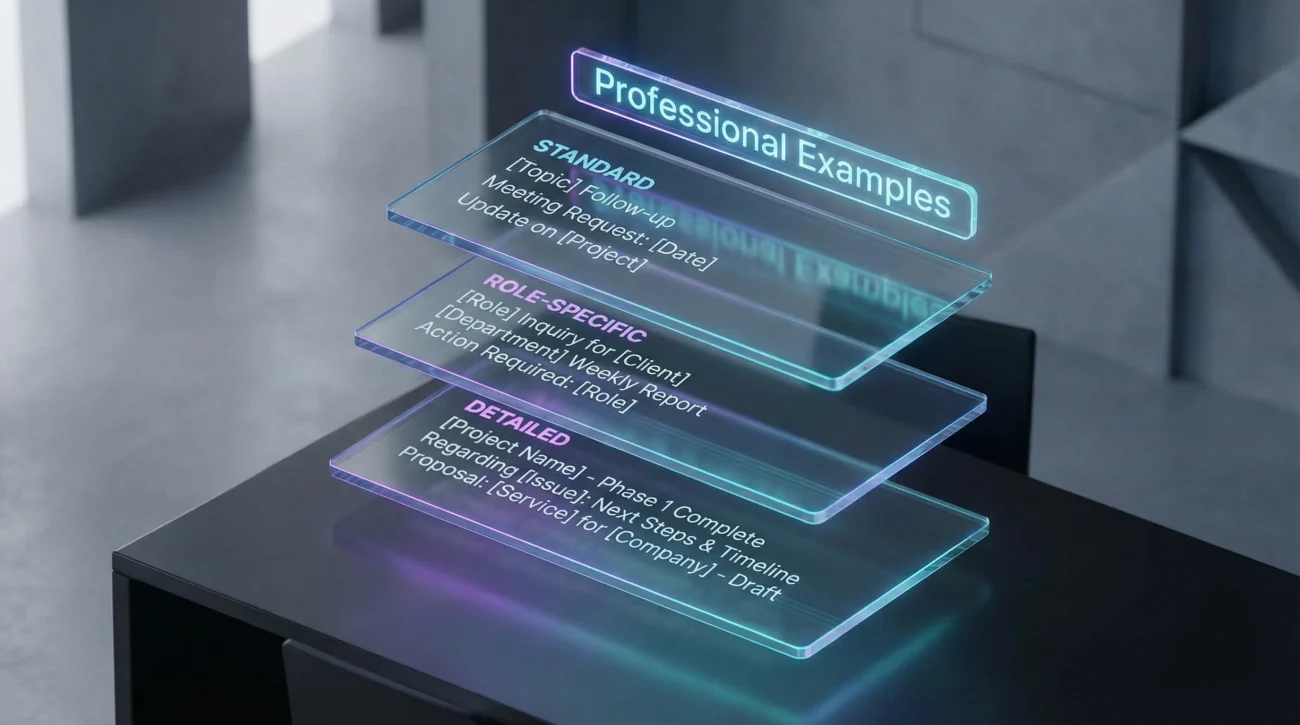
These resignation letter email subject templates work for various professional contexts. Choose the format that best matches your company culture and relationship with your manager.
Standard Format (Most Common)
- Resignation – [Your Full Name]
- Resignation Letter – [Your Name] – [Job Title]
- Notice of Resignation – [Your Name]
- Formal Resignation – [Your Name], [Department]
- Resignation Effective [Date] – [Your Name]
With Additional Context
- Resignation – [Your Name] – Last Day [Date]
- Two Weeks Notice – [Your Name] – [Job Title]
- [Your Name] – Resignation Letter Attached
- Resignation Notice: [Your Name], [Department Name]
- Formal Notice of Resignation – [Your Name]
Role-Specific Formats
- Resignation – [Job Title] Position – [Your Name]
- [Department] Resignation – [Your Name]
- Resignation of [Job Title] – [Your Name] – Effective [Date]
- [Your Name] – [Job Title] Resignation Letter
- Notice of Departure – [Your Name], [Job Title]
With Immediate Date Clarity
- Resignation Effective [Month Day, Year] – [Your Name]
- [Your Name] Resignation – Final Day [Date]
- Formal Resignation – [Your Name] – [Last Working Day]
- Two Week Notice Starting [Date] – [Your Name]
- Resignation Notice – [Your Name] – Departing [Date]
When Attaching a PDF Resignation Letter
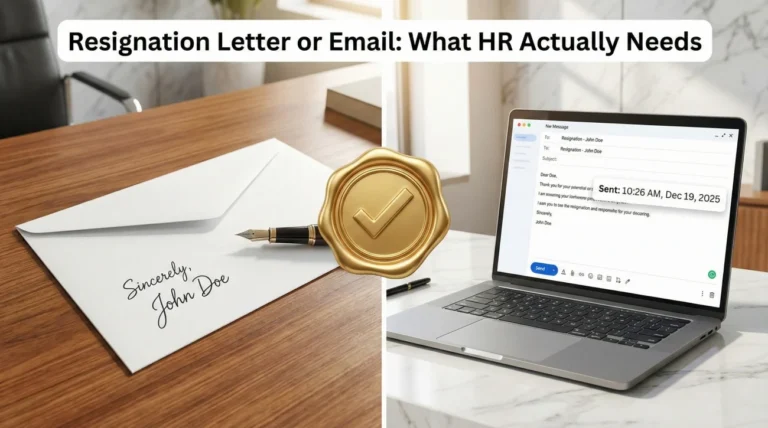
Many professionals create formal resignation letters in Word or PDF format for signatures and official records. Your attaching resignation letter subject line should explicitly mention the attachment to ensure recipients open the file.
Indicating Attachments Clearly
Add language that signals an attached document: “Resignation Letter Attached” or “See Attached Resignation Letter.” This prevents confusion about whether your resignation exists solely in the email body or requires opening an attachment for the official document.
For HR filing purposes, PDF attachments with wet signatures carry more legal weight than plain text emails. Your subject line should make the attachment impossible to overlook, ensuring HR downloads and files the formal document rather than just reading the email preview.
Complete Email Examples with Subject Lines
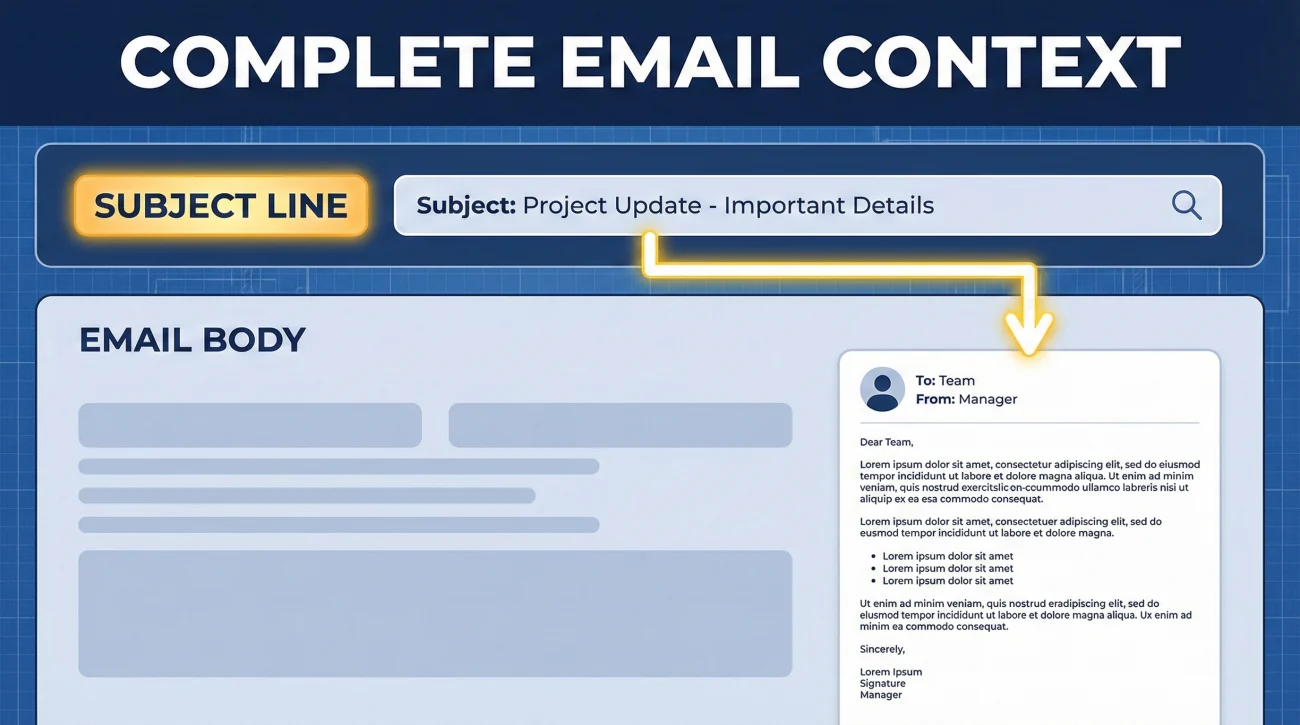
These complete resignation email templates show how subject lines work in context with the full message.
Formal Email with Attached Letter
Subject: Resignation Letter – Sarah Mitchell – Marketing Manager
Dear Mr. Johnson,
Please find attached my formal letter of resignation from the position of Marketing Manager at Cascade Solutions. As stated in the attached document, my last working day will be March 29, 2024, providing two weeks’ notice as required.
I appreciate the opportunities I’ve had during my three years with the company. I’m committed to ensuring a smooth transition of my responsibilities during the notice period.
The attached PDF contains my formal resignation letter with signature for your records.
Best regards,
Sarah Mitchell
Marketing Manager
sarah.mitchell@email.com
(415) 555-0142
[Attachment: Resignation_Letter_Sarah_Mitchell.pdf]
Direct Email Body Resignation
Subject: Resignation – David Chen – Last Day April 15, 2024
Dear Ms. Rodriguez,
I am writing to formally notify you of my resignation from DataFlow Systems, effective April 15, 2024.
Thank you for the support and opportunities over the past two years. I’ve valued working with the engineering team and appreciate the professional development I’ve gained here.
I’m available to discuss transition planning at your convenience and will ensure comprehensive documentation of my current projects.
Sincerely,
David Chen
Senior Software Engineer
david.chen@email.com
(206) 555-0198
Subject Line Timing Considerations
Send your resignation email during normal business hours, preferably mid-morning (9-11 AM) on a Tuesday through Thursday. This timing ensures your message arrives when inboxes are manageable and recipients have time to process the news properly.
Avoid Monday morning resignations when managers face overwhelmed inboxes full of weekend backlog and Friday afternoon departures when your manager spends the weekend processing news without HR support available. Mid-week timing gives everyone involved space to begin transition planning immediately with full organizational resources accessible.
Urgent or Immediate Resignations
If circumstances require immediate resignation, your subject line should reflect this urgency: “Immediate Resignation – [Your Name] – Effective Today [Date].” This signals to both your manager and HR that they need to prioritize reading and responding to your email.
Follow up an urgent resignation email with a phone call to your manager within 30 minutes. The combination of clear email subject line and personal contact ensures your immediate departure gets handled appropriately despite the compressed timeline.
Sending to Multiple Recipients
Your resignation email typically goes to your direct manager with HR copied. The subject line serves both recipients equally – your manager needs to recognize it immediately as your resignation, while HR needs clear formatting for proper filing in personnel systems.
CC and BCC Protocol
Send directly to your manager with HR in CC (visible copy). Never BCC your resignation – transparency matters in professional departures. Everyone involved should know who else received the notification to prevent confusion about whether HR or your manager has taken responsibility for processing your resignation.
If your company uses a general HR email address (hr@company.com) rather than a specific person, include this in your CC list. The subject line’s clear formatting helps whoever monitors that inbox route your resignation to the correct personnel specialist.
Mobile Email Considerations
Many managers check email on mobile devices throughout the day. Mobile email clients truncate subject lines after 30-40 characters, so put the most critical information first: your name and the word “Resignation.”
A subject line that reads “Resignation – Jennifer Martinez – Senior Accountant – Last Day…” gets cut off on mobile, potentially hiding important date information. Restructure for mobile: “Jennifer Martinez Resignation – March 15” ensures all critical details appear even on small screens.
Preview Text Optimization
The first line of your email body appears as preview text in most email clients. Start immediately with your resignation statement rather than pleasantries: “I am writing to formally resign from…” This preview reinforces your subject line’s message before the recipient even opens the full email.
Common Subject Line Mistakes
These subject line errors create unnecessary confusion or make your resignation email easy to overlook in crowded inboxes.
Too Vague
“Important” or “Need to Talk” fails to communicate urgency or purpose. Recipients might deprioritize your email behind clearly labeled project updates and client emergencies. Vague subject lines also complicate HR’s filing systems when they need to retrieve your resignation documentation months later.
Too Casual
“Heading Out” or “Moving On” sounds unprofessional for official documentation. Your resignation email becomes part of your permanent employment record. Casual language in the subject line suggests you don’t take the resignation seriously, potentially affecting future reference quality.
Overly Detailed Explanations
“Resignation Due to Family Relocation and New Career Opportunities” includes unnecessary information that belongs in the email body, not the subject line. Keep subject lines focused on the core fact: you’re resigning, your name, and your last day.
❓ FAQ
📧 Should I include my employee ID in the email subject line?
No, employee IDs belong in the email body, not the subject line. Subject lines should contain only essential information: the word “Resignation,” your name, and optionally your job title or last day. Include your employee ID in the first paragraph of the email body where HR can easily find it.
📎 How do I indicate an attached resignation letter in the subject line?
Add “Resignation Letter Attached” to your subject line: “Resignation Letter Attached – [Your Name]” or “[Your Name] – Resignation (See Attachment)”. This ensures recipients know to open the attached PDF rather than treating the email body as your complete resignation.
⏰ Does the time I send my resignation email matter?
Yes. Send during business hours, preferably mid-morning (9-11 AM) Tuesday through Thursday. Avoid Monday mornings when inboxes overflow and Friday afternoons when support resources are limited. Mid-week timing gives everyone space to begin processing your departure immediately.
📱 Should I optimize my subject line for mobile devices?
Yes. Mobile email clients truncate subject lines after 30-40 characters. Put critical information first: “Resignation – [Your Name]” rather than long titles that get cut off. Test how your subject line appears on a phone screen before sending.
🔄 Can I change my resignation email subject line if I made a mistake?
Once sent, you cannot change the original subject line. If you made an error (wrong date, misspelled name), send a follow-up email with subject line “Correction: Resignation Details – [Your Name]” that clarifies the accurate information. Reference the original email to maintain clear documentation.
Final Thoughts
Your resignation letter subject line takes seconds to write but significantly influences how quickly and accurately your resignation gets processed. Clear subject line formatting ensures your manager prioritizes reading your email and HR files your resignation correctly without needing clarification.
Professional subject lines demonstrate the same careful attention to detail that made you valuable as an employee. This small formatting consideration often determines whether your departure feels organized and respectful or chaotic and thoughtless to everyone involved in processing your resignation.
Choose a subject line format from the 20 examples provided, personalize it with your specific information, and send during optimal business hours. These simple practices ensure your resignation email accomplishes its purpose efficiently while maintaining your professional reputation throughout the entire departure process.
⚠️ Legal Disclaimer: The resignation templates, email samples, and professional guidance provided in this guide are for informational purposes only and do not constitute legal advice. Employment laws and contract requirements vary by jurisdiction and individual circumstances. Please review your employment agreement and consult your HR department and/or a qualified attorney to ensure compliance with applicable laws and policies.