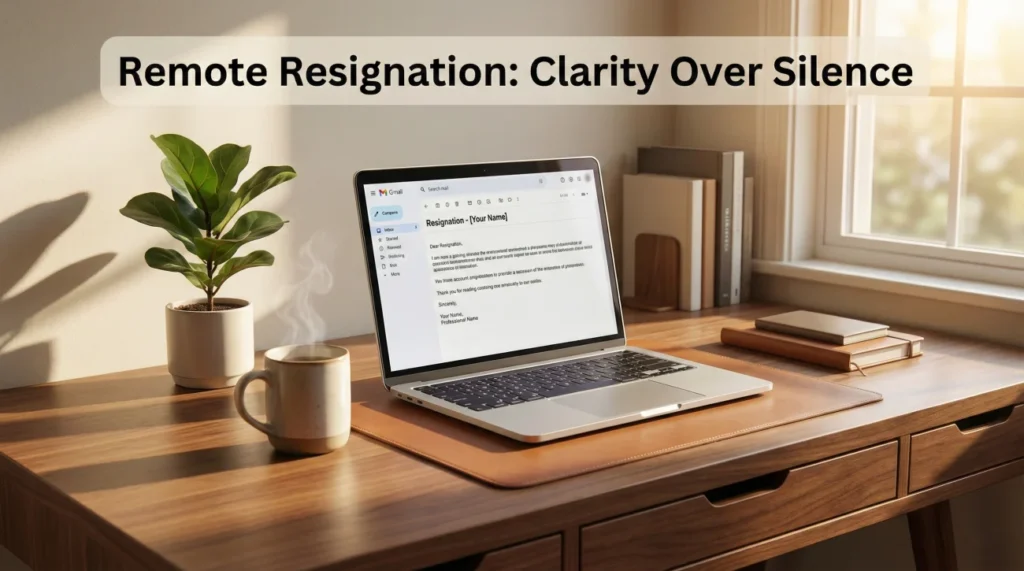
- Core rule: Don’t disappear or “ghost”, remote teams read silence as risk and it burns bridges fast.
- Best sequence: Call your manager first, email your resignation second, announce to the team third after last day and plan are aligned.
- Handover standard: Write a handover doc with status, owners, links, key context, risks, recurring tasks, and contacts.
- Time zone control: Pick a resignation window where your manager can respond quickly, then post one approved announcement message once.
- Clean offboarding: Move work into shared systems, transfer ownership, follow access rules, and return equipment with inventory, photos, tracking, and receipt confirmation.
Remote Resignations Fail in One Predictable Way: Silence
When you’re working from home, it’s weirdly easy to disappear. No hallway conversations. No “quick chat” at someone’s desk. No visible cues that you’re about to leave. That’s why quitting remote job is one of the easiest resignations to mess up without even trying.
Ghosting is the fastest way to burn a bridge. Not because you’re a villain, but because remote teams run on trust and clarity. If you vanish, people assume the worst: you don’t care, you’re hiding something, or you’re creating problems they’ll have to clean up.
This guide gives you the clean remote exit plan: what to say, when to say it, how to handle time zones, handover, access, and equipment return. The goal is simple: leave like a pro, even from a distance.
Why Resigning Remotely Needs More Structure Than In-Office

In an office, a resignation has built-in “friction.” People see you packing. They notice meetings. Your manager can coordinate handover informally. Remote work removes that friction, so you must replace it with process.
Remote resignations usually fail in three places:
- Timing and communication order (people hear it through rumors or Slack reactions).
- Handover documentation (the “knowledge” was in your head and DMs).
- Offboarding logistics (equipment, access, accounts, and final confirmations).
The Best Sequence: Talk First, Email Second, Team Third
Remote etiquette is mostly about order. You want the right people to hear the news first, and you want that moment to be controlled.

Step 1: Schedule a short private call with your manager
A 10–15 minute video call is ideal. If time zones make that hard, do a phone call.
Avoid resigning for the first time inside a group channel or in a meeting with other people present.
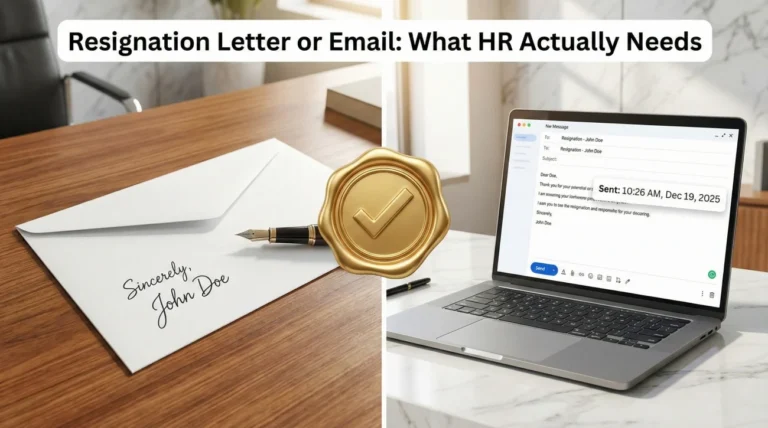
Step 2: Send the formal resignation email right after the call
The email creates the official timestamp and reduces confusion. If you need help writing it cleanly, follow: how to write a resignation email.
Step 3: Align on a team announcement and your last day plan
Don’t announce to the team until you and your manager agree on the basics: last working day, transition responsibilities, and who will own what after you leave.
What to Say on the Call: Calm, Short, Final
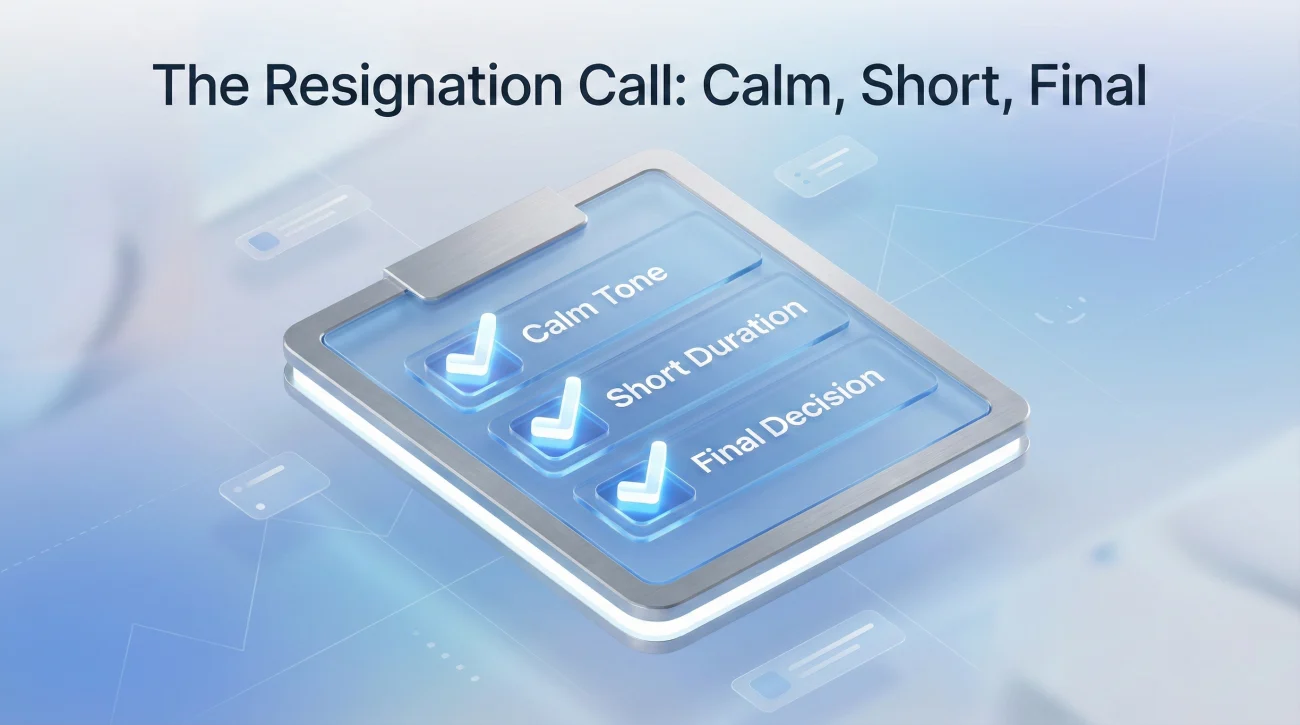
Your goal is not to debate. Your goal is to communicate a decision professionally and propose a transition plan. Keep the reason high-level. Remote work already creates distance; oversharing creates awkwardness.
Script for a manager call (video/phone):
“Thanks for meeting with me. I want to be direct and professional: I’m resigning from my role. My last working day will be [date], based on [notice period / my proposed timeline]. I’m committed to making the transition smooth. I can prepare a handover doc, walk through active work, and help identify the right next owners for my responsibilities.”
“I’ll follow up with a formal resignation email right after this call.”
If you want a broader framework for keeping your exit clean and low-drama, this page is the reference standard: resignation etiquette.
Remote Handover Is Documentation, Not Good Intentions

The biggest remote resignation mistake is thinking a few meetings will replace documentation. Meetings fade. Notes remain. The best handover leaves a paper trail that someone can use without you.
What your handover document should include
- Current priorities: what is in-flight, what is blocked, what is waiting.
- Owners: who owns what after you leave (even if “TBD,” list who decides).
- Links: docs, tickets, repositories, dashboards, shared drives.
- Key context: decisions made, risks, and what to watch out for.
- Recurring responsibilities: weekly reports, monthly tasks, stakeholder check-ins.
- Contacts: who to ask for what, and where the “truth” lives (systems of record).
How to run handover meetings without wasting time
Use meetings to transfer judgment, not to recite status. Send your handover doc in advance, then use a short call to answer questions and confirm ownership.
If you need a structured email format to hand off work cleanly (especially across time zones), use: handover email templates.
Access, Accounts, and Security: Don’t Create a “Last Day Incident”
Some companies cut access quickly after a resignation, especially for sensitive roles. Don’t take it personally. Treat it as a process issue: confirm timelines, protect data, and make sure your handover is captured before access changes.
Your remote offboarding checklist for access
- Move work into shared systems (not your personal drive, not your DMs).
- Transfer ownership of docs, dashboards, folders, and project boards.
- Hand over service accounts, admin access, and credentials through approved channels only.
- Confirm what happens to your email and calendar after your last day.
Keep your behavior boring and compliant. The easiest way to protect your reputation is to avoid anything that looks like secrecy or retaliation.
Returning Company Equipment Remotely Without Drama
Equipment return is where remote exits can get stupid fast: missing chargers, unclear addresses, lost shipments, and HR emails weeks later. Handle it like a mini project: inventory, photos, tracking, confirmation in writing.
The clean return process
- Ask IT/HR for the official process (label, carrier, address, deadline).
- Make an inventory list: laptop, charger, dock, badge, peripherals.
- Take photos of condition before packing.
- Ship with tracking (and signature confirmation if available).
- Email the tracking number and request confirmation of receipt.
Team Announcement: Short, Respectful, and Not a Therapy Session
Your announcement is not a performance. It’s a coordination message. The goal is to reduce uncertainty, not to explain your entire emotional life.
Slack/Teams message (after manager approval):
“Hi team – I wanted to share that I’ll be leaving [Company], with my last working day on [date]. I’m grateful for the chance to work with you all. Between now and then, I’ll be focused on a smooth handover and documenting my current work so the transition is clean.”
If you want a warmer farewell note for your last day, use a structured format: goodbye email templates.
Remote Resignation Mistakes That Burn Bridges Fast
- Ghosting because you feel awkward. Awkward is temporary; reputation is longer.
- Resigning publicly in a group channel before telling your manager.
- Leaving knowledge trapped in DMs, personal notes, or “in your head.”
- Over-explaining your reasons and inviting a debate.
- Failing to transfer ownership of docs, dashboards, and shared assets.
- Returning equipment without tracking or written confirmation.
The remote version of professionalism is documentation plus clarity.
Checklist: The Clean Remote Exit Plan
Use this as your final pass. If you can check these boxes, your remote resignation will be calm and hard to criticize.
| Area | What “clean” looks like |
|---|---|
| Communication order | Manager call → formal email → team announcement |
| Last day clarity | Written confirmation of last working day and transition expectations |
| Handover doc | Status, owners, links, risks, recurring tasks |
| Ownership transfers | Docs, folders, dashboards, projects transferred to shared owners |
| Access & security | No personal backups of sensitive data; work stored in official systems |
| Equipment return | Inventory + photos + tracking + receipt confirmation |
| Farewell | Short, respectful, no oversharing |
❓ FAQ
✅ Should I resign over Slack if I’m remote?
No. Use a private call with your manager first, then send the formal resignation email. Slack can be used later for a team announcement after you and your manager align on timing and your last day.
📅 What’s the best time to resign when my manager is in a different time zone?
Pick a time when your manager can respond within a few hours. The goal is to avoid a long silence where rumors can form and the team hears partial information.
💻 What should I do if they cut my access immediately after I resign?
Stay calm and confirm in writing your last employment date, final pay details, and offboarding steps. That’s a company process decision; your job is to cooperate and keep the transition documentation clean.
📦 How do I return company equipment if I’m remote?
Request official instructions from IT/HR, use a tracked shipment, document an inventory list, take photos before packing, and email the tracking number. Always ask for confirmation of receipt.
🗣️ Do I need to explain why I’m leaving?
Not in detail. A high-level reason is enough, and often optional. The safer move is a neutral tone, a clear last day, and a strong handover plan.
Final Thoughts
Remote work makes quitting feel invisible, but the consequences aren’t invisible. If you resign with a clear order, solid documentation, and clean offboarding logistics, you leave behind calm instead of chaos.
That’s what “not burning bridges” looks like in a remote world: clarity, proof, and a transition your team can actually use.
⚠️ Legal Disclaimer: The resignation templates, email samples, and professional guidance provided in this guide are for informational purposes only and do not constitute legal advice. Employment laws and contract requirements vary by jurisdiction and individual circumstances. Please review your employment agreement and consult your HR department and/or a qualified attorney to ensure compliance with applicable laws and policies.