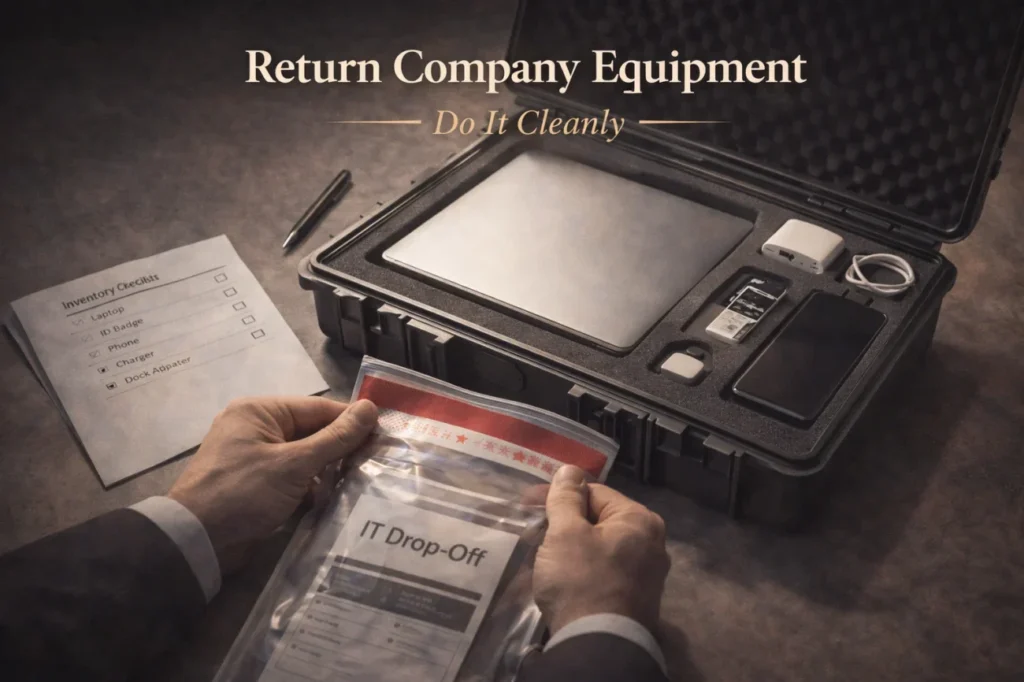
- Why it matters: Missing gear can delay payroll, trigger HR chases, or lead to chargeback disputes.
- What to return: Think beyond the laptop, include chargers, docks, cables, monitors, badges, keys, phones, cards.
- Before handoff: Remove personal accounts, move personal files if allowed, log out, do not wipe unless IT instructs.
- Proof is protection: Take photos, send an inventory list, get a receipt, keep tracking and delivery confirmation.
- Clean handling of issues: Disclose missing or damage early, request instructions in writing, keep the paper trail calm.
Returning Company Gear Is Part of Your Reputation, Not Just Logistics
People think the last impression is your goodbye speech. It’s not. The last impression is whether you leave chaos behind. And nothing creates chaos faster than missing gear, vague handoffs, and “I think I left the badge in my desk?” energy.
Returning company equipment is one of those exit details that feels small until it turns into a payroll delay, an HR chase, or a “we’re charging you for the laptop” email when you’re trying to start your next job in peace. The good news is: this is easy to do well. You just need a clean checklist and proof.
This guide gives you the etiquette, the process, and copy-paste templates so you can return everything without drama – whether you’re in-office, remote, or leaving on tense terms.
Why You Should Treat Equipment Return Like a Mini Project
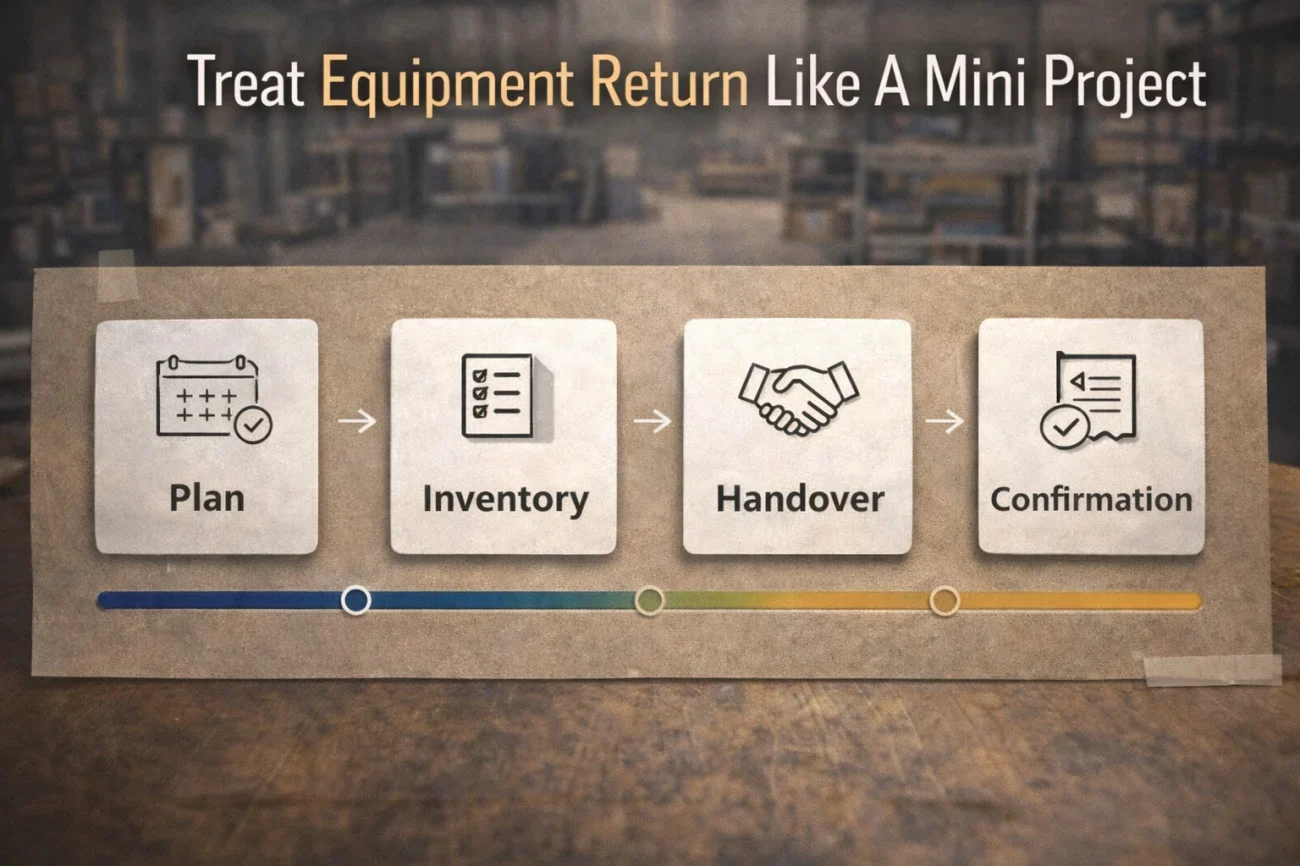
Equipment return isn’t just about being polite. It protects you. A clean return with written confirmation prevents misunderstandings about what you returned, when you returned it, and what condition it was in. If anything gets lost in transit or a dock clerk misplaces a box, you want your receipts and your paper trail already done.
It also makes your last week easier. When you handle assets early, you stop getting pinged by IT and HR while you’re trying to finish handover work. Clean logistics is quiet professionalism.
What Counts as “Company Equipment” (People Forget the Small Stuff)
Most disputes happen because you returned the big item (laptop) but forgot the ecosystem around it. The safest approach is to assume that anything issued by the company or purchased with company money is returnable unless HR/IT explicitly says otherwise.
| Category | Common Items | Easy-to-Forget Items |
|---|---|---|
| Computing | Laptop, desktop, tablet | Docking station, adapters, external drive |
| Accessories | Charger, mouse, keyboard | USB-C cables, HDMI cable, conference speaker |
| Monitors | Monitor(s) | Monitor stand, power cable |
| Security & access | Badge, access card, keys | Parking pass, building fob |
| Mobile | Phone | SIM, case, charger, hotspot device |
| Other property | Uniform, tools, prototypes | Company credit card, travel card |
Timing Etiquette: When to Return Equipment
The cleanest timing is to return equipment on or before your last working day, aligned with your manager and IT. If you need your laptop to finish handover work, don’t hand it in early without confirming alternatives. The point is not “return fast.” The point is “return clearly.”
If your company schedules an offboarding appointment, follow that. If they don’t, propose a simple plan yourself: a return date, a location (or shipping method), and a written list of items. That proactive clarity makes you look organized, even if your exit is tense.
Data, Personal Files, and Privacy: Do This Before You Hand It Back
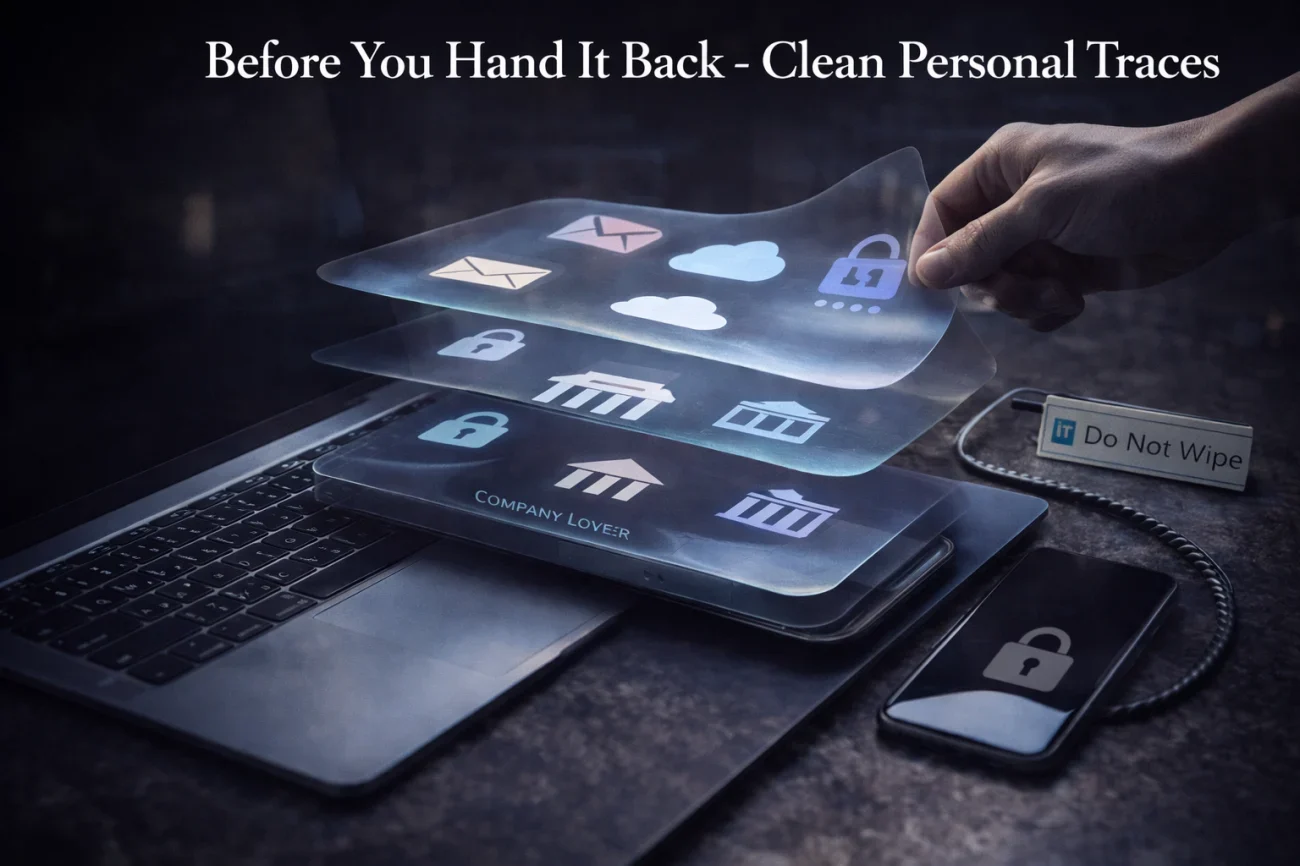
Returning laptop etiquette is not just “don’t scratch it.” It’s also “don’t create a data mess.” Before you return anything, do a final pass that keeps the company’s security intact and protects your personal privacy.
- Remove personal accounts from browsers and apps (email, personal cloud storage, password managers).
- Move personal files off the device if allowed and appropriate.
- Log out of messaging apps and collaboration tools.
- Do not factory reset unless IT instructs you to do it.
- Return devices in the condition IT expects (often powered off, not wiped, and with inventory labels intact).
The etiquette rule is simple: you can clean your personal traces, but you shouldn’t destroy company data or evidence of work. If you’re unsure, ask IT what they prefer and follow their instruction in writing.
Proof Is Polite: Photos, Inventory Lists, and Receipts
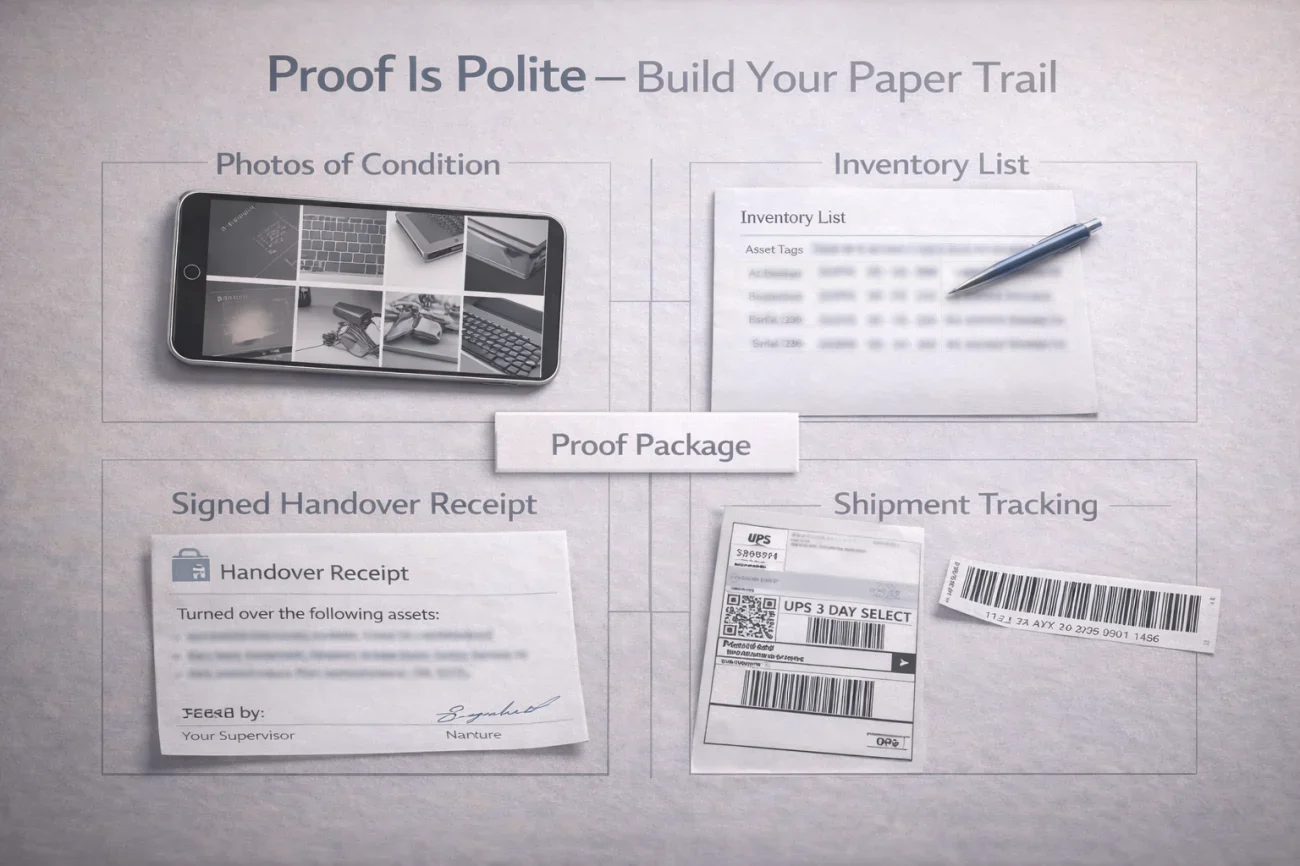
If you only follow one piece of advice, make it this: document the return. Not because you expect a fight, but because you want to prevent one. Documentation is calm insurance.
- Take clear photos of each item before you hand it over or pack it (front/back, serial stickers if visible).
- Write a short inventory list (device + accessories) and send it in an email.
- Get a receipt or written confirmation from IT/HR.
- If shipping, keep the tracking number and delivery confirmation.
This is especially important if you’re worried you could be charged for company equipment later. Proof turns “I think I returned it” into “Here is the confirmation and the delivery record.”
Remote Employees: How to Return Company Equipment Without Stress
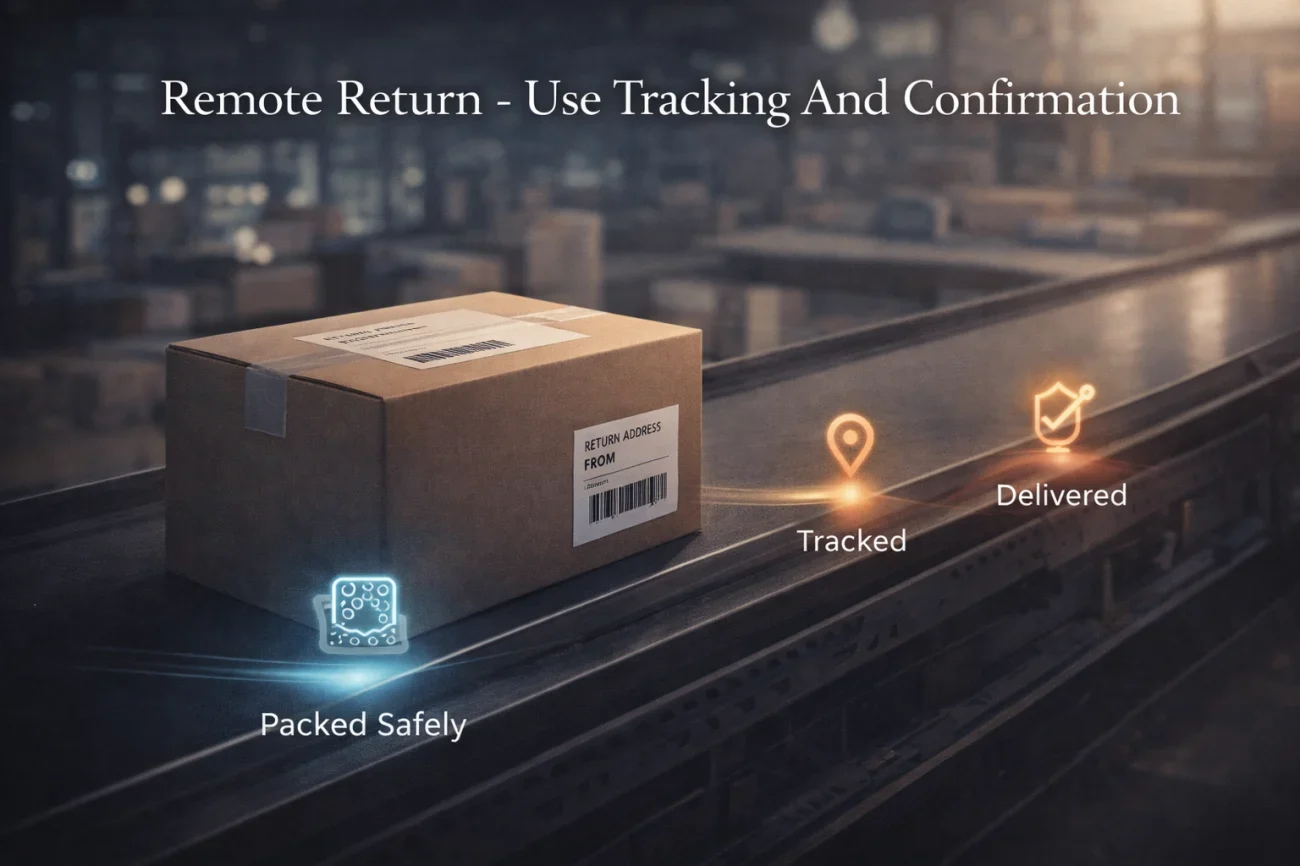
Remote returns fail when the company assumes you’ll figure out shipping and you assume they’ll send instructions. Don’t wait. Ask for the shipping label, the address, the deadline, and whether they want signature confirmation.
When packing, protect yourself and the device: use padding, keep chargers separate so they don’t scratch screens, and seal the box well. If you can, ship with tracking and signature. If the company pays, great. If they don’t, still prioritize tracking because it’s cheaper than a lost laptop dispute.
Common Problems and the Clean Way to Handle Them
Problems happen. The etiquette move is not to panic or hide it. The etiquette move is to communicate early and clearly.
| Problem | What Not to Do | What to Do Instead |
|---|---|---|
| You lost an accessory (charger, adapter) | Return nothing and hope nobody notices | Email IT: disclose, ask for replacement cost or process |
| Device has wear or a crack | Try to conceal it | Take photos, disclose, ask how they want it documented |
| You never received a return instruction | Wait until after your last day | Request a clear return plan in writing |
| They want it back immediately but you need it for handover | Argue emotionally | Propose a date + alternative for access (loaner, VDI, transfer files) |
| You returned it but they claim you didn’t | Rely on memory | Send proof: inventory list + receipt + tracking + photos |
Email Templates You Can Copy-Paste
Keep these emails short and structured. The goal is to create clarity and a paper trail, not to write a story.
Template 1: Request return instructions
Subject: Returning company equipment – request for instructions
Hi [HR/IT Name],
I’m preparing to return my company equipment before my last working day on [date]. Could you please confirm the return process (drop-off location or shipping label), the preferred return date, and whether you need an inventory list or receipt at handover?
Thank you,
[Your Name]
Template 2: Inventory list confirmation (send before handover or shipment)
Subject: Company equipment return – inventory list
Hi [HR/IT Name],
Confirming the items I’m returning on [date] via [drop-off/shipping]:
Laptop: [model] (asset tag/serial if available: [____])
Charger: [yes/no]
Docking station: [yes/no]
Monitor(s): [quantity]
Badge/access card: [yes/no]
Other: [list]
Please let me know if anything is missing from the expected list.
Thank you,
[Your Name]
Template 3: Shipping confirmation with tracking
Subject: Company equipment shipped – tracking number
Hi [HR/IT Name],
I shipped my company equipment today via [carrier]. Tracking number: [_______]. The package includes: [short list]. Please confirm once it is received.
Thank you,
[Your Name]
Template 4: If something is missing or damaged (calm disclosure)
Subject: Company equipment return – disclosure and next steps
Hi [HR/IT Name],
I want to flag one issue before return: [missing charger / cracked screen / etc.]. I can provide photos and any details you need. Please advise the next steps and whether there is a replacement or reimbursement process.
Thank you,
[Your Name]
Checklist: Returning Company Equipment Without Drama
Use this as your final pass. If you can tick these boxes, you’re extremely unlikely to get dragged into offboarding chaos later.
| Checklist Item | What You Do | Why It Matters |
|---|---|---|
| Confirm instructions | Get drop-off/shipping details in writing | Stops last-minute confusion |
| Create inventory list | Device + accessories + badge/keys | Prevents “missing item” disputes |
| Remove personal accounts | Logout of personal email/cloud/password managers | Protects your privacy |
| Don’t wipe unless instructed | Follow IT’s preferred process | Avoids data and compliance issues |
| Take photos | Condition + identifiers if visible | Creates proof of condition |
| Return with receipt | Get written confirmation or signed handover | Proof of return |
| Use tracked shipping (remote) | Tracking + delivery confirmation | Protects you if a package is lost |
| Save everything | Emails, tracking, photos | Ends future arguments fast |
Return It Like a Professional Who Wants a Quiet, Clean Exit
The point of etiquette isn’t to be “nice.” It’s to be unambiguous. When you return everything with a clear list and proof, you protect your final paycheck timeline, your reputation, and your peace of mind.
If you want the simplest principle to remember: returning company equipment should end with confirmation in writing. Once you have that, you’re done – and you can move forward without your old job following you into your next one.
❓ FAQ
✅ When should I return my company laptop after resigning?
Follow your company’s offboarding schedule if they provide one. If they don’t, the cleanest timing is on or before your last working day, aligned with your manager and IT – especially if you need the laptop to complete handover work.
📦 What’s the best way to return company equipment if I’m remote?
Ask for shipping instructions in writing and request a prepaid label if available. Use tracked shipping, keep the tracking number, and take photos of the items and packaging before you ship.
💳 Can a company charge me for missing equipment?
Some companies have policies that allow charging or requesting reimbursement for missing items. The best protection is documentation: inventory list, receipt, and tracking. If something is missing, disclose it early and ask for the official process.
🧾 Should I factory reset my laptop before returning it?
Don’t factory reset unless IT instructs you to. You can remove personal accounts and files appropriately, but company devices often have required offboarding procedures that IT wants to handle.
🔒 What proof should I keep after I return equipment?
Keep written confirmation from IT/HR, a copy of your inventory list, photos of condition, and if shipped, the tracking number and delivery confirmation. Save them until you’re confident offboarding is fully closed.
⚠️ Legal Disclaimer: The resignation templates, email samples, and professional guidance provided in this guide are for informational purposes only and do not constitute legal advice. Employment laws and contract requirements vary by jurisdiction and individual circumstances. Please review your employment agreement and consult your HR department and/or a qualified attorney to ensure compliance with applicable laws and policies.