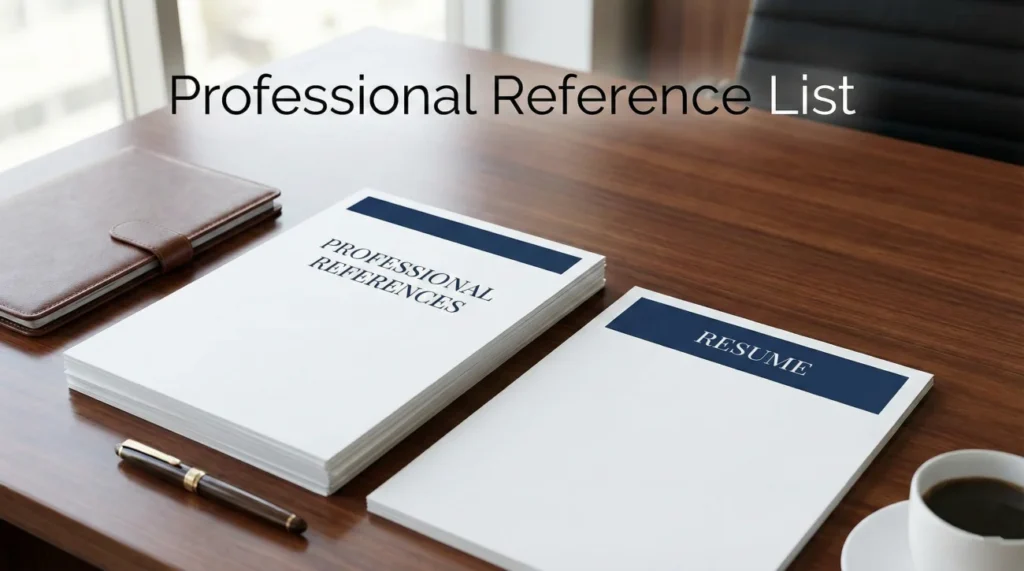
- Big Idea: Your reference list is the closer that can tip you into an offer, so it needs to look intentional and strategic.
- Non Negotiable Rule: Keep references off your resume to protect privacy, save space, and control when calls happen.
- Branding Match: Make the sheet a visual sibling to your resume with the exact same header so it reads like one clean application packet.
- High Value Entries: Add a short relationship or context line for each reference so the recruiter instantly knows what that person can validate.
- Execution: Order references by impact, save as PDF, and when emailing it include a brief map of who each person is and give references a heads up.
The “Golden Sheet”: Why Your Reference List Is Your Closer
There is a dangerous misconception in the job market that your Resume and Cover Letter are the only documents that matter. Candidates spend hours agonizing over fonts, bullet points, and keywords for their CV, only to treat their Reference List as an afterthought. They scribble three names and phone numbers onto a blank Word doc at the last minute, or worse, they commit the cardinal sin of writing “References available upon request” at the bottom of their resume.
Here is the reality: Your resume gets you the interview. Your interview gets you to the final round. But your list of references template is often the document that gets you the offer.
Recruiters and hiring managers view your reference list as a test of your professional maturity. A messy, incomplete, or poorly formatted list signals disorganization. A sleek, branded, and strategic reference sheet signals that you are a high-performer who pays attention to detail. In this comprehensive guide, we will move beyond the basics. We will explore how to format this document to match your personal brand, who to include (and in what order), and how to use the “Relationship Context” section to guide the recruiter’s conversation before they even pick up the phone.
The “Resume Real Estate” Crisis: Why You Must Separate Them
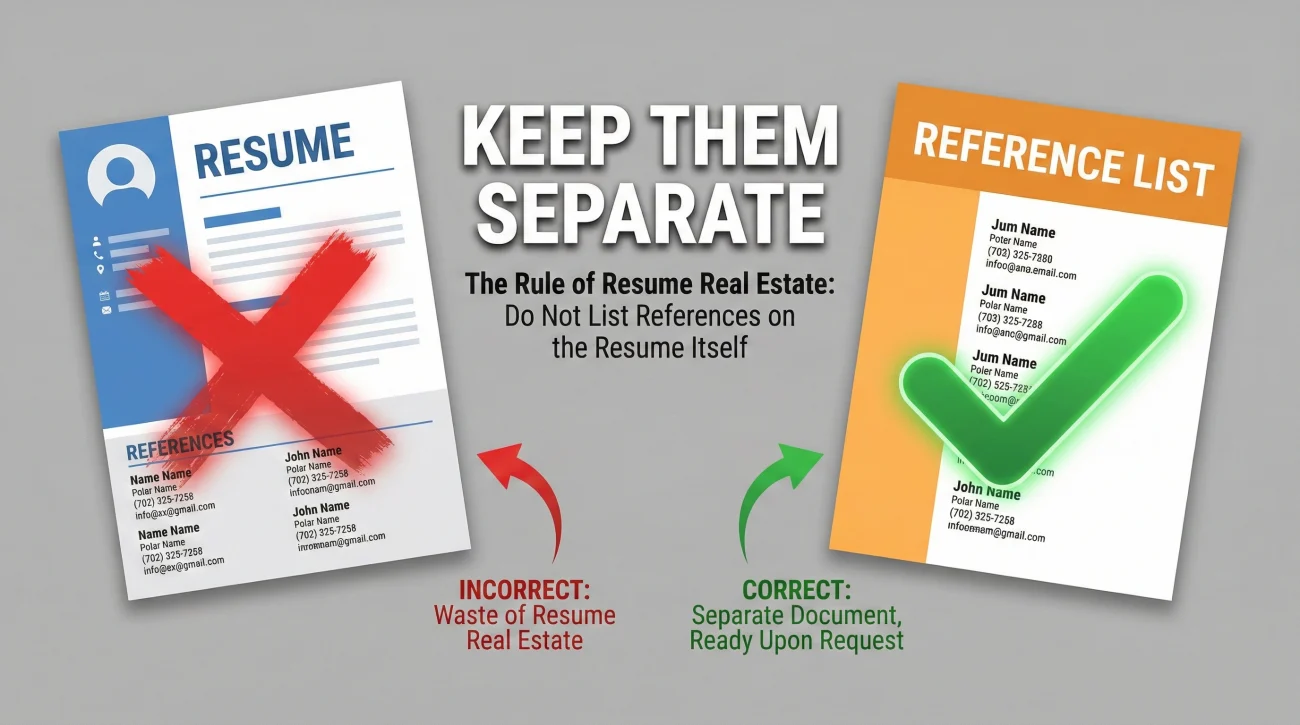
Before we dive into formatting, we need to kill an outdated habit. Do not put your references on your resume.
Twenty years ago, this was standard practice. Today, it is a strategic error for three critical reasons:
- 1. The Privacy Risk: Your resume is often circulated widely – uploaded to job boards, shared with agencies, and passed around offices. You do not want your former boss’s personal cell phone number floating around the internet. It is a breach of their privacy and trust.
- 2. The “Real Estate” Cost: Your resume has strictly limited space (usually 1-2 pages). Every line counts. Wasting three inches of space on contact info for people who won’t be called until the very end of the process is inefficient. Use that space for another accomplishment or skill.
- 3. The Control Factor: This is the most important one. By keeping your references on a separate sheet, you control when the recruiter calls them. You want to know exactly when that check is happening so you can prep your references (“Hey, they are calling today!”). If the info is on your resume, a recruiter might call them prematurely, catching your references off guard.
The only thing worse than listing them is writing “References available upon request.” Recruiters know they are available. You don’t need to state the obvious. Just delete the section entirely.
The “Branding Match”: Visual Consistency Matters
Your reference list format should not look like a ransom note. It should look like a “sibling” to your resume and cover letter. This is a subtle psychological trigger called “fluency.” When documents look consistent, the reader subconsciously perceives the candidate as stable, organized, and coherent.
The Header Strategy
Copy the exact header from your resume and paste it at the top of your reference sheet. It should include:
- Your Name (Big and Bold)
- Your Phone Number
- Your Professional Email
- Your LinkedIn URL
- Your Portfolio Link (if applicable)
By doing this, even if the pages get separated on a messy desk (or digital desktop), the recruiter instantly knows who this list belongs to. It looks like a professional “application packet,” not a scrap of paper.
The Anatomy of a Perfect Reference Entry
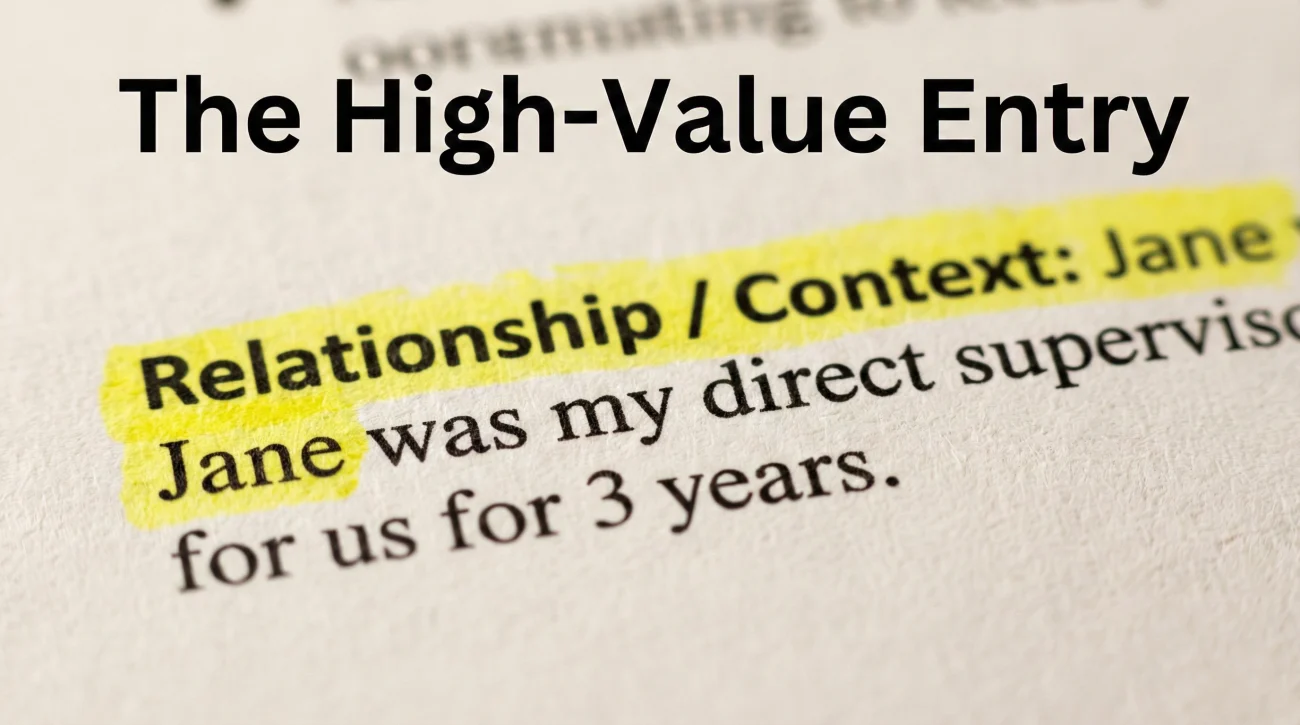
Most candidates provide: Name, Title, Company, Phone. This is the bare minimum. To stand out, you need to provide Context.
Recruiters are busy. They don’t want to play detective. They want to know why this person is on the list. We recommend adding a “Relationship” or “Context” line to every entry.
The Standard Entry:
Jane Doe, Director, Acme Corp. 555-0199.
The High-Value Entry:
Jane Doe
Director of Marketing, Acme Corp
RELATIONSHIP: Jane was my direct supervisor for 3 years. We collaborated daily on the Q4 product launch and she oversaw my promotion to Senior Manager.
See the difference? The second entry tells the recruiter exactly what questions Jane can answer. It frames the conversation before it even starts.
The Master Templates: Copy, Paste, and Polish
Choose the reference sheet template that matches your resume’s vibe. Remember to save these as a PDF before sending to preserve formatting.
1. The “Modern Corporate” (Clean & Detailed)
This is the best all-rounder. It uses plenty of white space and clearly separates the contact info from the context.
MARCUS CHEN
San Francisco, CA | 555-010-9988 | marcus.chen@email.com | linkedin.com/in/mchen
PROFESSIONAL REFERENCES
1. SARAH MARTINEZ
Current Position: VP of Product, Meridian Systems
Former Position: Director of Product (My direct supervisor at TechFlow)
📞 Phone: (555) 123-4567
📧 Email: s.martinez@meridian.com
📝 Context: Sarah managed me directly for 4 years. She can speak to my rapid promotion from Analyst to Lead, as well as my role in the 2023 merger integration.
2. DAVID O’CONNELL
Current Position: Senior Engineer, Google
Relationship: Cross-functional Peer at TechFlow
📞 Phone: (555) 987-6543
📧 Email: doconnell@email.com
📝 Context: David and I co-led the “Project Alpha” task force. He can validate my technical communication skills and ability to bridge the gap between Sales and Engineering.
3. DR. ELENA ROSSI
Current Position: Professor of Economics, Stanford University
Relationship: Thesis Advisor
📞 Phone: (555) 555-0199
📧 Email: erossi@stanford.edu
📝 Context: I worked as Dr. Rossi’s Research Assistant for 2 years. She can speak to my data analysis skills, work ethic, and ability to handle complex, ambiguous research problems.
2. The “Minimalist” (Space-Saver)
Use this if you want to keep it tight, or if you have 4-5 references and want them to fit on one page easily.
REFERENCES FOR MARCUS CHEN
Sarah Martinez | VP of Product, Meridian Systems
(555) 123-4567 | s.martinez@meridian.com
Former Manager (4 years). Can speak to leadership and strategy skills.
David O’Connell | Senior Engineer, Google
(555) 987-6543 | doconnell@email.com
Former Colleague. Can speak to cross-functional collaboration.
Jennifer Wu | Client Director, Agency X
(555) 321-7654 | jwu@agencyx.com
Former Client. Can speak to my responsiveness and account management.
The Psychology of Ordering: Who Goes First?
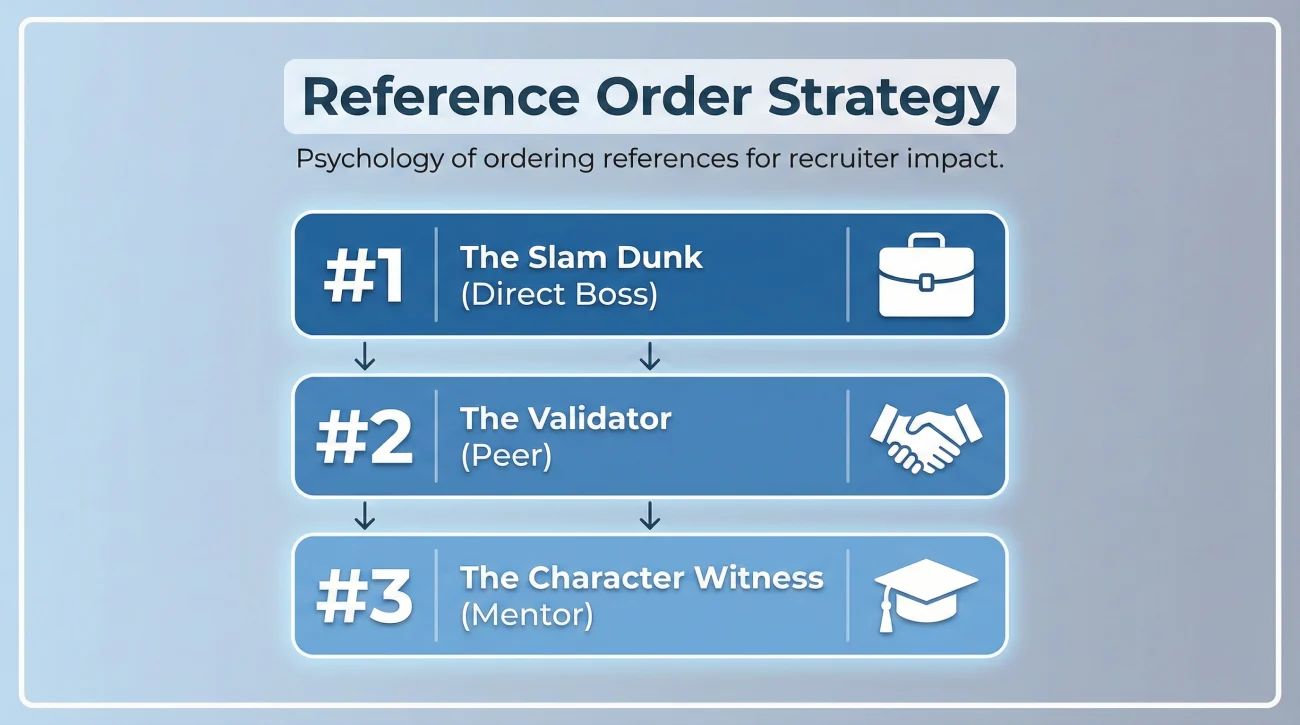
Recruiters are busy. Sometimes, they only call the first person on the list. Therefore, the order matters immensely.
- Spot #1: The “Slam Dunk”: This must be your strongest advocate. Ideally, a former direct supervisor who thinks you walk on water. They should be articulate, reliable, and impressive.
- Spot #2: The “Validator”: This person confirms the story. A peer or a second manager who provides a different angle (e.g., “Yes, he’s a great leader, but also great at technical details”).
- Spot #3: The “Character Witness”: A client, a mentor, or a professor. They round out the picture with soft skills and integrity.
Pro Tip: You can change the order! If you are applying for a management role, put your boss first. If you are applying for a highly technical role, put your Senior Engineer peer first. Tailor the list to the job description.
Digital Delivery: Sending the List via Email
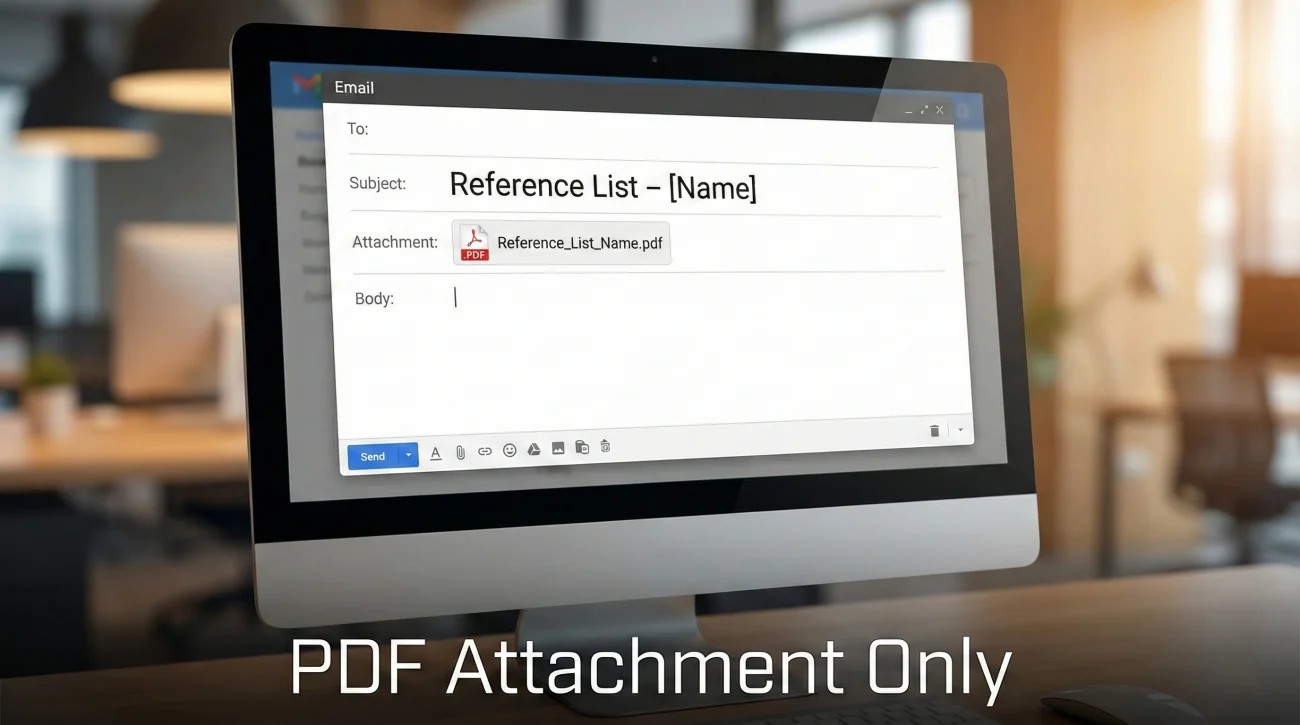
Usually, you will be asked to email this document after a successful interview. Do not just attach the file with no text. Use the email body to frame the narrative.
Here is a template for sending references via email that makes you look proactive and organized.
Subject: Reference List – Marcus Chen (Senior Analyst Role)
Hi Jennifer,
Thank you again for the conversation yesterday. I am excited about the potential of joining the team at Meridian.
As requested, I have attached my professional reference list as a PDF. It includes:
- Sarah Martinez (Former Boss): Can speak to my strategic planning.
- David O’Connell (Engineering Lead): Can speak to my technical collaboration.
- Elena Rossi (Advisor): Can speak to my research background.
I have given them all a heads-up that you might be reaching out this week, so they are expecting your call. Please let me know if you need any other information!
Best regards,
Marcus
Why this works: It summarizes the “Why” for each person right in the email body. The recruiter sees the value before they even open the PDF.
❓ FAQ: Troubleshooting Your List
📄 Word Doc or PDF?
Always PDF. A Word document can lose formatting when opened on a different version, phone, or Mac. The headers might jump, the fonts might change. A PDF locks your formatting in carbonite. It ensures the recruiter sees exactly what you designed. File name format: Marcus_Chen_References.pdf (Clean and searchable).
📞 Should I put their work number or cell number?
Ask them first. Most people are working hybrid or remote now, so office desk phones are often dusty and unanswered. A cell phone is usually better, but it is intrusive to share it without permission. Ask your reference: “What is the best number for recruiters to reach you at quickly?” Use that one.
🚫 What if my current boss doesn’t know I’m looking?
Do not list them. It is perfectly understood in the recruiting world that you cannot list a current employer. It puts your job at risk. Instead, use a former boss, a mentor outside the company, or a trusted former colleague who left the company already. You can explain: “I have not listed my current supervisor as my search is confidential, but I am happy to provide references from my previous role at [Company X].”
📧 Do I need their physical address?
No. That is outdated. No recruiter is going to mail them a letter. Name, Title, Company, Phone, and Email are the only data points required. Adding a physical address just clutters the page and raises privacy concerns.
Final Thoughts: The Last Impression
The Reference List is often the very last document a company reviews before generating an offer letter. It is your “Final Impression.”
If your list is messy, has dead phone numbers, or lacks context, you introduce friction right at the finish line. You give them a reason to hesitate. But if your list is polished, branded, and strategic, you validate their decision to hire you. You show them that you are a professional who manages relationships and documents with care.
Take the 20 minutes to format this properly. Use the templates above. Treat your references like the VIPs they are. It is the easiest way to upgrade your candidacy from “Good” to “Hired.”
For more guides on navigating the hiring and resignation process, check out our resources on resignation etiquette and handover protocols.
⚠️ Legal Disclaimer: The resignation templates, email samples, and professional guidance provided in this guide are for informational purposes only and do not constitute legal advice. Employment laws and contract requirements vary by jurisdiction and individual circumstances. Please review your employment agreement and consult your HR department and/or a qualified attorney to ensure compliance with applicable laws and policies.