
- Problem: Your exit announcement can trigger an inbox flood, and your job is to reply to good luck wishes without losing your last week to email.
- No Ghosting Rule: Silence reads as disrespect, a short reply keeps the relationship usable later.
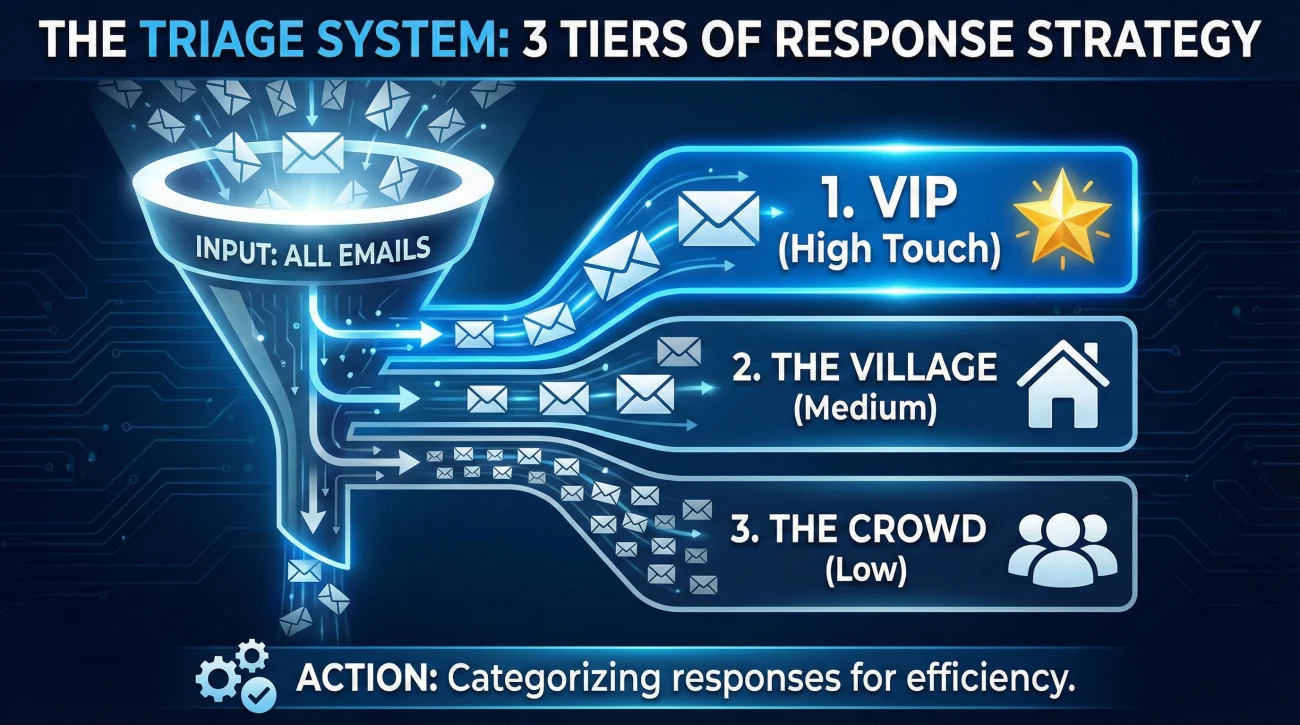
- Triage Method: Split people into Tier 1 VIPs, Tier 2 Village, Tier 3 Crowd, then match effort to closeness.
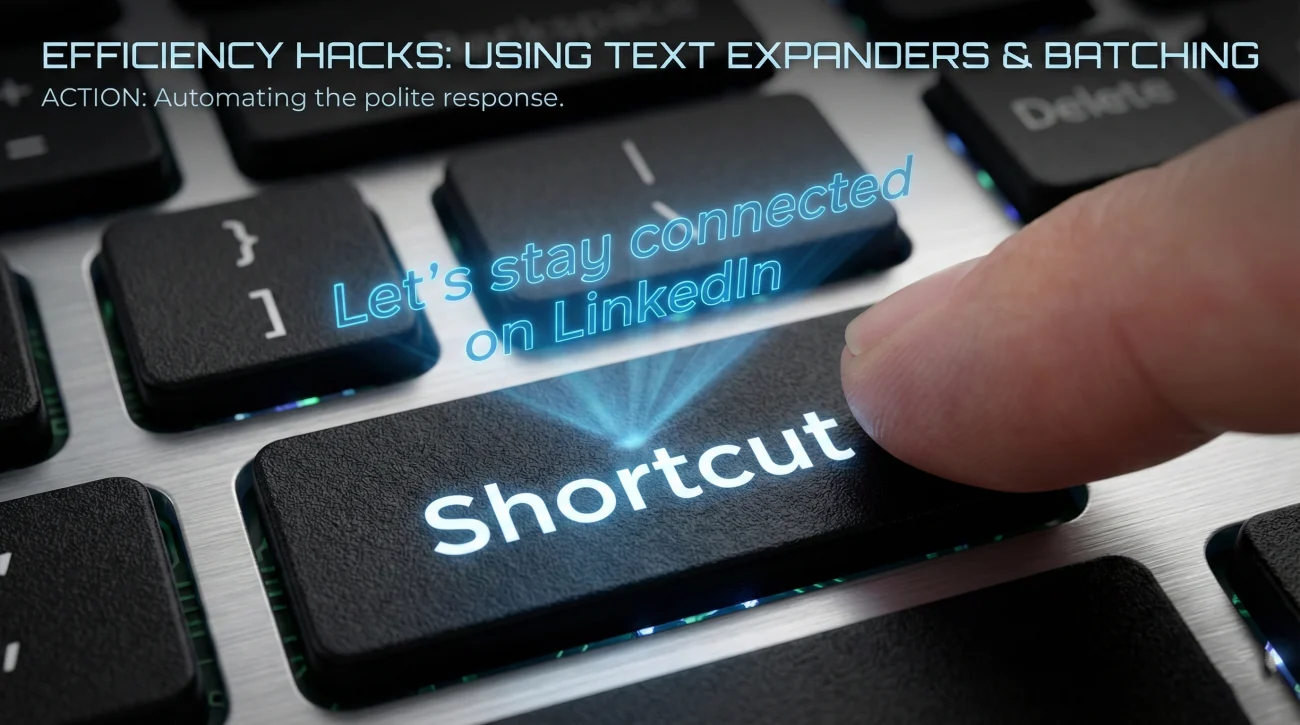
- Templates and Batching: Use a warm workhorse reply for most people, a one line acknowledgment for distant contacts, and one wrap-up message for big threads.
- Efficiency and Edge Cases: Batch replies in short time blocks, use text expanders, take the high road with awkward notes, and move connections to LinkedIn.
The “Good Problem” of the Exit Inbox
You did it. You crafted the perfect resignation announcement, hit send, and exhaled. You expected a few polite nods. Instead, your inbox is flooding. Ping after ping of: “Best of luck!”, “You’ll be missed!”, and “Congratulations!” turns a quiet afternoon into a communication crisis. You are now facing a unique dilemma: how do you reply to good luck wishes from dozens (or hundreds) of people without spending your final days glued to your keyboard?
This is the paradox of a well-executed departure. The more social capital you built, the harder it is to leave. Most professionals fall into two traps: they either ghost everyone (damaging relationships) or they try to write heartfelt essays to everyone (burning out). Neither is sustainable.
Your goal during this transition is not just to be polite; it is to be strategic. Every reply is a micro-interaction that seals a memory. This guide will teach you the “Triage Method” of exit communication – how to categorize, automate, and personalize your responses so you leave with your reputation (and your sanity) intact.
Why You Cannot Simply “Ghost”
It is tempting to let the emails pile up. After all, you are leaving, right? Wrong. In the professional world, silence is a statement. When a colleague takes the time to type out a wish for your future, ignoring it sends a signal: “You didn’t matter enough for 10 seconds of my time.”
Responding is an act of relationship maintenance. It converts a loose tie into a dormant tie – one that can be reactivated years later when you need a favor, a hire, or an introduction. A simple reply to best wishes email keeps the circuit open.
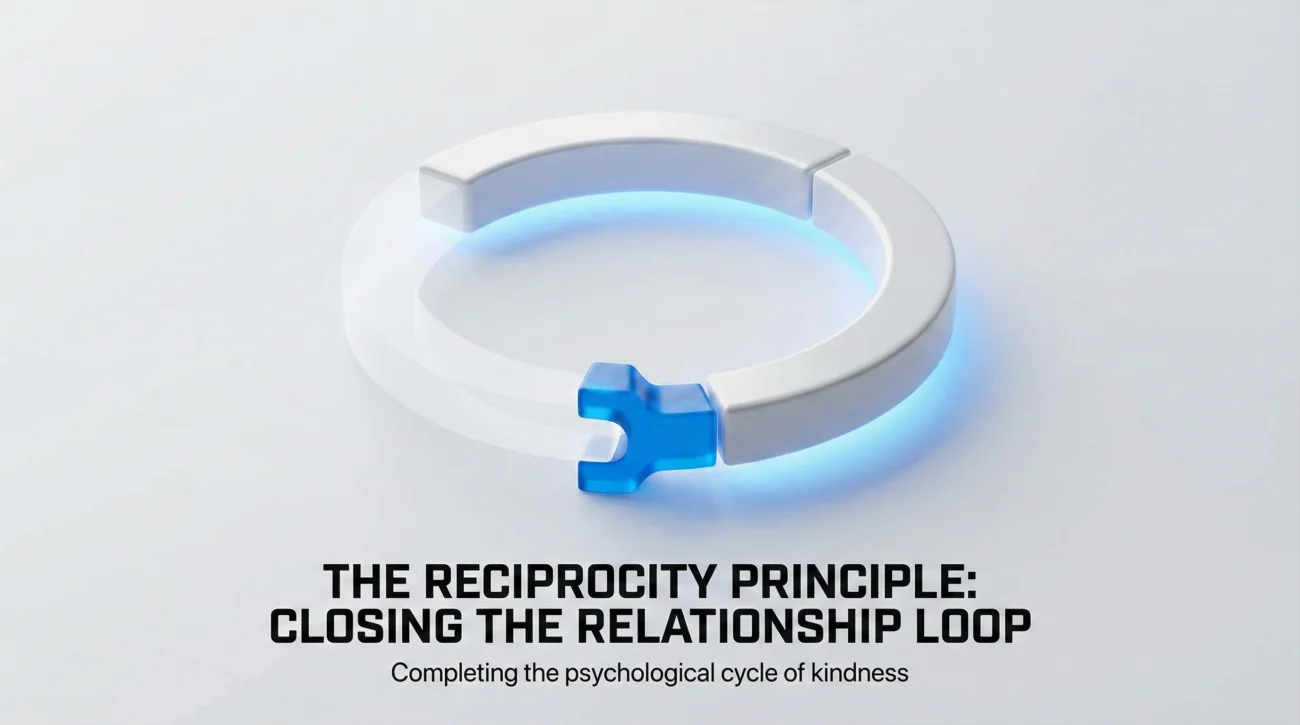
The Reciprocity Principle
Human psychology is wired for reciprocity. When someone extends a kindness (a good luck wish), they subconsciously expect an acknowledgment. Closing this loop gives both parties a small sense of closure and reinforces goodwill. Leaving it open creates a tiny, unconscious fracture in the relationship. Multiply that by 50 colleagues, and you have left a lot of fractures behind.
The Triage System: Who Gets What?
You cannot treat every email equally. To manage the volume, you must ruthlessly categorize your well-wishers into three tiers. This dictates the energy you invest in the response.
| Tier | Who They Are | Response Strategy |
|---|---|---|
| Tier 1: The VIPs | Mentors, direct bosses, work besties, key stakeholders. | High Touch: Personalized, specific memories, future plans. No templates. |
| Tier 2: The Village | Peers you worked with occasionally, team members, friendly acquaintances. | Medium Touch: A warm template with one personalized sentence added. |
| Tier 3: The Crowd | People you barely know, distant departments, “Reply All” responders. | Low Touch: A polite, professional template – or a quick reaction (👍/❤️) on Slack/Teams. |
Strategic Templates for Every Tier
Stop typing the same sentence 50 times. Use these frameworks to speed up your workflow while sounding authentic.
1. Tier 1: The Deep Connection (No Templates Here)
For the people who truly mattered, a template is an insult. However, you can use a structure to guide your thoughts.
Formula: Acknowledge the sentiment + Specific Memory + Future Commitment.
Subject: Re: So sad to see you go!
Sarah,
Thank you so much for the note. Honestly, working with you on the [Project Name] last year was the highlight of my time here. Your ability to stay calm when the server crashed is something I’ll try to emulate in my new role.
I definitely want to stay in the loop about your career. Let’s grab that coffee we talked about before I head out next week – my treat.
Best,
Alex
2. Tier 2: The “Warm Professional” (The Workhorse)
This is for 80% of your inbox. It is polite, grateful, and efficient. It works perfectly for answering farewell replies from peers.
Subject: Re: Best of luck
Hi David,
I really appreciate the kind words! It was a pleasure working with you and the design team over the last two years. I’ll always remember our launch day chaos fondly.
I hope our paths cross again in the industry. Let’s stay connected on LinkedIn!
Cheers,
Alex
3. Tier 3: The “Polite Acknowledgment”
For distant colleagues, brevity is not rude; it is respectful of their time. A quick thank you for your kind words email is all that is needed.
Subject: Re: Goodbye
Thanks so much, Jennifer! I appreciate the well-wishes.
Wishing you all the best for the quarter ahead.
Best,
Alex
4. The “Batch” Response (For Mass Threads)
If you are on a Slack channel or a massive email thread where everyone is chiming in, do not reply to each person individually. Send one wrap-up message.
Context: Slack Channel / Teams Chat
Thank you everyone for the incredible send-off and the kind notes! I’m trying to get through my inbox, but I wanted to pause and say how much I appreciate the support from this group. It’s been an honor working with you all. ❤️
Efficiency Hacks: How to Reply Without Burning Out
You have a handover to finish. You cannot spend 4 hours a day on email. Here’s how to speed up the process:
- 🚀 The “Text Expander” Trick: If you find yourself typing “Let’s stay connected on LinkedIn” fifty times, create a shortcut. Use your phone’s text replacement or a tool like TextExpander. Type “;link” and have it auto-fill the sentence.
- ⏰ Batching Time Blocks: Do not reply instantly. It breaks your focus. Set aside two 20-minute blocks (one in the morning, one before you leave) to clear the “Good Luck” folder.
- 📱 The Mobile Advantage: Replying on your phone naturally makes you briefer. It is socially acceptable to send shorter, punchier emails from a mobile device. Use your commute or coffee breaks to clear Tier 3 messages.
The LinkedIn Strategy: Moving the Conversation
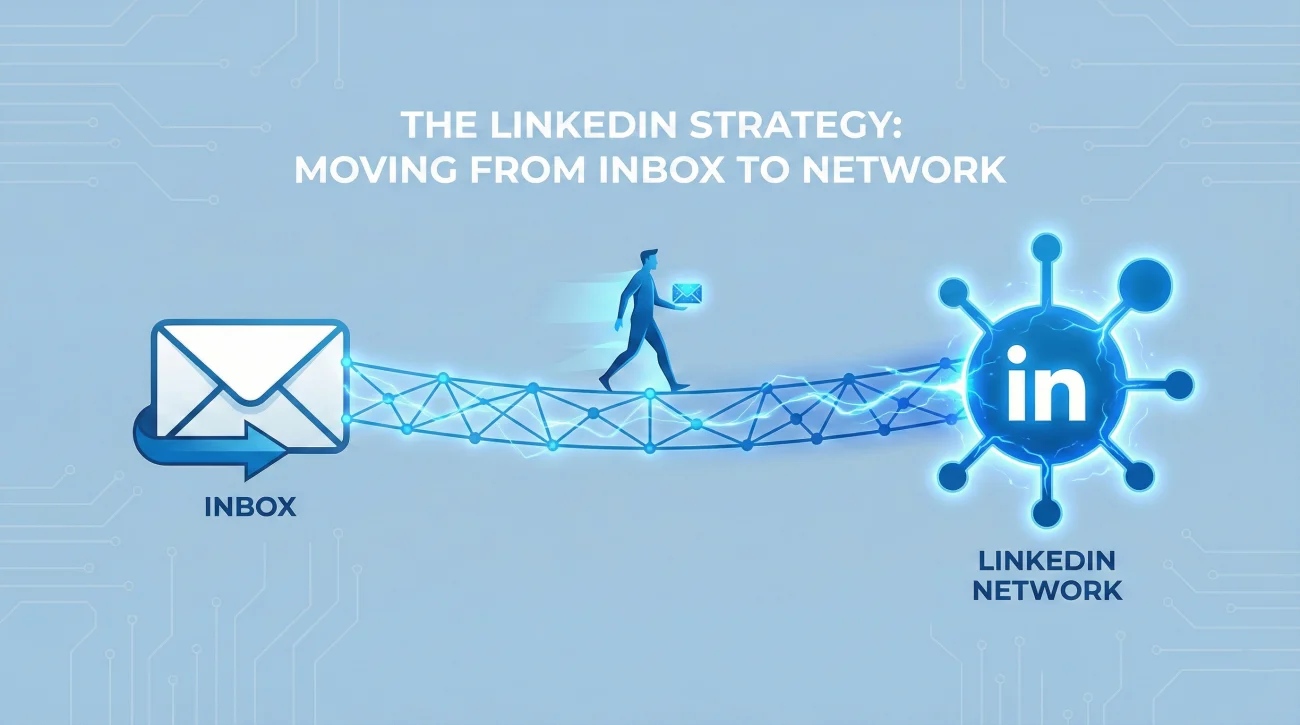
One of the best ways to handle replies is to move them out of the corporate inbox (which you will lose access to) and onto LinkedIn (which you own). Use your replies to build your permanent network.
Instead of just saying thanks, say: “Thank you! Let’s make sure we stay connected – here is my LinkedIn profile if we aren’t already linked.” This converts a fleeting email into a permanent connection.
❓ FAQ
⏳ How late is “too late” to reply?
Ideally within 2–3 business days. If it takes longer than a week, it can start to look like you ignored them. If you are swamped, a late reply is still better than no reply – just add a brief apology: “Sorry for the delay – the handover has been crazy!” It shows you care enough to explain.
🔗 Should I include my LinkedIn URL in every reply?
Yes, for Tier 2 and 3. It is the lowest-friction way to stay in touch. For Tier 1 close friends, give them your personal cell number or personal email instead. It signals a higher level of intimacy and trust.
👋 Can I just use the “Like” button?
On Slack/Teams? Yes. On Email? No. A “thumbs up” reaction on a chat message is a perfectly acceptable acknowledgment for a quick “Good luck!” It saves their inbox from clutter. But for a direct email, you must write words.
📝 What if I run out of ways to say “Thank you”?
Rotate your openers. Use “I really appreciate that,” “Thanks for the kind words,” “It means a lot to hear that,” and “So glad we got to work together.” Mixing it up keeps you from feeling like a robot and keeps your writing fresh.
Final Thoughts: The Last Impression
Your resignation email was the announcement; your replies are the handshake. How you handle the influx of attention defines your “Exit Brand.” Do you want to be remembered as the person who was too busy to say thanks, or the professional who handled a stressful transition with grace?
By using the Triage System, you can efficiently reply to good luck wishes without drowning in them. You protect your time while honoring your relationships. Remember, the people wishing you luck today are the network you will rely on tomorrow. Treat them well.
For more advice on navigating the complexities of leaving a job, explore our comprehensive guide on resignation etiquette. If you need help drafting the initial announcement, check our farewell email templates.
⚠️ Legal Disclaimer: The resignation templates, email samples, and professional guidance provided in this guide are for informational purposes only and do not constitute legal advice. Employment laws and contract requirements vary by jurisdiction and individual circumstances. Please review your employment agreement and consult your HR department and/or a qualified attorney to ensure compliance with applicable laws and policies.